35 www.versitron.com
6.5 Administrator Menu
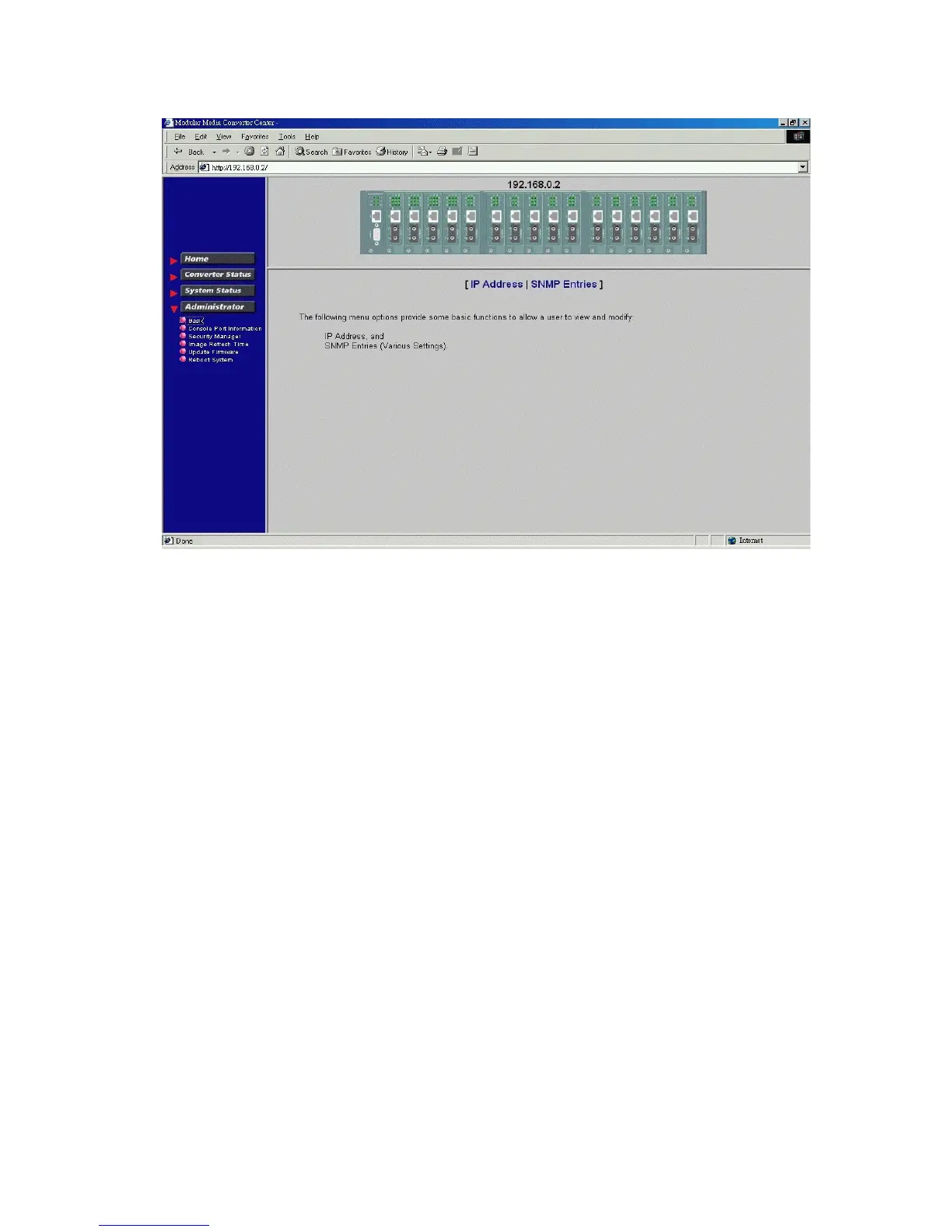
Click [Administrator] to show administrator menu. The menu includes the following options:
1. Basic: Set / View IP and SNMP related settings
2. Console Port Information: View RS-232 console configuration
3. Security Manager: Change login user name and password
4. Image Refresh Time: Set refresh time interval of the image
5. Update Firmware: Update the software built in SNMP module
6. Reboot System: Reboot the system remotely
Refer to the following sections for the details.



 To Next Page