37 www.versitron.com
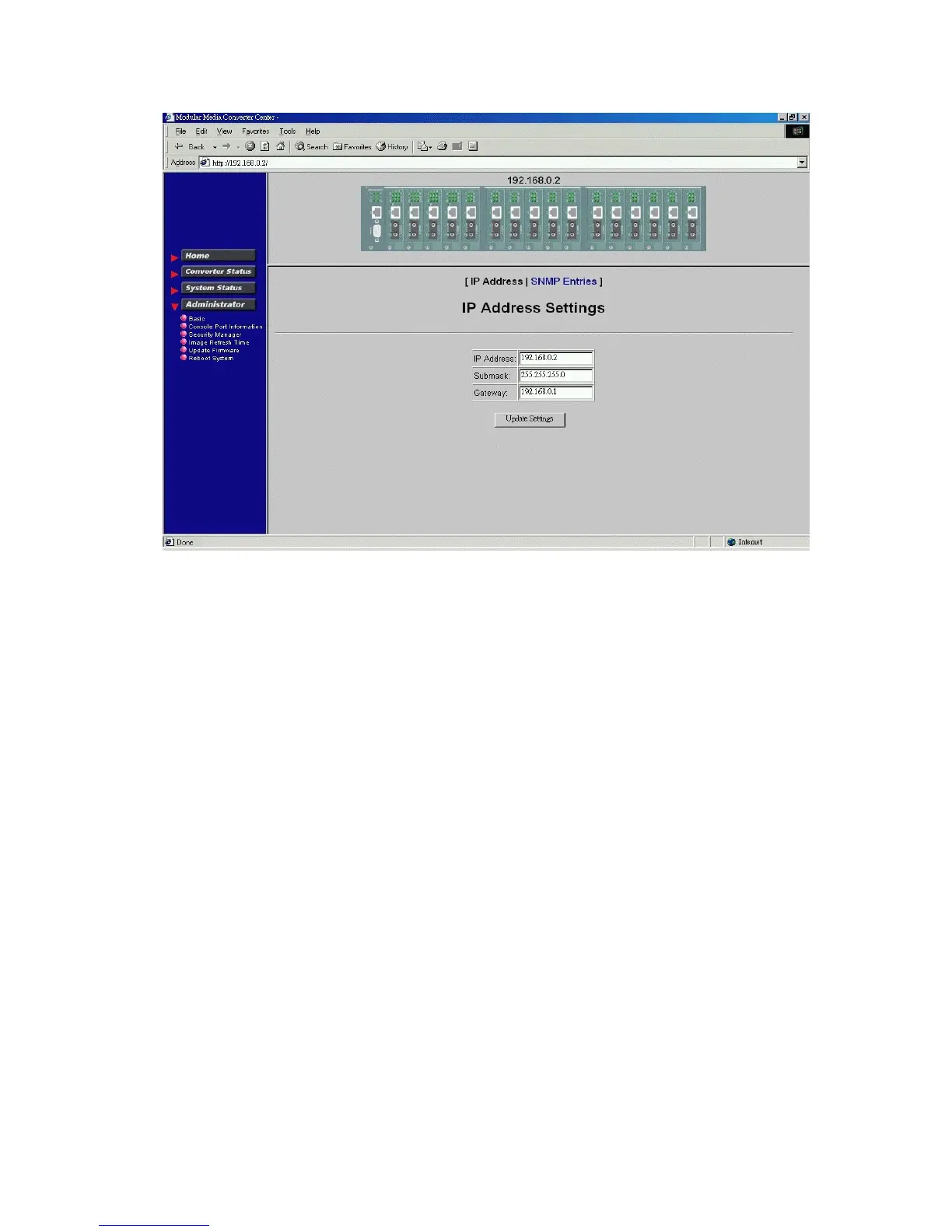
Click [IP Address] button to set IP settings.
IP settings include:
IP Address : Unique IP address designated to this system
Subnet Mask : The subnet mask of the IP address specified above
Gateway : The IP address of the default gateway (router)
Click [Update Settings] to make new settings effective. However, a new IP address change will make your
current connection invalid. Restart your web link with new IP address to connect the system.



 To Next Page