VX-450 SerieS Operating Manual
17
the
CH
selector knob. For further details, contact
your Vertex Standard dealer.
r
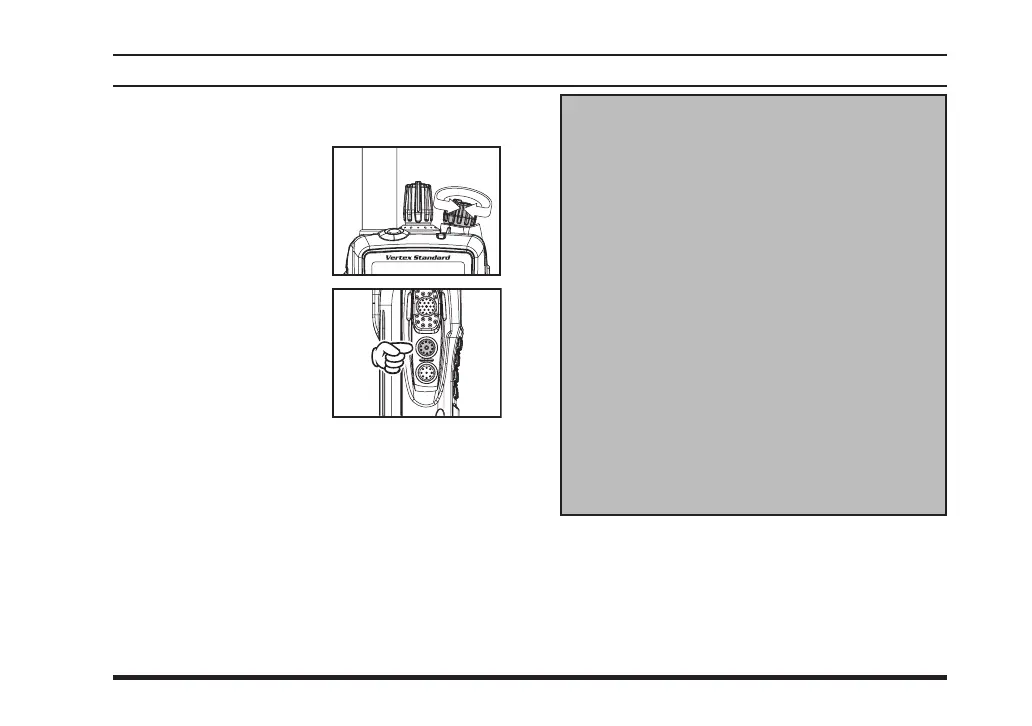
Rotate the
VOL/PWR
knob to set the volume
le vel . If no s ign a l i s
present, press and hold
in the
SIDE-1
button
(under the
PTT
switch)
more than 2 seconds;
background noise will
now be heard, and you
may use this to set the
VO L / P WR
kn o b fo r
the desired audio level.
Press and hold the
SIDE-1
button more than 2
seconds (or press the
SIDE-1
button twice) to
quiet the noise and resume normal (quiet) moni-
toring.
operatIon
The Channel Announcement Feature
works as described below.
(1) In the
VX-454/459
radio:
The maximum number of channels is 512 (32
channels maximum per group). The radio an-
nounces the channel number digit by digit.
For example, “Channel 1” is announced as
“one” and “Channel 10” is announced as “one
zero”.
(2) In the
VX-451
radio:
The maximum number of channels is 32 (16
channels maximum per group). The radio an-
nounces Channels 1 - 9 by digit, while Chan-
nels 10 - 16 are announced by number.
For example, “Channel 10” is announced as
“ten” and so on.













 To Next Page