Edge IP 9800 Series Phone User Guide 11
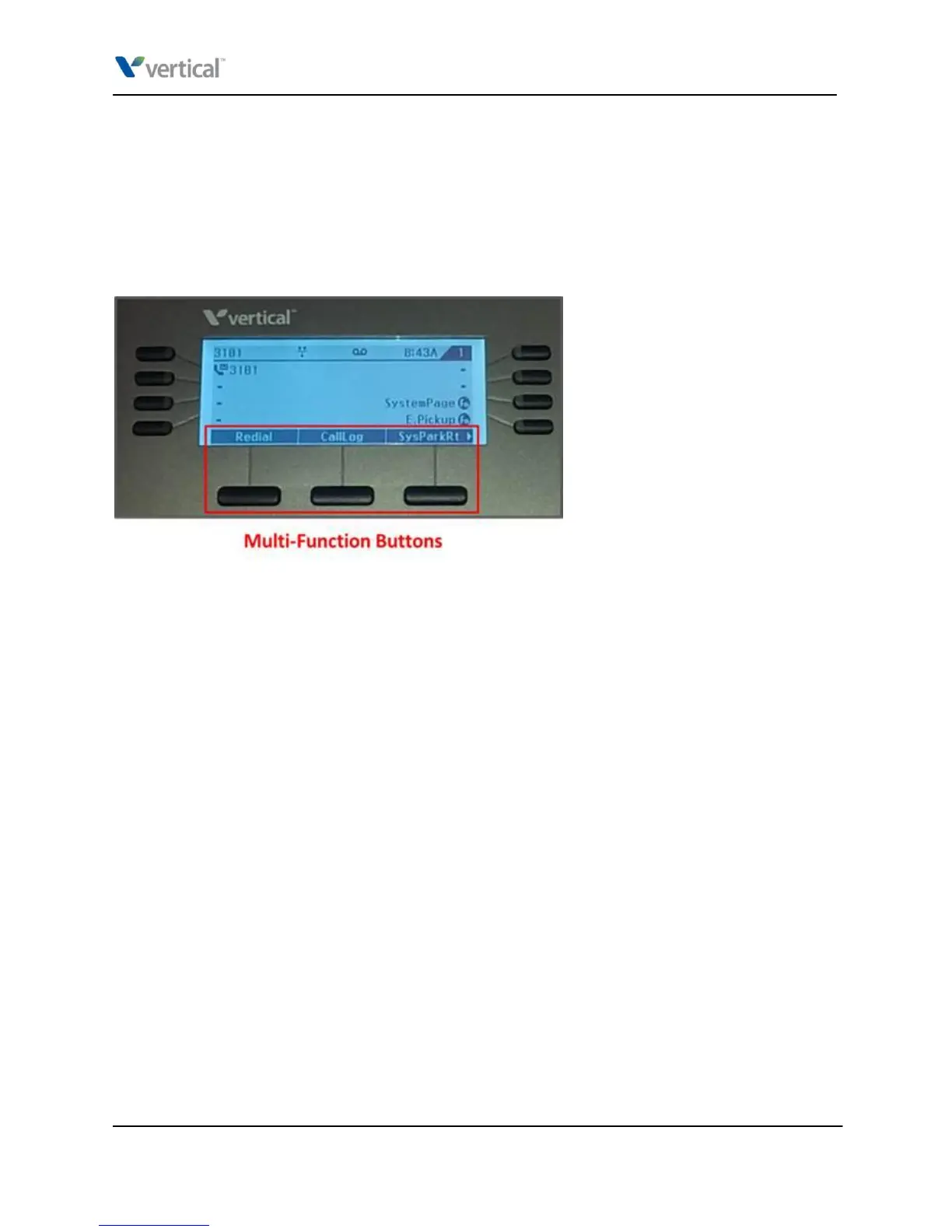
Multi-function buttons
The multi-function “soft” buttons on the LCD have pre-programmed functions. You press the associated
physical phone button to perform the function.
The functions available change during phone operations to offer you different features relevant to the
current state of the phone. For example, when you are on a call, the LCD changes to offer the ability to
transfer the call, start a conference, end the call, and more.
Three multi-function buttons are available at any time. Press the Right button on the 4-way selector to
access additional multi-function buttons that are available (indicated by a right arrow icon at the bottom
right of the LCD).
The following functions are normally displayed:
Redial: Press to place a new call to the last number dialed.
CallLog: Press to access the phone's call log that shows calls made and received on this phone. See
“Viewing the call log” for details.
SysParkRt: Press to retrieve a call that another user has placed on a system park location. See
“Retrieving a parked call” for details.
CallFwd: Press to set up call forwarding. See “Forwarding your calls” for details.
Vertical Edge IP 9800 Series Phone User Guide



 To Next Page