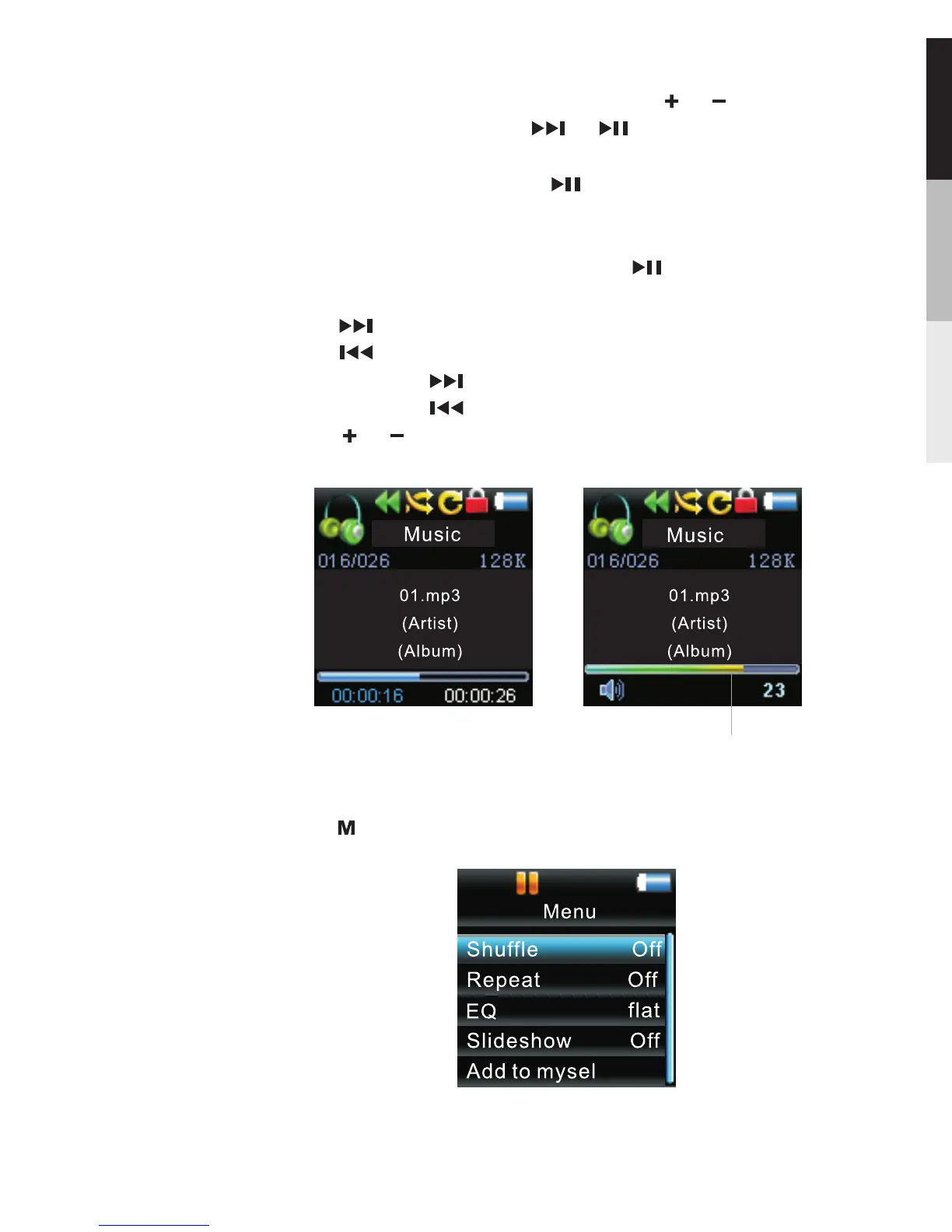
,
Press during playback to access the Player s menu.
Music
In “music play back ” display, press to starts or pauses
playback,
Press to skip to the next file.
Press to skip the previous file.
Press and hold to scan forward within a file.
Press and hold to scan back wards within a file.
Press or to increase or decrease the volume.
Highlight the desired song by pressing or .
·To play the song, press or . The song s
information will show on the display during playback.
·To pause playback, press .
,
Volume
11



 To Next Page