Transferring files via Windows Media® Player
Please refer to the instructions below to learn how to
transfer files to your Player.VERVE
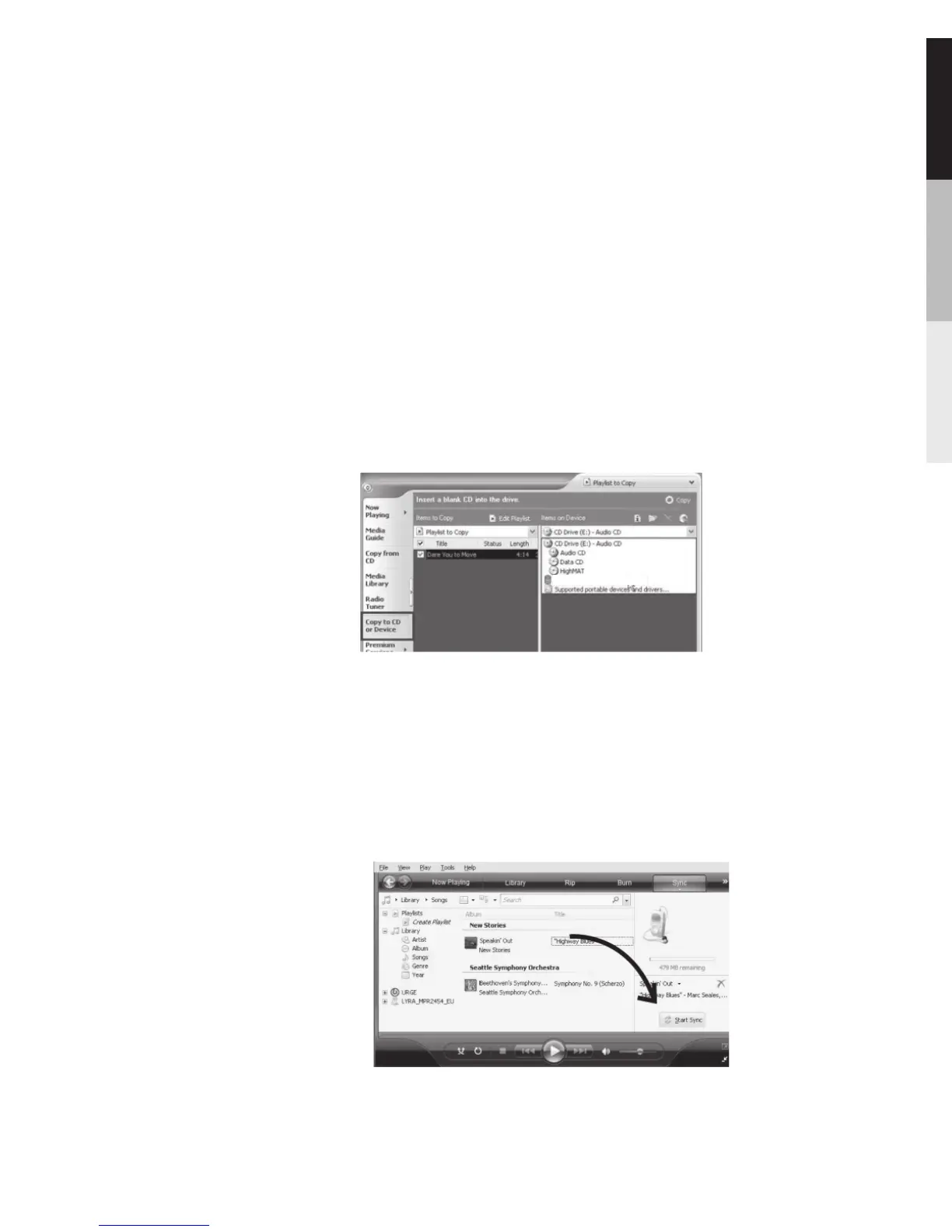
With Windows Media® Player 10
1.In Windows Media® Player, click the Sync tab.
2.Click on Edit Playlist to add the content to be transferred
to your player. Click OK once all the desired content
have been added. The content you wish to transfer to
your player are listed on the left side of the screen
under Sync List.
3. Click Start Sync to transfer the content.
1 In Windows Media® Player, click the Sync tab.
2.Drag content to the List pane to add them to the list of
items to sync.
.
With Windows Media® Player 11
27
6700


 To Next Page