Note: Windows® XP requires Service Pack 1 or higher.
Caution: Secure music download files must be transferred
to your player through one of the provided music
management software packages or any applications
recommended by the online music download service.
Please visit the online music download service’s website
where you purchased your content from for more details on
transferring secure music to your player.
Deleting files from the player
For any files you have transferred to the player, you may
delete them while you have connected the player with your
computer. Highlight the unwanted file in the player’s file
directory on your computer and press the delete key on
your computer to delete the file. It is best to remove
subscription files from the player by using Windows
Media® Player
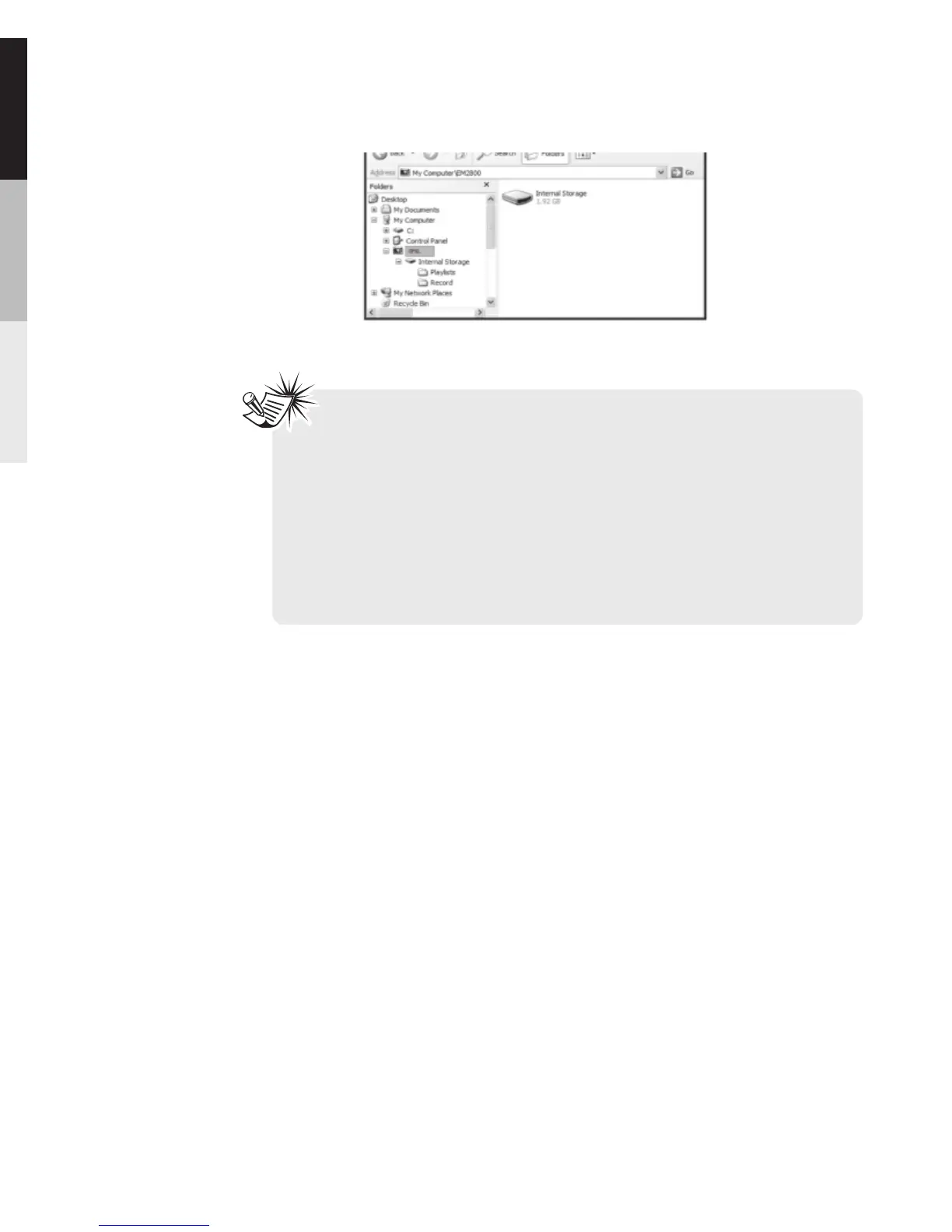
above. Copy files inside “Internal Storage”.
30



 To Next Page