Ⅵ. Software Installation
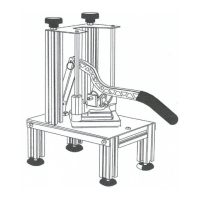
1.Download the corresponding version of software installation through the link.
https://get.exact-cut.com/
2.Before installing the software, find the refrigerator sticker with the software PSN
code in the accessory box.
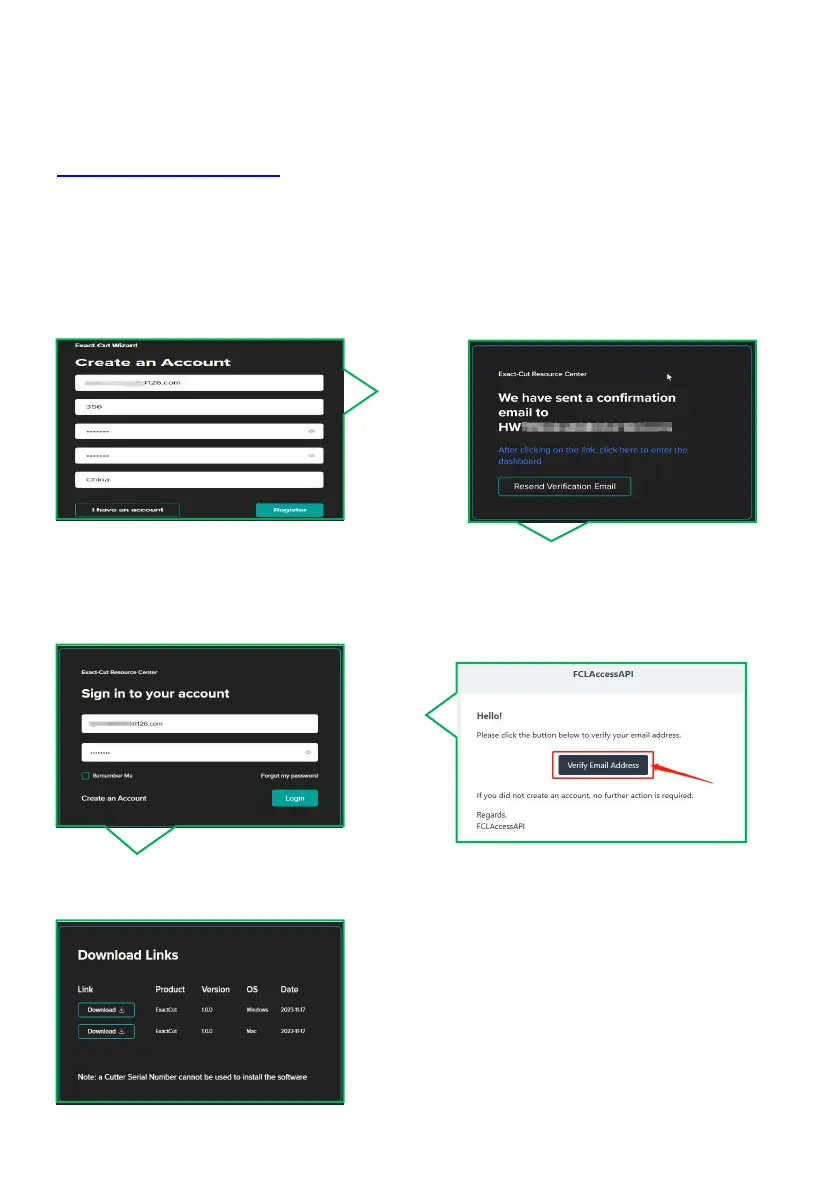
3.Enter the given link in your browser to access the registration screen.
3.1 Click Register after entering your
registration information
3.2 Proceed to your email address to
verify your account.
3.4 Please enter the PSN code found on
the refrigerator sticker in the accessory
box.
3.3 Click here to verify email
3.5 Download the appropriate software
version based on your computer system.



 To Next Page