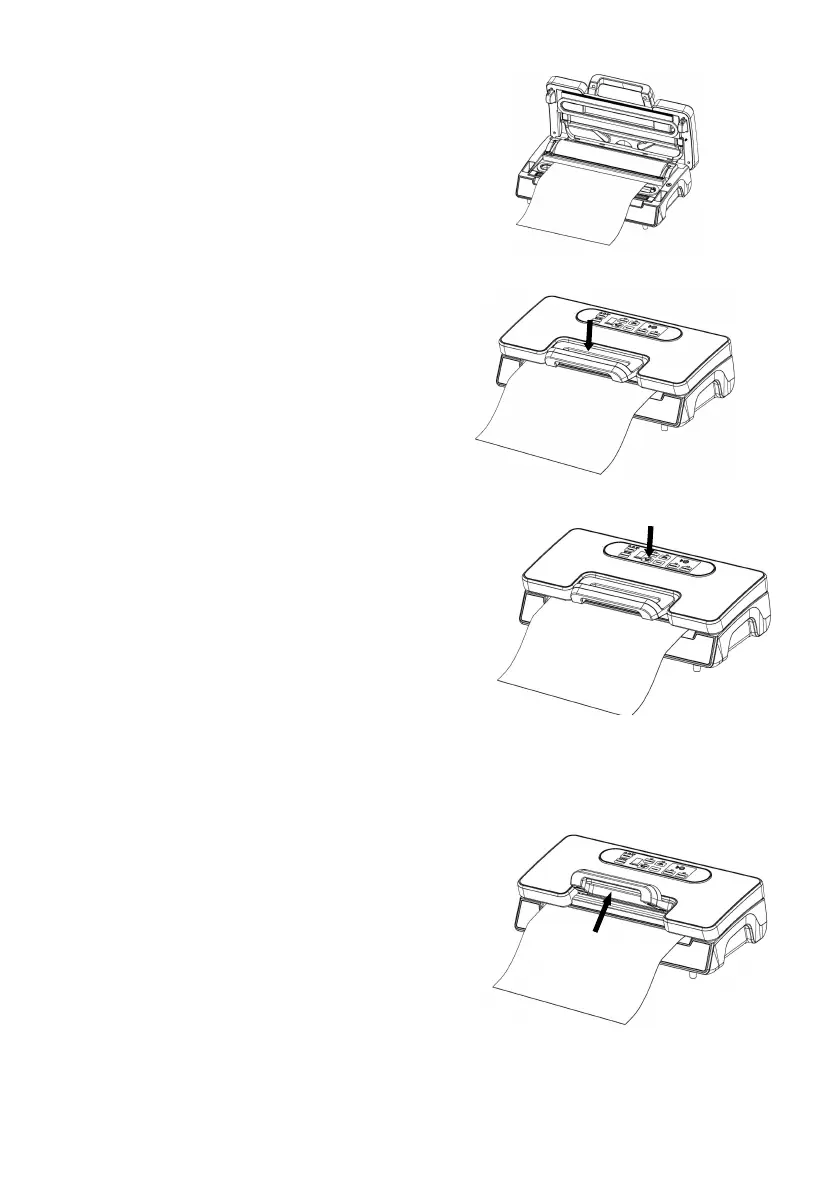
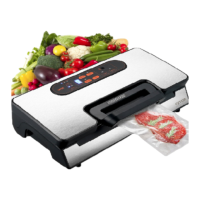
5. Put one end of the bag on top of the sealing
Element into the bag fixture– Fig.5
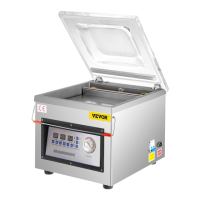
6. Close the top cover and press tightly till you
hear it click in place on both sides– Fig.6
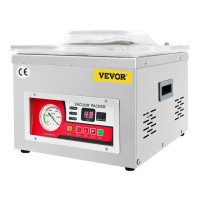
7. Press “Maunal Seal” button to start sealing
the bags -Fig.7
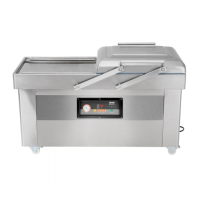
8. Lift the handle to open the cover and take the bag
out of the machine. The bag is then done and is ready
for vacuum sealing -Fig.8


 To Next Page