76 OLTS-85/OLTS-85P
8 POWERMETER OPERATION
SELECTING AND CHANGING THE POWER DISPLAY MODE
Selecting and changing the power display
mode
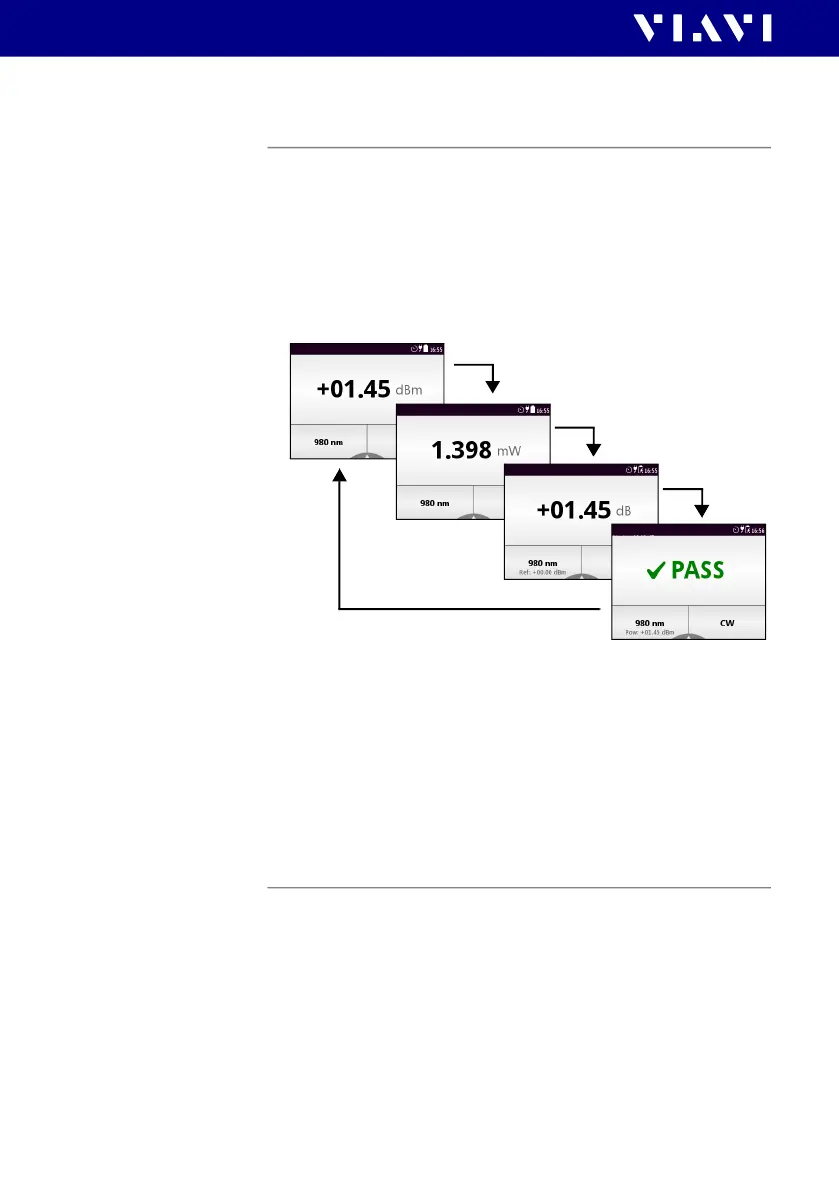
The OLTS-85/OLTS-85P provides following display modes:
• absolute power level in dBm or Watt
• power level in dB relatively to a reference value
• Pass/Fail indication based on a limit
1. To toggle between the display modes, tap the power level in
the measurement display.
– or –
2. Press the
[A] key and tap the [dBm/Watt] button to toggle
between both options.
– or –
Tap the [dB] button.
– or –
Tap the [Pass/Fail] button.
Displaying relative power level
The actual measured power level relative to a reference value is
displayed in relative power display mode. The reference value
can be set by defining the actual power level as the reference
value or can be edited manually.
To set the actual power level as reference level:
I The instrument is in Powermeter mode.
1. Press the
[A] key and tap the [Store ABS->REF] button.







 To Next Page