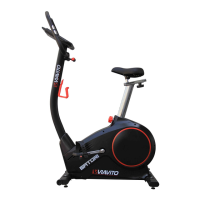
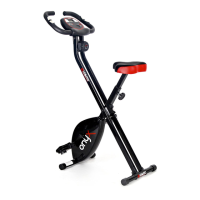
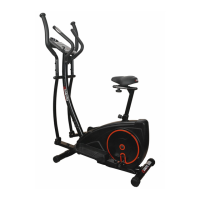
17
www.viavito.com
Training in Program Mode
Training in Manual Mode
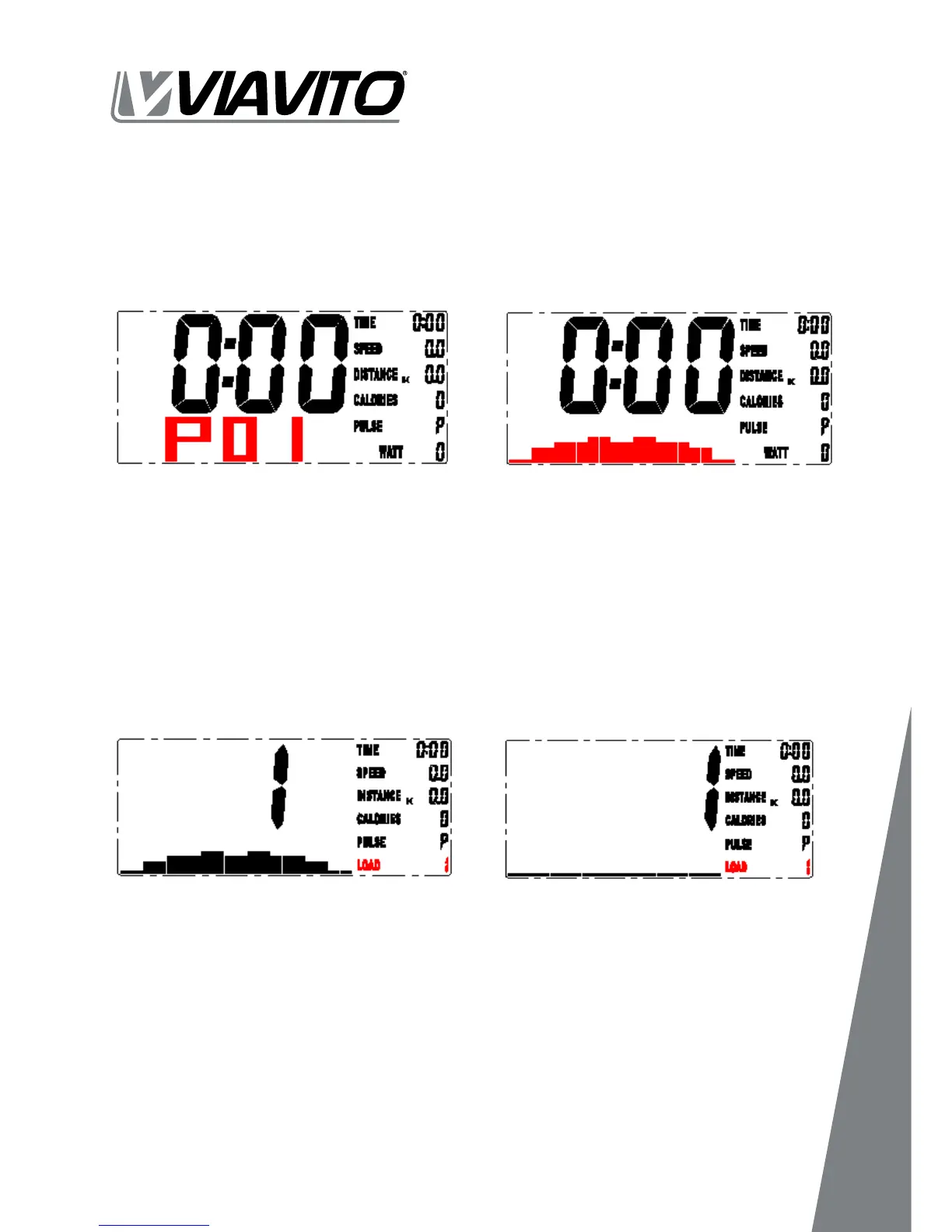
01 In PROGRAM mode, press UP and DOWN button to select program P01, P02,
P03...~P12, the selected program will be show on screen for 2 seconds (FIGURE 11)
01 In MANUAL mode, press the UP and DOWN buttons to select load level from 1 to 16,
the preset level is 1. (FIGURE 13).
02
and DOWN button to select level from 1 to 16 then press MODE button for
Fig. 11
Fig. 13
Fig. 12
Fig. 14


 To Next Page