selected range is displayed on the secondary display.
MEASURING FREQUENCY ( FREQ )
Press the FREQ button to select the frequency function, the frequency is displayed on the primary
display and the selected range is displayed on the secondary display. Select the rang manually or
automatically
Frequency Measurement Rates
The rate at which frequency measurements are taken is selected by the meter automatically, when
the frequency function has been selected, press RATE has no effect on the frequency update rate.
Frequency Sensitivity Selection
Before a frequency measurement is started, the amplitude of the input signal is sampled and the
optimum ac voltage range is selected automatically. For more information refer to the Section 6 for ac
voltage sensitivity.
The input signal sensitivity is based on sine waveforms. If the input signal is below the required level,
the frequency will be displayed as zero. If the measurements are unstable, the input signal may be
near the threshold level.
SELECT A FUNCTION MODIFIER ( REL , HOLD , MNMX , COMP )
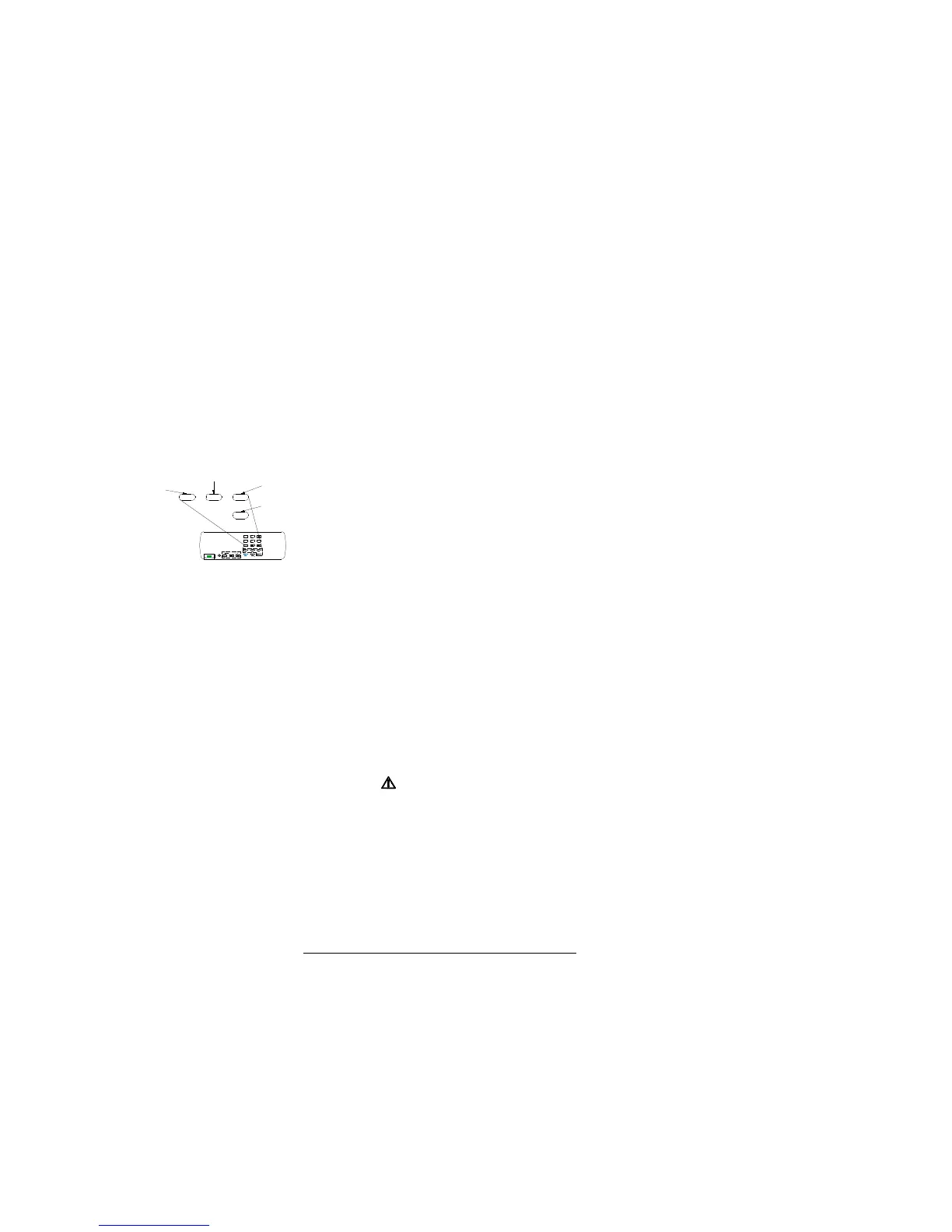
Selecting a function modifier causes the meter to
perform an action on an input (e.g., convert to
relative reading mode or compare to another
value) before a reading is displayed. To use a
function modifier, press a function button to
select a primary function, and then press a
function modifier button. See Figure 3-5
REL (Relative Readings) Modifier
Press REL to select the relative modifier. When the relative modifier is selected: the last valid reading
is stored as the relative base and displayed on the secondary display. The reading on the primary
display is always the difference between the relative base and an input measurement, and the “△”
annunciator turn on.
REL=present reading - relative base
For example, if the relative base is 15.000V, and the present reading is 14.100V, the display
will show -0.900V.
WARING
REMEMBER, A RELATIVE READING MAY NOT INDICATE THE PRESENCE OF DANGEROUS
VOLTAGES AT THE INPUT CONNECTORS OR TEST LEADS. USE CAUTION TO AVOID
ELECTRICAL SHOCK OR DAMAGE TO THE METER.
Press REL again, the relative base is displayed on the secondary display. The reading on the primary
display is REL%, and the “%” annunciator turn on simultaneous.
For example, if the relative base is 15.000V, and the present reading is 14.100V, the display will
show -6%. Press REL again to exit the relative modifier.
NOTE
The relative modifier cannot be selected if the display shows “OL” or is blank. (The display would be
blank, for example, because of range changes.)
Selecting the relative modifier (REL) turns off autoranging and locks in the present range. Make sure
you are in the correct range before selecting the relative modifier. If you press other buttons after the
relative modifier has been selected, you will automatically exit REL.


 To Next Page