EasyManua.ls Logo

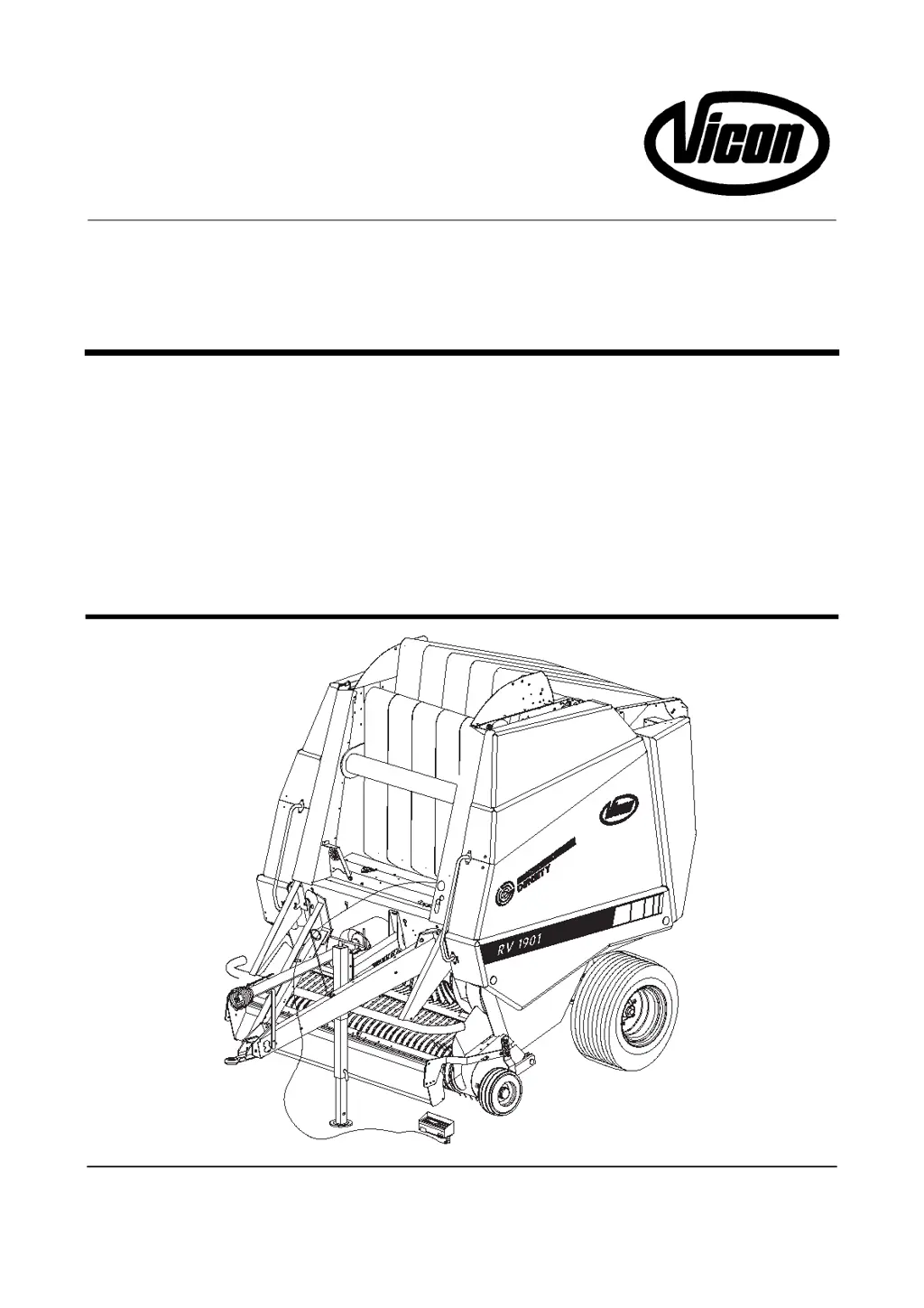
Vicon RV 1901 - User Manual

Vicon RV 1901
108 pages
Print Icon
To Next Page IconTo Next Page
Loading...
G0201WAD3EN
RV 1601
RV 1901
Operation manual
WA0080

Table of Contents

Questions and Answers

  • J
    Jennifer FrancisAug 10, 2025
    What to do if the windrow is not picked up by my Vicon Farm Equipment?
    • H
      hfoxAug 10, 2025
      If the windrow isn't being picked up by your Vicon Farm Equipment, several factors could be at play. First, ensure the pick-up is lowered adequately using pick-up wheels or chains; it might be set too high. An overload safety mechanism might be activated due to a blockage, so clear any obstructions. Inspect the drive chain for breakage or slippage and replace it if needed. Adjust your forward speed if it's too high, and consider making larger windrows if they're too small or thin. Lastly, check the pick-up tines for bending or breakage; straighten or replace them as necessary.
  • K
    Kara CohenAug 19, 2025
    Why is there irregular crop feed with my Vicon RV 1901 Farm Equipment?
    • T
      Thomas RogersAug 19, 2025
      Irregular crop feed in your Vicon Farm Equipment may be due to excessive wind guard pressure. Try reducing the pressure of the wind guard to ensure a more consistent flow.
  • J
    Joshua DavisAug 29, 2025
    How to stop the wind guard from bouncing on my Vicon Farm Equipment?
    • D
      dennistamaraAug 29, 2025
      If the wind guard on your Vicon Farm Equipment is bouncing, it might be riding on the windrow. Adjust the wind guard to a higher position to prevent this.

Summary

HOW TO USE THE OPERATION MANUAL

Safety, Liability, and Decals

Covers essential safety instructions, warnings, liability, and safety decals for operation.

DESCRIPTION OF THE MACHINE

Main Components of the Baler

Lists and illustrates the primary components of the round baler.

PREPARATION FOR USE

BALING OPERATIONS

INFOBALE Electronic Control System

Control Box and Machine Control Unit

Details the electronic control box, its components, and functions of the machine control unit.

Emergency Mode, Calibration, and Alarms

Operating in emergency mode, calibrating sensors, and understanding alarm warnings.

AUTOFORM Electronic Control System

Control Box, Controls, and Working Procedures

Details the AUTOFORM control box, its elements, and guides on starting and baling operations.

User Functions and Settings

Covers bale diameter, wrapping programs, display settings, and user-adjustable parameters.

Error Indications, Manual Override, Dealer Functions, and Calibration

Explains error messages, troubleshooting, manual control, dealer functions, and calibration procedures.

OPTICUT Cutting Unit and Rotor System

OPTICUT System and Knife Frame Control

Describes the OPTICUT system, its features, and how to control the knife frame and settings.

Twine Tie System

Twine Routing and Electronic Settings

Instructions for twine routing and adjusting electronic settings for both INFOBALE and AUTOFORM.

Net Wrap System

Net Wrap Function, Loading, and Settings

Explains net wrap function, loading procedures, electronic settings, and mechanical adjustments.

Bale Chamber Hydraulic System

Hydraulic System Components, Function, and Adjustments

Identifies main hydraulic components, explains their functions, and details pressure adjustments.

Bale Chamber Components

General Maintenance

Vicon RV 1901 Specifications

General IconGeneral
BrandVicon
ModelRV 1901
CategoryFarm Equipment
LanguageEnglish

Related product manuals