PRODUCT OVERVIEW
!
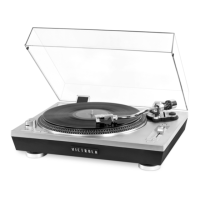
Front View:
!
!
!
!
!
!
!
!
!
!
!
!
!
!
!
!
!
!
!
!
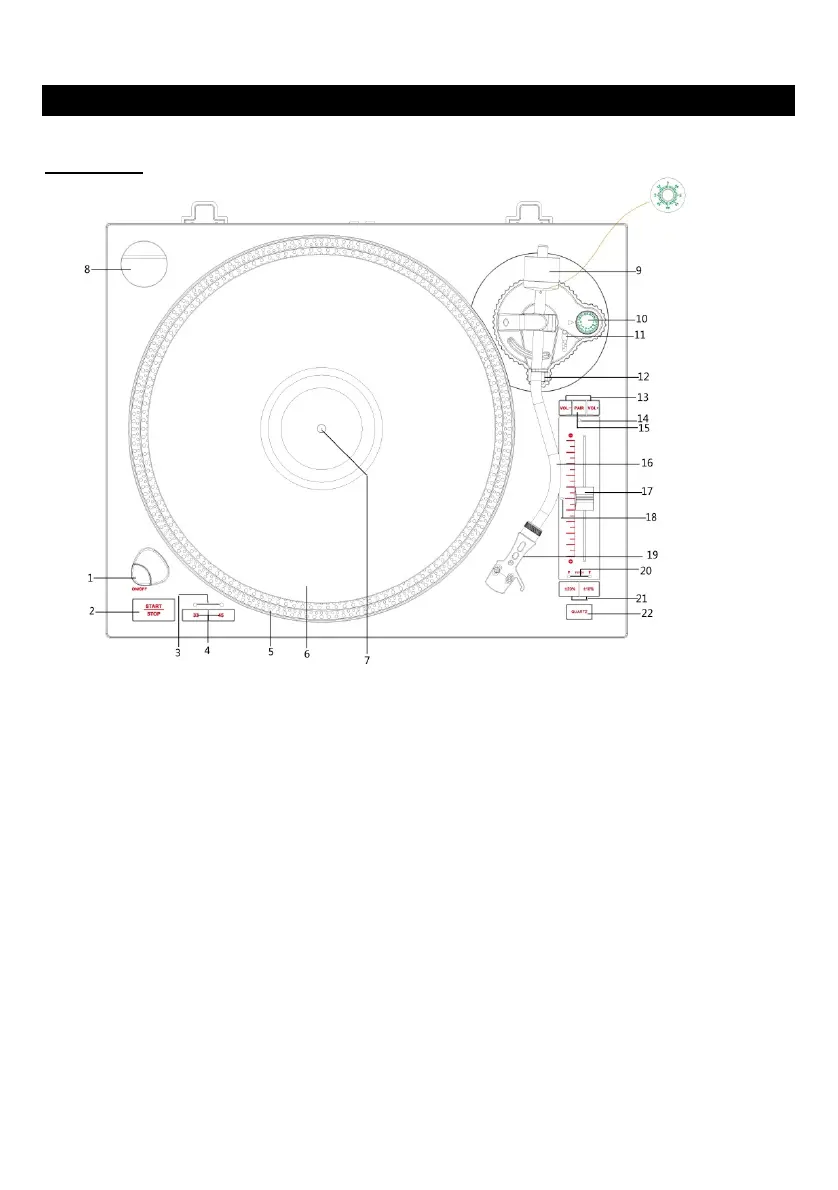
1. ON/OFF: Press to turn the unit on or off.
2. START/STOP: Engages and disengages the belt drive in the turntable.
3. SPEED INDICATOR
4. TURNTABLE SPEED BUTTON: Select 33 or 45 RPM turntable speed.
(NOTE: 78 RPM is selected by pressing both 33 and 45 buttons simultaneously,
both speed indicator will light up.)
5. STROBE DOTS (On Turntable Edge): Operate in conjunction with stroboscopic light located under
the ON/OFF to provide visual indication of accurate turntable speeds.
6. TURNTABLE
7. SPINDLE
8. 45-RPM ADAPTER
9 BALANCE WEIGHT: Balances the tone arm and provides adjustment for proper downward tracking
force on the stylus.
10. ANTI-SKATE CONTROL: Applies a small outward force to the tone arm, counteracting the
tendency of the tone arm to move inward toward the center of the record.







 To Next Page