46
Vidikron Vision Model 50 Owner’s Operating Manual
On-Screen Display Menus
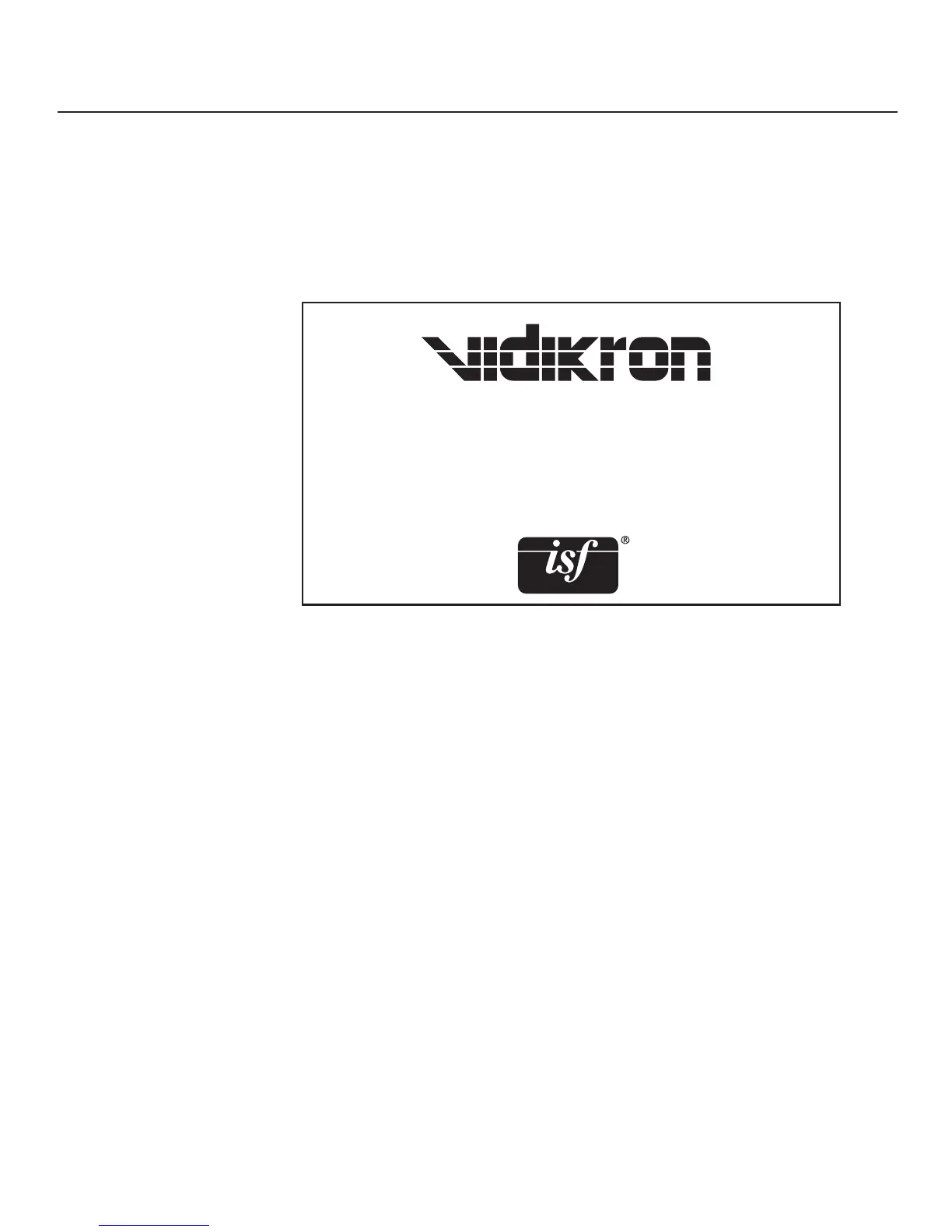
Press the ◄ or ► arrows to set the Splash Screen Timer. This timer controls how long the
startup (ISF and Vidikron logo) image stays on-screen after you turn on the projector. Select
from 5 to 60 seconds, in 1-second increments. When finished, press EXIT.
Use ISF Enable to control the display of the ISF logo on the Vision 50 splash screen upon
power-up.
Splash Screen Timer
ISF Enable


 To Next Page