53
Vidikron Vision Model 50 Owner’s Operating Manual
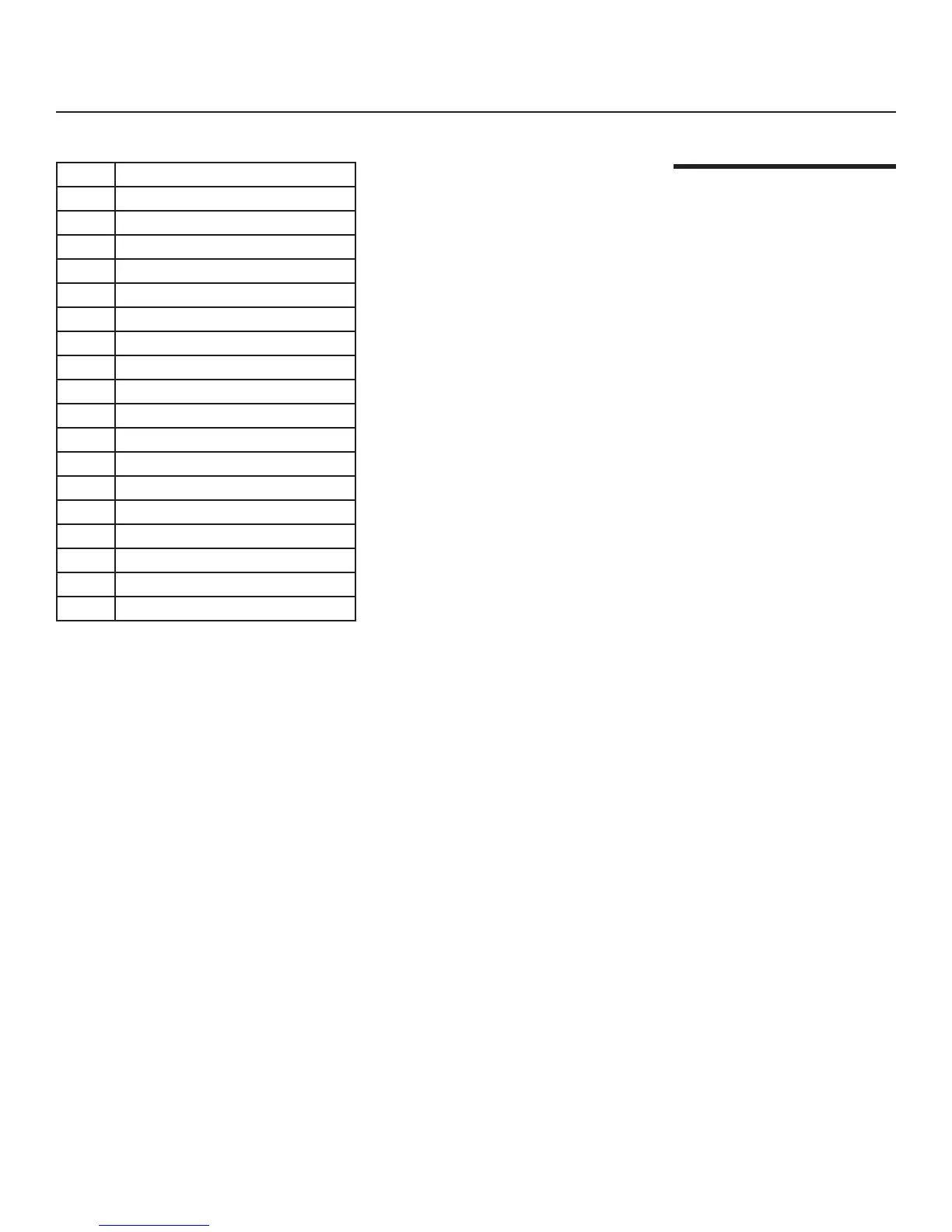
Code Function
x131x Switch to Composite input
x132x Switch to S-Video input
x133x Switch to RGB-HD input
x134x Switch to DVI input (HDMI)
x135x Switch to Component 1 input
x136x Switch to Component 2 input
x156x Background Color = Grey
x157x Background Color = Blue
x158x Background Color = White
x181x Toggle Blue Image on/off
x281x Vertical Lens Shift = Up
x282x Vertical Lens Shift = Down
x283x Zoom In
x284x Zoom Out
x285x Focus (rotate lens to right)
x286x Focus (rotate lens to left)
x287x VAC = Full On (open)
x288x VAC = Full Off (closed)
RS-232C Control
Codes
(continued)
RS-232 Setup


 To Next Page