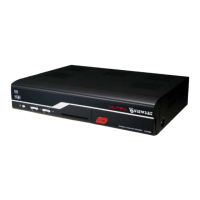
: Choose a language for the menu.
: Choose a language for the primary Audio. If several audio
languages are available on a certain event, this language shall be
used as default.
: Choose a language for the secondary Audio.
: Enable or disable the Closed Caption
Menu Language
Audio Language
Secondary Audio
Language
Closed Caption
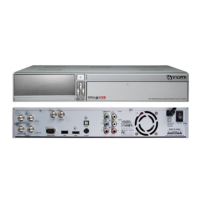
Select Language Setting menu in the
Preferences menu.
This menu helps you to set up Menu
Language, Audio Language, Closed
Caption.
Language, Time, Timer List, Parental
Control, A/V Control, and OSD Setting.
Push the MENU key to save and return to
the previous menu.
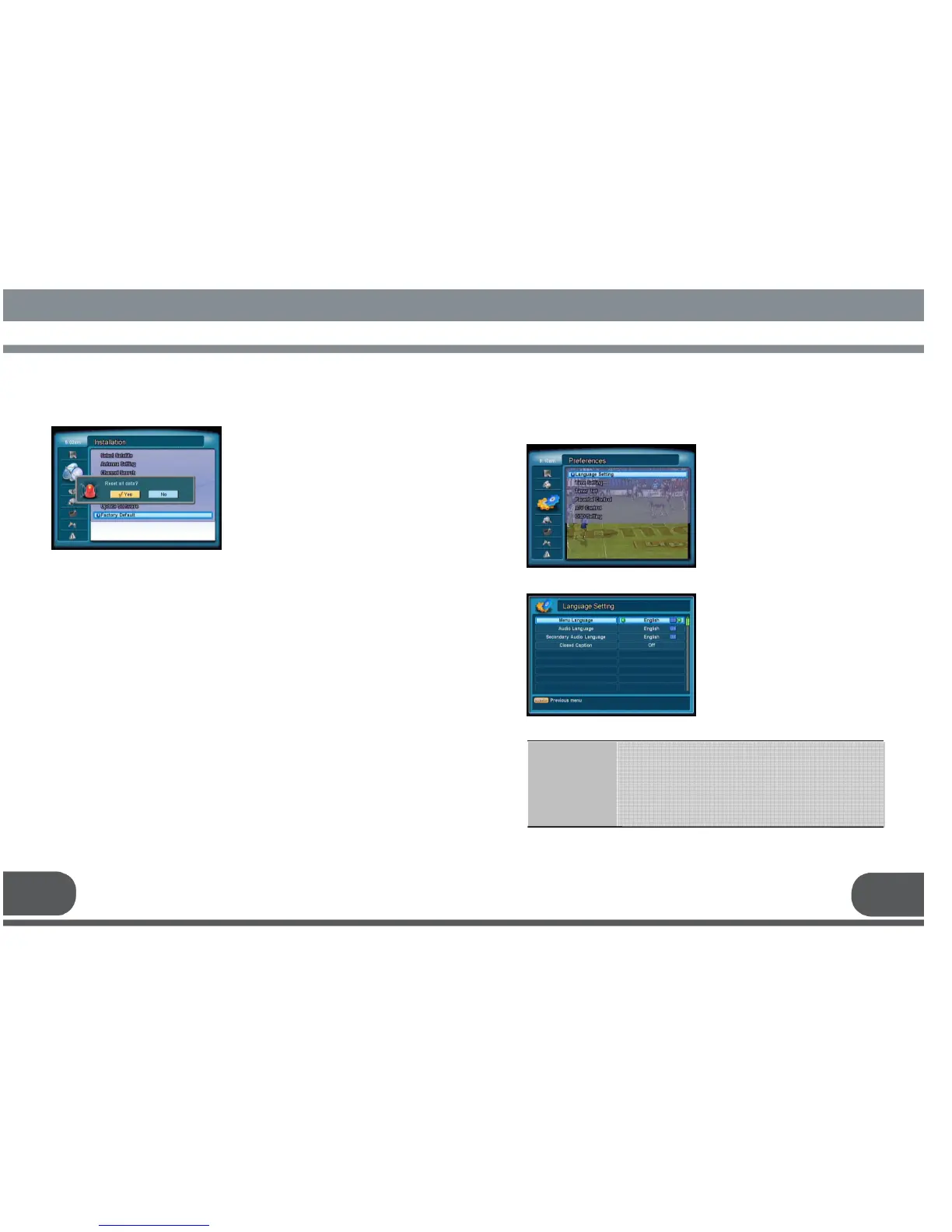
Select Factory default menu in Installation
This is to initialize back to the factory
default, in case of any problems after
changing values of channel data and
others.
For the factory default, select Yes and
push Ok key. This process may take a few
seconds.


 To Next Page