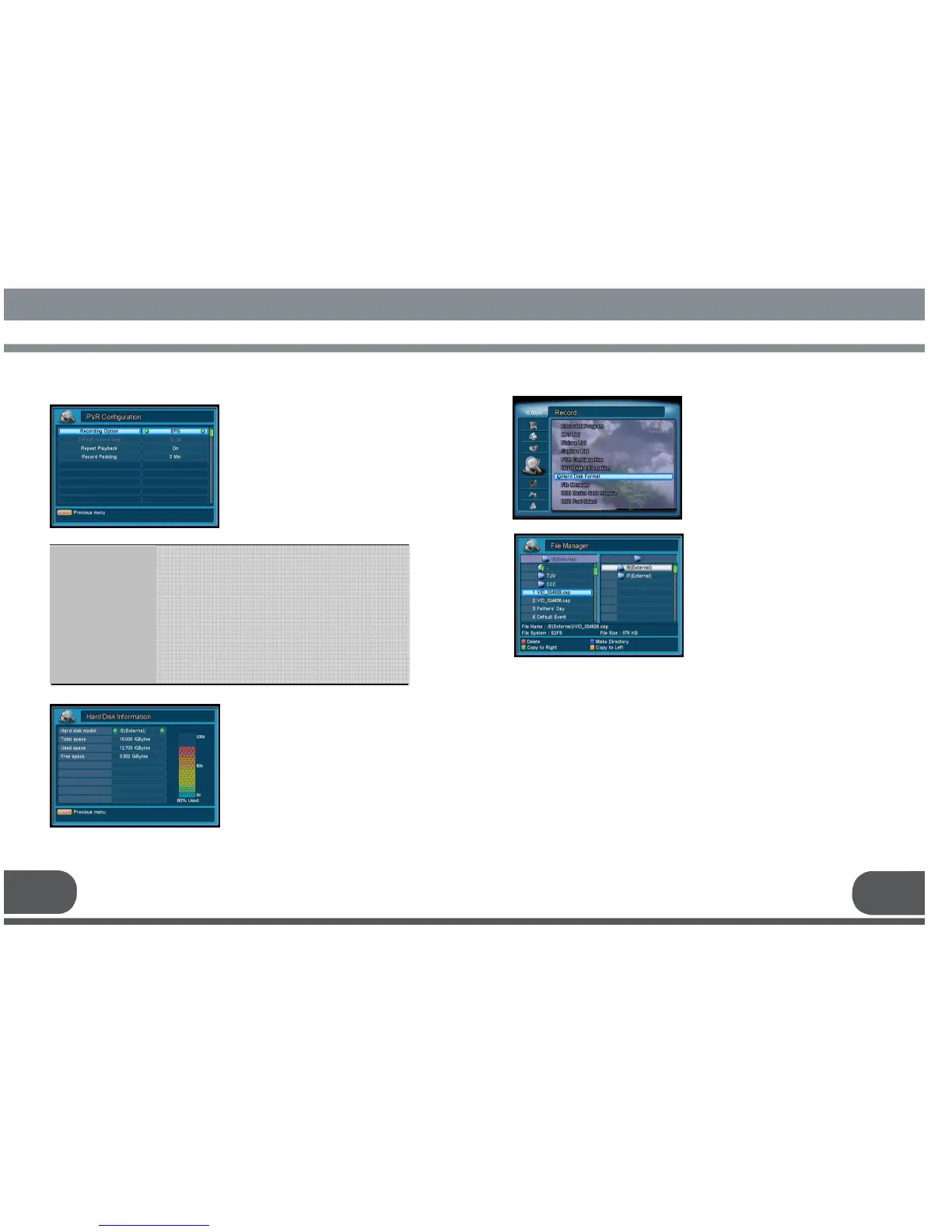
: Select EPG or Time for recording time.
EPG – Recording will be finished automatically after a current
program.
Time –.Recording time will be decided by pre-selected time
option.
: Set default recording time.(Recording Option should be left as
“Time” to use this feature.)
: Enable or disable repeating playback.
: Record Padding is to add additional recoding time to
reservation time. (E.g.: Record from 19:00 to 20:00 and
padding time is 5minutes. Then the actual recording time will
be from 18:55 to 20:05)
Recording Option
Default record time
Repeat Playback
Record Padding
Select PVR Configuration menu in
Record menu.
You can set the PVR Configuration by
using this menu.
Select Hard Disk Information menu to
check installed hard disk information such
as Hard disk model name, total space,
used space, and free space.
If you want to format your Hard Disk,
push OK key.
The PIN code is required before
formatting.
Formatting Hard Disk will delete all data
and recorded files in Hard disk
permanently.
A new Hard Disk should be formatted
before use.
.
Select File Manager menu in Record
menu.
This function helps you to manage your
files on the Hard Disk.
* Red: Delete file in the directory
* Green: Copy file from Left to Right
* Yellow: Copy file from Right to Left
* Blue: Make Directory
27 28


 To Next Page