94
Selector
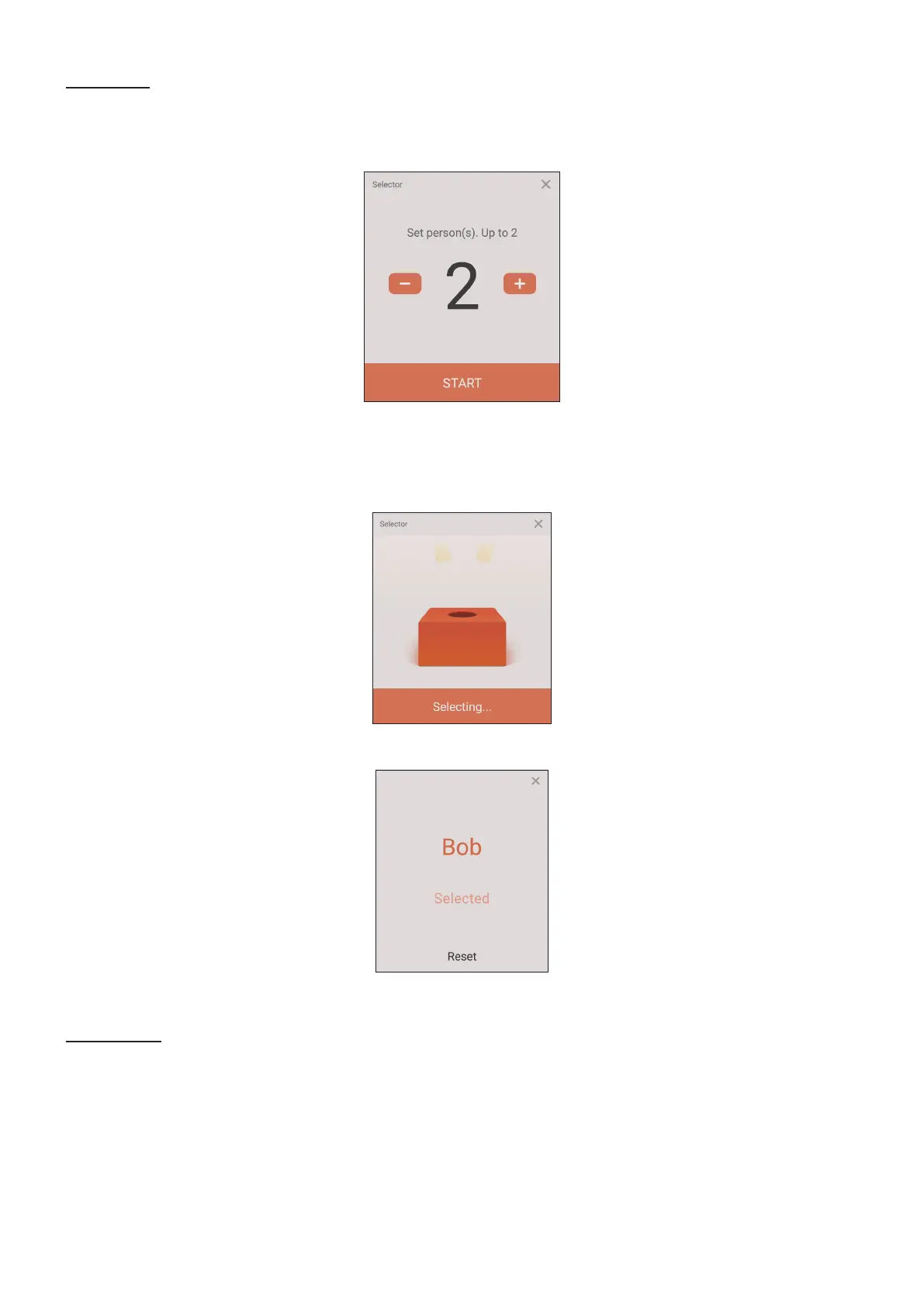
1. Select the “Selector’ icon.
2. Set the number of parcipants to be selected.
NOTE: The number of parcipants that can be selected will be based on the
total number of parcipants.
3. Tap START to start the random selecon.
4. The selected parcipant’s name will then be displayed.
Grouping
Select the icon to assign parcipants to groups.










 To Next Page