EasyManua.ls Logo

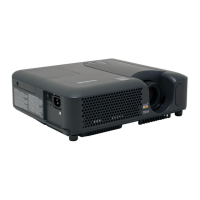
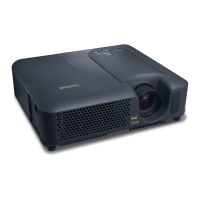
ViewSonic PJ358 - User Manual

ViewSonic PJ358
75 pages
Print Icon
To Next Page IconTo Next Page
Loading...
PJ358
LCD Projector
ViewSonic
®
Model No. : VS11611
- User Guide
- Guide de lutilisateur
- Bedienungsanleitung
- Guía del usuario
- Guida dellutente
- Guia do usuário
- Användarhandbok
- Käyttöopas
-Руководствопользователя
-
使 ()
-
使 ()

Table of Contents

Other manuals for ViewSonic PJ358

Questions and Answers

  • M
    Matthew SkinnerAug 9, 2025
    Why does my ViewSonic PJ358 Projector say 'CHECK THE AIR FLOW'?
    • M
      mary15Aug 10, 2025
      The 'CHECK THE AIR FLOW' message on your ViewSonic Projector indicates that the internal temperature is rising. To resolve this: 1. Turn the power off and let the projector cool down for at least 20 minutes. 2. Check for: * Blockage of the air passage aperture. * A dirty air filter. * Peripheral temperature exceeding 35°C. 3. Turn the power back on. If the message persists, set FAN SPEED to HIGH in the SERVICE item of the OPTION menu.
  • N
    Nancy ClineAug 23, 2025
    What to do if ViewSonic Projector shows 'REMINDER *** HRS PASSED AFTER THE LAST FILTER CHECK'?
    • M
      Miss Rebekah CampbellAug 23, 2025
      If your ViewSonic Projector displays the message 'REMINDER *** HRS PASSED AFTER THE LAST FILTER CHECK,' immediately turn the power off. Clean or change the air filter. After cleaning or changing the filter, make sure to reset the filter timer.

ViewSonic PJ358 Specifications

General IconGeneral
Display TechnologyDLP
Projection Size30 - 300 inches
Resolution1024x768 (XGA)
Contrast Ratio2000:1
ConnectivityVGA, HDMI, USB, Composite Video, Audio In/Out
Throw Distance1.2 - 10.5 meters

Related product manuals