4 User ManualVisit the ViewZ USA website at https://www.viewzusa.com
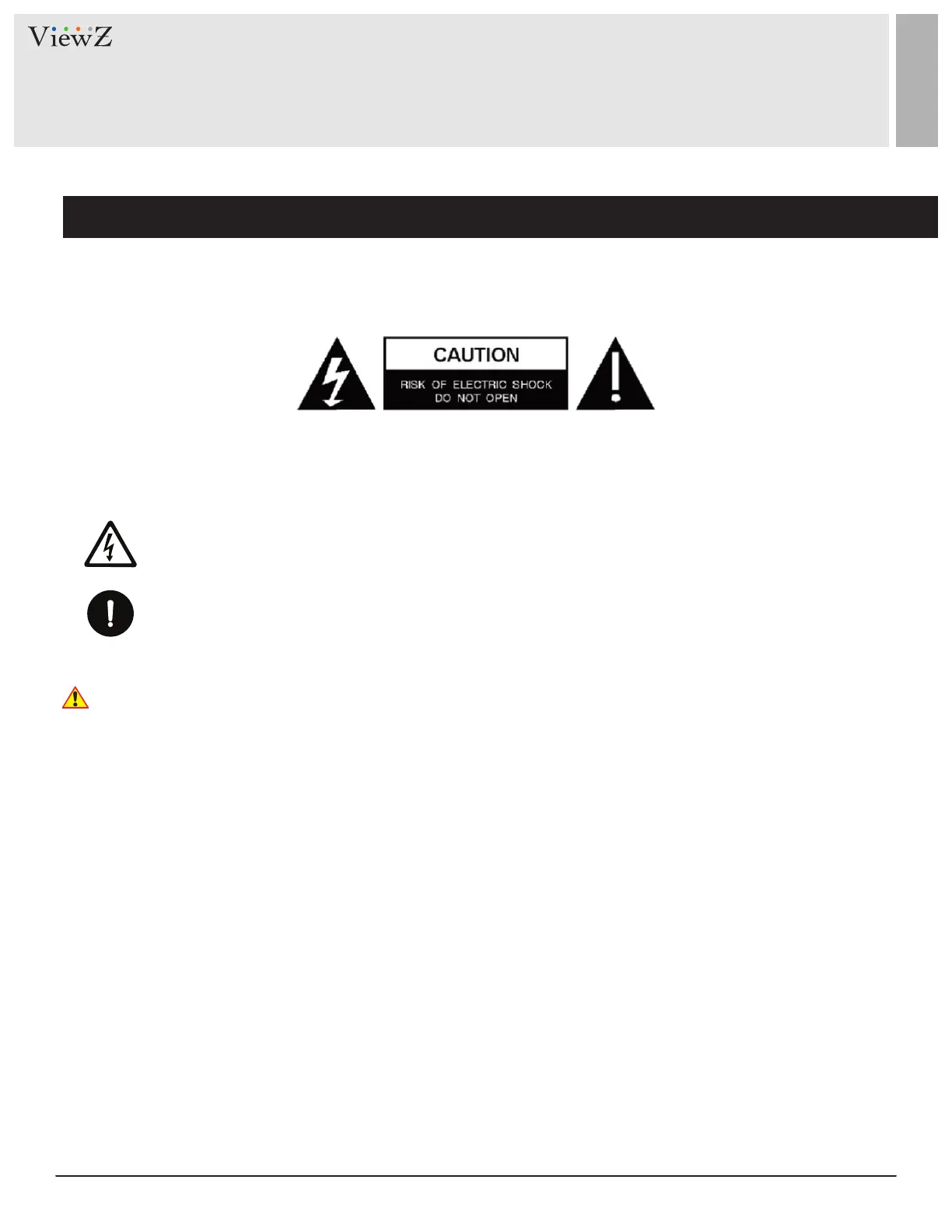
This symbol is intended to alert the user to the presence of uninsulated & dangerous voltage
within the monitor’s enclosure that may be of sucient magnitude to constute a risk of
electric shock to persons.
This symbol is intended to alert the user to the presence of important operang and
maintenance (servicing) instrucons in the literature accompanying the monitor.
Important Safety Instruction
Mark Indication and Substance
Warning
SAFETY INSTRUCTION
CAUTION : TO REDUCE THE RISK OF ELECTRICAL SHOCK,
DO NOT REMOVE COVER (OR BACK). NO USER
SERVICEABLE PARTS INSIDE. REFER SERVICING TO
QUALIFIED SERVICE PERSONNEL
• Do not use damaged or loose cables and plug.
• Do not pull the plug out by the wire nor touch the plug with wet hands.
• Use only a properly grounded plug and receptacle.
• Do not connect too many extension cords or plugs to one outlet.
• Do not excessively bend the plug and wire.
• Do not disconnect the power cord while it's sll plugged into the monitor.
• Do not place any heavy objects on the power cord. Damage to the cord may cause shock or re.
• Never open the monitor. There are no user-serviceable parts inside and opening will void warranty.
• Removing covers may expose you to dangerous shock hazards or other risks.
• Keep any heang devices away from the power cable and monitor.
• Do not place the monitor near water.
• Do not insert objects of any kind into the monitor's open slots, as they may touch dangerous voltage points.
• Please follow the laws and regulaons of your municipality to dispose of the tube properly.
• Do not use the monitor in high temperature, humid, dusty or oily areas.
• Do not install the monitor where it will be exposed to connual vibraon.
• Keep the plasc packaging out of children’s reach.
• If any damage is defected upon rst opening the box, contact agency from which you bought the monitor directly.
• If your monitor does not operate normally – in parcular, if there is any unusual sound or smell coming from the
monitor – unplug it immediately and contact an authorized dealer or the service center.


 To Next Page