VIKING TECHNICAL SUPPORT 1.800.908.0884
11
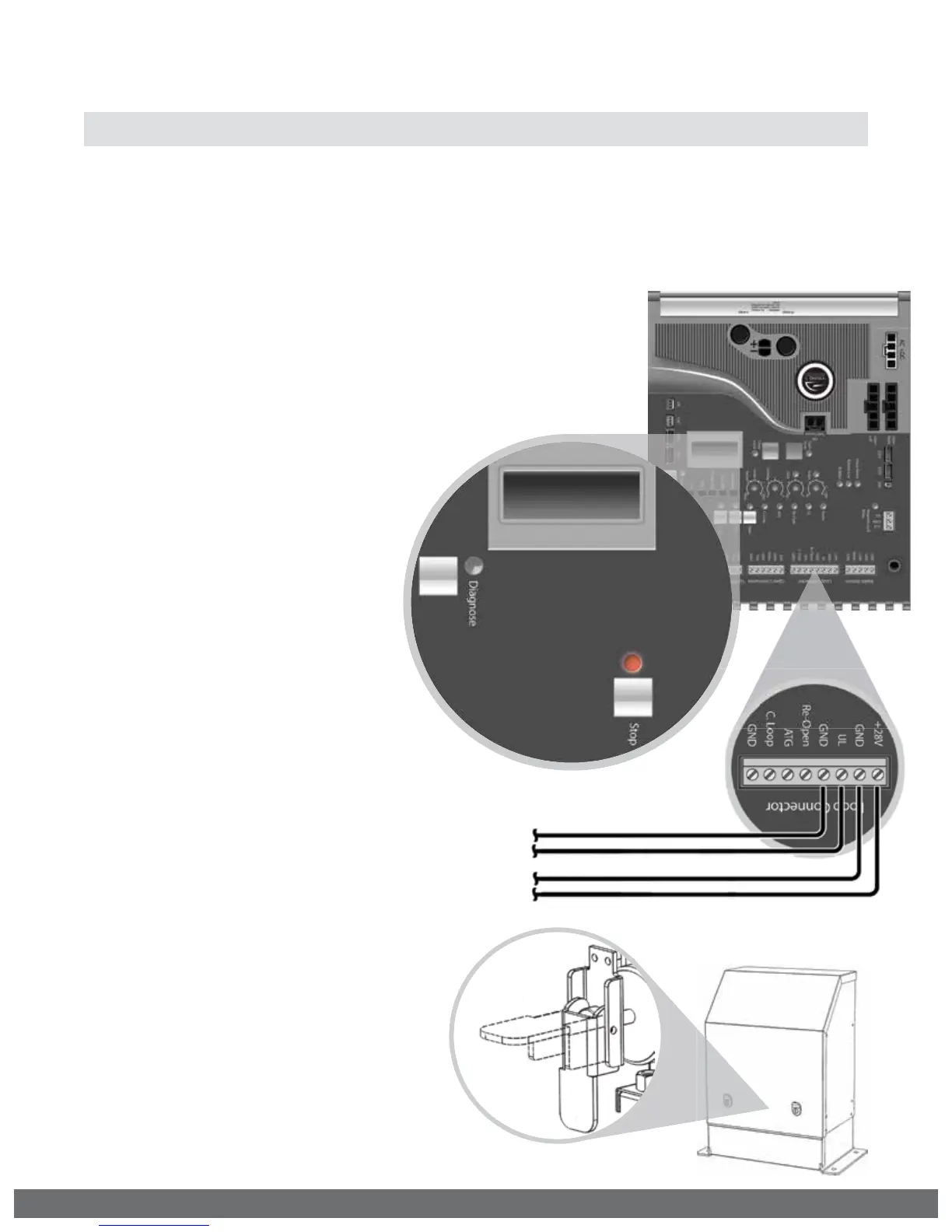
UL LEARN
SENSOR 1
Manual Release
When manual operation is required:
1.
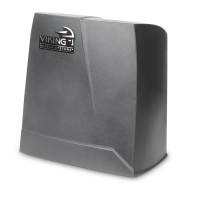
Unlock and remove the Top Cover.
2.
Lift the Release Handle up.
To resume normal operation:
1.
Push the Release Handle down.
2.
Run the gate closed to search
for the installed Positive Stop.
(page 20 step 4)
3.
Normal operation will now resume.
IMPORTANT SAFETY INFORMATION
! WARNING! Not Following these instructions may cause severe injury or death.
Secondary Entrapment Protection Installation
24VDC to Photoelectric Beam Emitter
To Photoelectric Beam Receiver
and/or Edge Sensor monitored terminals
STEP 1
Connect the secondary entrapment protection sensor(s) to the Viking control board as
illustrated below. Up to four 10K resistor based sensors can be wired in parallel.
Proceed with the following Learn Process:
•
If the number of connected sensors does
not match the display.
•
If the “Stop” LED is flashing.
•
If the error message ERR UL SENSOR
is displayed.
LEARN PROCESS
With the “UL LEARN” menu
displayed and all secondary sensors
properly connected to the control
board:
•
Press and hold the “Stop” button.
•
Toggle the “Diagnose” button
once.
•
The correct number of sensors
should now be displayed.
STEP 2
Confirm the number of sensors connected:
•
Toggle the “Diagnose” button until you see UL LEARN
on the LCD Display.
•
Default setting is 1 sensor.
UL LEARN
SENSOR 1



 To Next Page