VIKING TECHNICAL SUPPORT 1.800.908.0884
27
CONTROL BOARD SETUP
HEATER
CLS ON
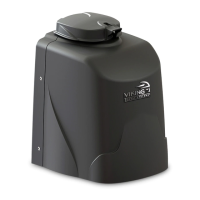
Viking Heater
The operator has an integrated heater that is thermostatically controlled. Activate this
feature when the operator is used in application temperatures down to -20°F (-29°C).
To set the heater to turn on at the Close Limit:
1.
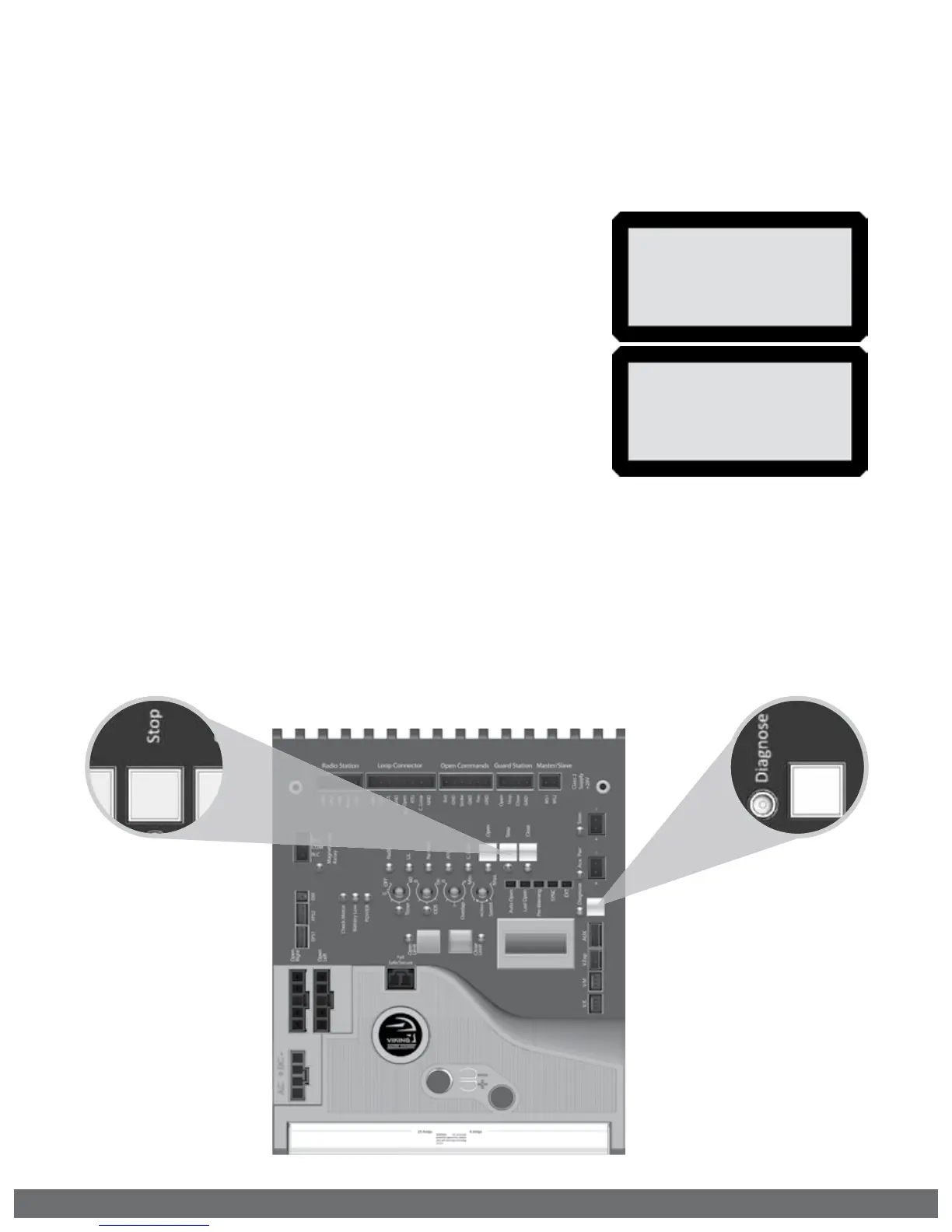
Use the “Diagnose” button to scroll through the LCD
menu to “HEATER CLS”
2.
Press and hold the “Stop” button on the control board.
3.
Press and release the “Diagnose” button to turn this
feature ON and OFF.
HEATER
OPN ON
To set the heater to turn on at the Open Limit:
1.
Use the “Diagnose” button to scroll through the LCD
menu to “HEATER OPN”
2.
Perform steps 2-3 as described above.
NOTE: If the application requires the gate to be held open for any reason, set the HEATER
ON for both limit positions.
! IMPORTANT: A POSITIVE STOP must be used on the gate at the limit position(s) the
HEATER has been set for.


 To Next Page