VIKING TECHNICAL SUPPORT 1.800.908.0884
20
LIMITS SETUP
Tip: Refering to Step 2b. The “Cam Holder” contains four (4) Guide Pin holes to allow for
proper positioning, if required, due to an altenative operator orientation.
STEP 2
At the “Limit Cam & Holder” assembly:
a.
Loosen screws on both of the “Limit
Switch Cams”.
b.
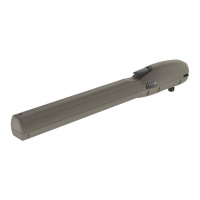
With the Articulating Arm and “Clutch”
installed, insure that the “Clutch Guide
Pin” is seated into one of the four
holes on the “Cam Holder”.
c.
Move the gate manually to the desired
closed limit position and adjust the
nearest Limit Switch Cam to actuate
the corresponding limit switch.
d.
Slight tighten the Limit Cam Screw.
e.
Repeat Step 2c & 2d for the desired
open limit position.
f.
Run the 2 full cycles before confirming
your limit settings. Adjust accoringly if
required.
1b
1a
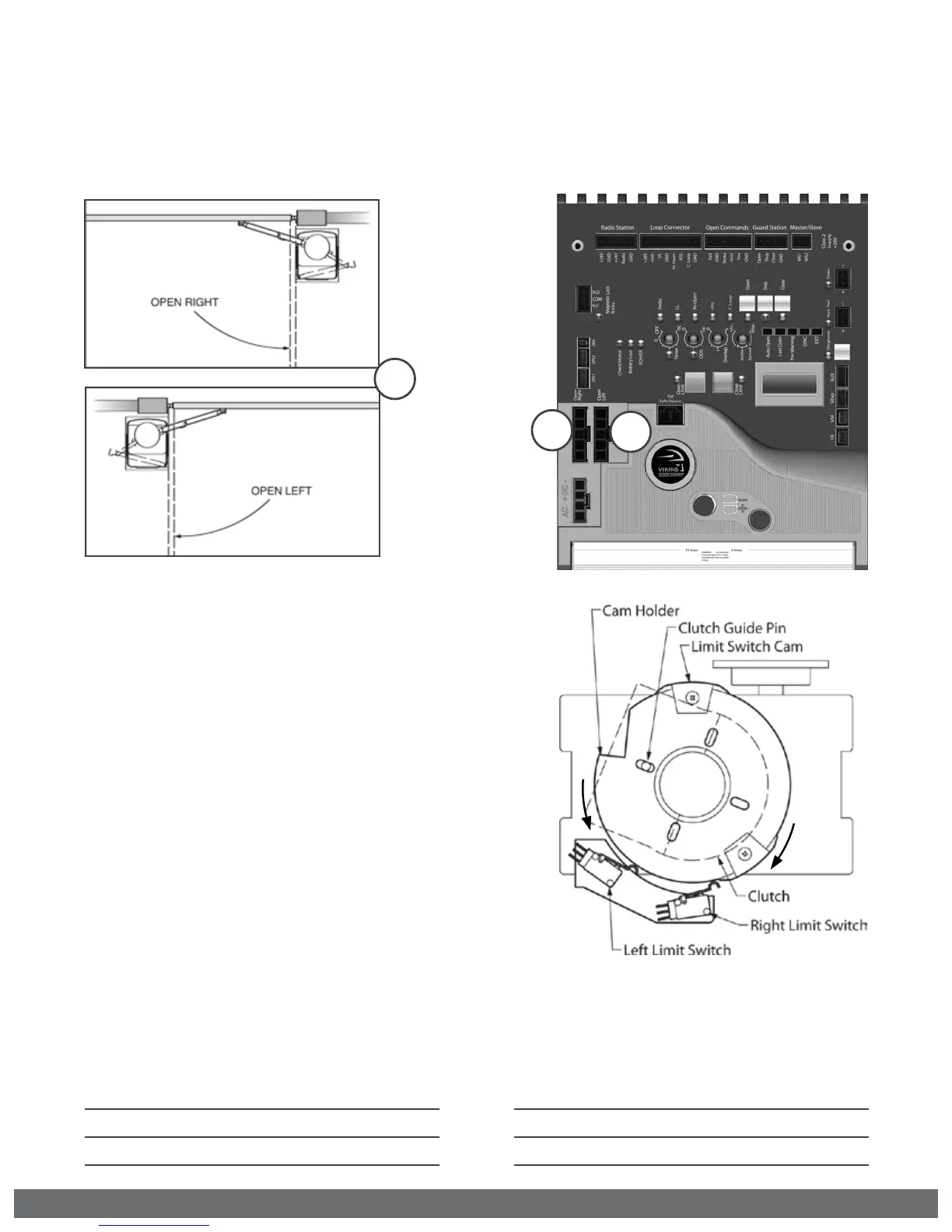
STEP 1 Connect the “Limit Switch Harness” to the Control Board.
a.
“OPEN RIGHT” Connector if the gate opens Right.
b.
“OPEN LEFT” Connector if the gate opens Left.
1
Gate OPENS to the LEFT
Left Limit Switch = Closed Limit
Right Limit Switch = Open Limit
Gate OPENS to the RIGHT
Left Limit Switch = Open Limit
Right Limit Switch = Closed Limit


 To Next Page