EasyManua.ls Logo

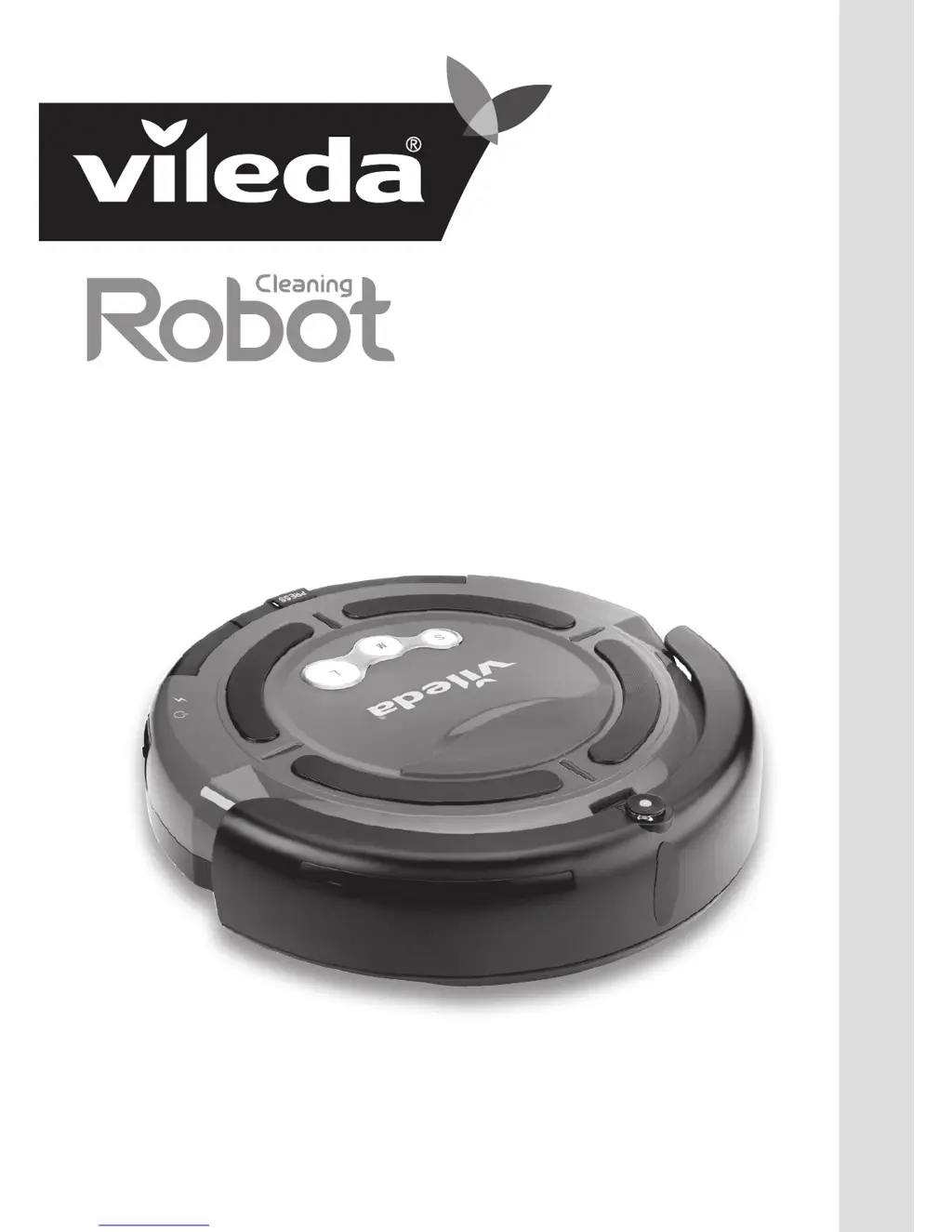
Vileda Cleaning Robot M-488A - User Manual

Vileda Cleaning Robot M-488A
20 pages
Print Icon
To Next Page IconTo Next Page
Loading...
M-488A Cleaning Robot
Owner’s Manual

Questions and Answers

  • D
    Dana RichAug 1, 2025
    What to do if my Vileda Vacuum Cleaner stops and all the light indicators turn on?
    • T
      Tammy GoodwinAug 2, 2025
      If your Vileda Vacuum Cleaner stops while cleaning and all light indicators are on, it indicates that the main brushes are blocked or jammed. You should: * Clean the main brushes. * Remove any obstructions. After doing so, restart the device.
  • K
    kathrynleeAug 7, 2025
    How to fix Vileda Vacuum Cleaner that only moves in circles?
    • L
      Leslie OliverAug 8, 2025
      If your Vileda Vacuum Cleaner is only moving in circles, it's likely that one of the wheels is blocked. Remove any hairs or dirt that may be obstructing the wheels.
  • E
    Elijah MirandaAug 13, 2025
    Why Vileda Vacuum Cleaner does not detect cliffs?
    • W
      William HernandezAug 13, 2025
      If your Vileda Vacuum Cleaner is not detecting cliffs or drops, the sensors are probably dirty. Wipe the dust away from the sensors using a dry cloth.
  • M
    maddoxamberAug 19, 2025
    What to do if my Vileda Vacuum Cleaner stops and the battery charge indicator is on?
    • H
      hannah32Aug 19, 2025
      If your Vileda Vacuum Cleaner stops and the battery charge indicator is illuminated, it's likely due to a low battery. The solution is to recharge the battery.
  • W
    William JohnsonAug 26, 2025
    Why is my Vileda Vacuum Cleaner battery not recharging?
    • C
      Cathy MillerAug 27, 2025
      There are a couple of reasons why your Vileda Vacuum Cleaner battery might not be recharging. First, the battery may not be installed correctly; reinstall it, ensuring you hear two beeps. Second, the charger might not be plugged in correctly. Make sure the charger is properly connected to both the outlet and the robot.

Summary

General Safety Warnings

Use Restrictions

Rules for operating the robot, including indoor use and not picking up wet or flammable items.

Personal Safety

Safety guidelines for children, animals, and users with reduced capabilities, and supervision requirements.

Electrical Safety Instructions

Precautions for using the charger, handling electrical components, and avoiding shock or fire hazards.

Battery Use and Care

Guidelines for safe handling, charging, disposal of NiMH batteries, and preventing short circuits or explosions.

Service

Instructions for checking wear, damage, and seeking authorized repairs to maintain safety and performance.

Part Location

Anatomy

Battery Charging & Recharging

Using the Product

Cleaning Modes

Cleaning System

Removing and Emptying the Dust Bin

Cleaning Dust Bin and Filter

Cleaning Main Brushes

Cleaning Vacuum Inlet Cover

Replacing Side Brush

Troubleshooting

Environmental and Product Recycling

Battery Removal

Technical Specification

Guarantee Information

Vileda Cleaning Robot M-488A Specifications

General IconGeneral
BrandVileda
ModelCleaning Robot M-488A
CategoryVacuum Cleaner
LanguageEnglish

Related product manuals