EasyManua.ls Logo

Vileda 0769-02 - User Manual

Vileda 0769-02
170 pages
Print Icon
To Next Page IconTo Next Page
Loading...
User & care guide • Bedienungsanleitung • Manuale d'uso e manutenzione • Ga de usuario y
cuidados • Manual de utilização e cuidados • Guide d'utilisation et d'entretien • Onderhouds- en
gebruikshandleiding • Bruksanvisning och skötselguide • Bruker og vedlikeholdsmanual •
Käyttö- ja hoito-opas • Instrukcja użytkowania i czyszczenia • Navodila za uporabo in nego •
ivatelská příručka • Užívateľská pručka • Vodič za korisnika i za njegu
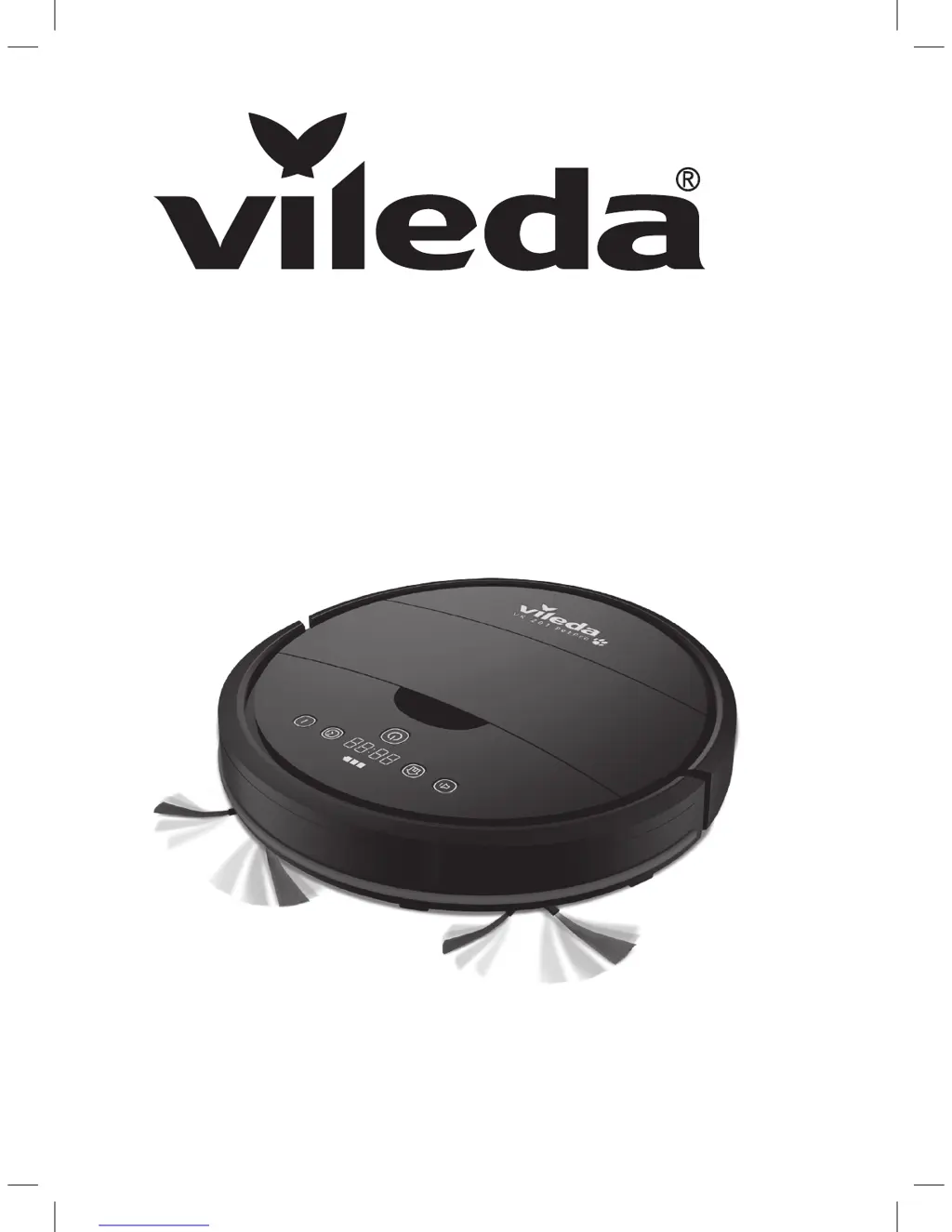
VR 201 PetProVR 201 PetPro
CLEANING ROBOT
Model No: 0769-02

Table of Contents

Questions and Answers

  • N
    Nicole SextonAug 5, 2025
    Why is my Vileda 0769-02 not running?
    • N
      Nicholas GutierrezAug 5, 2025
      Your Vileda Vacuum Cleaner might not be running because the battery is too low. Recharge the battery for 6 hours. Alternatively, the dust box may not be correctly inserted; ensure it is properly in place.
  • C
    Christopher HolmesAug 9, 2025
    What to do if Vileda 0769-02 has low or no suction?
    • W
      wilsonjacquelineAug 9, 2025
      If your Vileda Vacuum Cleaner has low or no suction, it could be due to a full dust box. Empty the dust box. Another possibility is that the filter is blocked with dirt; clean the filter with a brush. Also, check if the filter is missing and put it back in place if necessary.
  • P
    Peter RodriguezAug 13, 2025
    What to do if Vileda 0769-02 display shows the error code?
    • R
      Randall RossAug 14, 2025
      If your Vileda Vacuum Cleaner's display shows an error code, the main brush and side brushes could be blocked. Clean the main brush and side brushes as described in the chapter “Maintenance”. Alternatively, the front wheel and driving wheels might be dirty or blocked; clean these parts as described in the chapter “Maintenance”. Also, check if the charging contacts are dusty and clean them as described in the chapter “Maintenance”. Another reason may be dusty drop sensors, clean them as described in the chapter “Maintenance”. Finally, the fine dust filter could be blocked; clean it as described in the chapter “Maintenance”.
  • E
    Eric HallAug 18, 2025
    What does error code “L / various / various / various” mean on Vileda 0769-02 Vacuum Cleaner?
    • K
      Kevin JonesAug 18, 2025
      The error code “L / various / various / various” on your Vileda Vacuum Cleaner indicates that the motors are overloaded or jammed. Check if the fan opening is free and clean the dust box. Also, check if the wheels or brush unit are stuck or wired by obstacles.
  • M
    Meredith DavilaAug 22, 2025
    What does error code “E / various / various / various” mean on Vileda Vacuum Cleaner?
    • C
      Curtis DavisAug 22, 2025
      The error code “E / various / various / various” on your Vileda Vacuum Cleaner indicates that the device is off the ground. Put robot on solid ground. Another possible reason is jammed or dirty sensors. Clean bottom anti-drop sensor lens or clean front bumper sensor lens.
  • E
    Eric WoodsAug 26, 2025
    What does error code “A / U / B / N” mean on Vileda 0769-02?
    • K
      Kelly CookAug 27, 2025
      The error code “A / U / B / N” on your Vileda Vacuum Cleaner means the dust box is not correctly inserted. Remove and reassemble dust box in the robot.
  • G
    Gregory HernandezAug 30, 2025
    How to fix abnormal movement in Vileda Vacuum Cleaner?
    • W
      William GilmoreAug 30, 2025
      Abnormal movement in your Vileda Vacuum Cleaner may be caused by dirty wheels or drop sensors. Clean the wheels and drop sensors to resolve this issue.

Summary

Packaging Content & Quick Start Guide

Product Overview

General Warnings

Use Restrictions

Important safety guidelines for operating the robot.

Personal Safety

Safety precautions for users regarding the robot.

Electrical Safety Instructions

Guidelines for safe electrical operation and charging.

Battery Use and Care

Instructions for handling and maintaining the robot's battery.

Getting to Know VR 201 PetPro

Product Operation

Battery Charging & Recharging

Information on charging the robot's battery and status indicators.

Turning On and Off

Instructions for powering the robot on, off, and entering standby/sleep modes.

Maintenance

Troubleshooting

Environmental and Product Recycling

Product Specification

Vileda Product Guarantee

Terms

Conditions and requirements for Vileda product guarantee service.

Exclusions and Limitations

Limitations and exclusions to the Vileda product guarantee.

Your Legal Rights Reserved

Information on customer legal rights related to the product.

Your Guarantor

Details of the Vileda product guarantor and contact information.

Vileda 0769-02 Specifications

General IconGeneral
BrandVileda
Model0769-02
CategoryVacuum Cleaner
LanguageEnglish

Related product manuals