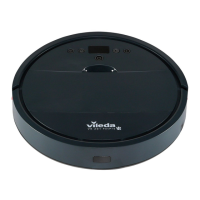
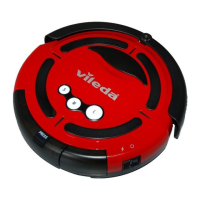
BATTERY REMOVAL AND REPLACEMENT
Only use a replacement battery as supplied by Vileda.
• Make sure the device is switched off at the main switch
• Remove the screws on the battery cover with a screw driver
• Remove the battery cover
• Lift the battery and remove it from the housing
• Unplug the wire connector that links the battery and robot
5. TROUBLESHOOTING
Problem Possible reason Possible solution
Robot is not running • Battery is too low
• Dust box is not inserted
(correctly)
• Recharge the battery for 6
hours
• Insert the dust box
Low or no suction • Dust box is full
• Filter is blocked with dirt
• Filter is missing
• Empty dust box
• Clean the filter with brush
• Put filter back in place
Abnormal movement • Wheels are dirty
• Drop sensors are dirty
• Clean wheels
• Clean drop sensors
Low battery after charging or no
charging possible
• Battery connection is not good
• Charger or battery is defective
• Contact the Vileda service
(address see last page)
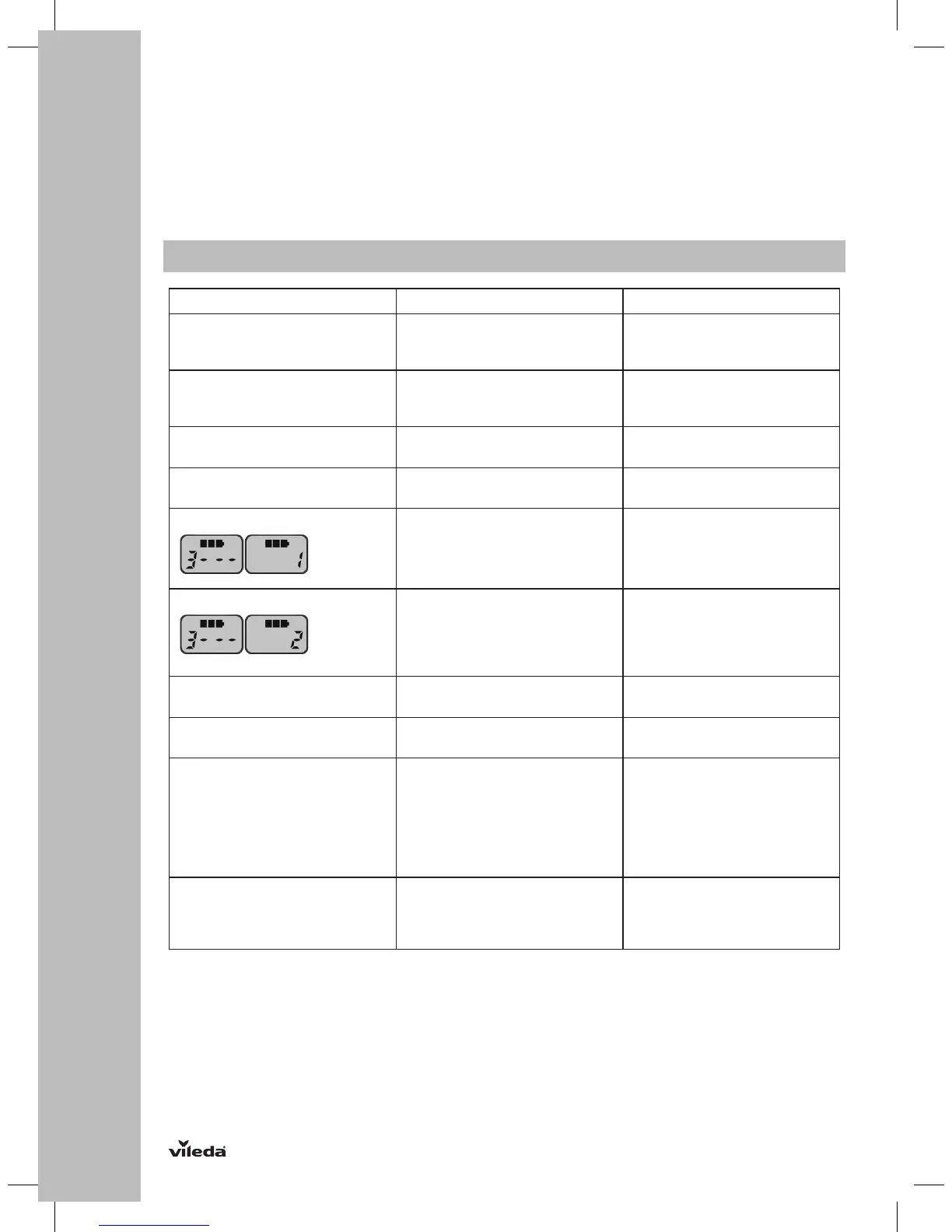
Display shows the error code • Main brush and side brushes
are blocked
• Clean main brush and
side brushes as described in
the chapter “Maintenance”
Display shows the error code • Front wheel and driving wheels
are dirty/blocked
• Charging contacts are dusty
• Drop sensors are dusty
• Fine dust filter is blocked
• Clean the respective parts as
described in the chapter
“Maintenance”
Error code
“A / U / B / N”
• Dust box not (correctly) inserted • Remove and reassemble
dust box in the robot
Error code
“E / r / r / o”
• Battery connection is not good. • Contact the Vileda service
(address see last page)
Error code
“E / various / various / various”
• Device off the ground
• Sensors jammed or dirty
• Put robot on solid ground
• Check sensitivity of the front
bumper
• Clean bottom anti-drop
sensor lens
• Clean front bumper sensor lens
Error code
“L / various / various / various”
• Motors overload or jammed • Check if fan opening is free
and clean dust box
• Check if wheels or brush unit
is stuck or wired by obstacles
If above described solutions do not work, please try switching off and on and check again.
For further help, technical advice, or to order spare or replacement parts contact Vileda (address see
last page).


 To Next Page
 Loading...