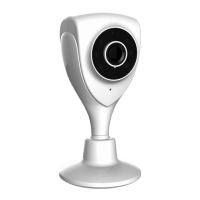
CM1 USER MANUAL
34
If you are using Internet Explorer, please make sure ActiveX is on. You may
need to modify the browser's security settings to allow ActiveX plug-in installed.
If you are using Internet Explorer versions earlier than 7.0, you need to upgrade
your Web browser.
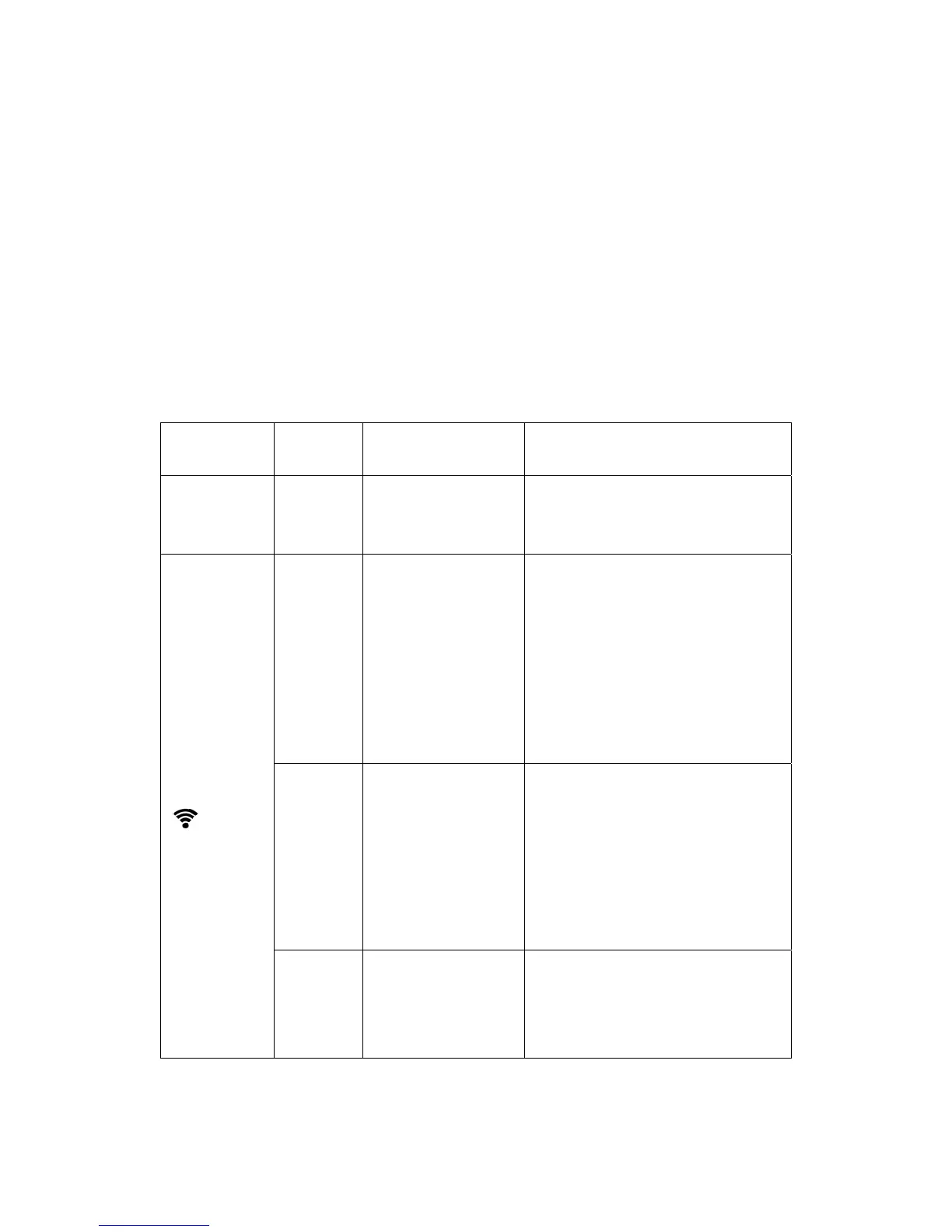
8). Troubleshooting, LED status indication:
Indicator LED
status
Status Description Troubleshooting
POWER
(power
indicator)
Red light
Normally on
Power supply is
normal
If light is not lit, check the power
supply is damaged or the camera
hardware failure, requiring repair.
STATE1/STA1
(
)
(OFF
Wifi was disabled by
the user or wifi
hardware failure
1. Press RESET for 5 seconds to
restore the factory settings.
2.Make camera with wired Ethernet
connection, after landing, in the
"Manage" -> "Network" ,make WIFI
enabled;
3. Camera hardware failure, requiring
repair.
Red light
Normally on
WIFI router is trying
to connect
1. Verify WIFI router is good;
2. Try the camera placed from
somewhere near WIFI router and
then reconnect the power.
3.
Restart WIFI routers and cameras;
4.
Camera hardware failure, requiring
repair.
Red
Flashing 2
times
Is connected to the
router, is trying to
obtain an IP address
through DHCP
1. Please make sure your router's
DHCP server is enabled.
2. Try to restart the router.
3.
Manually assign a WIFI router to


 To Next Page