22
Vincent
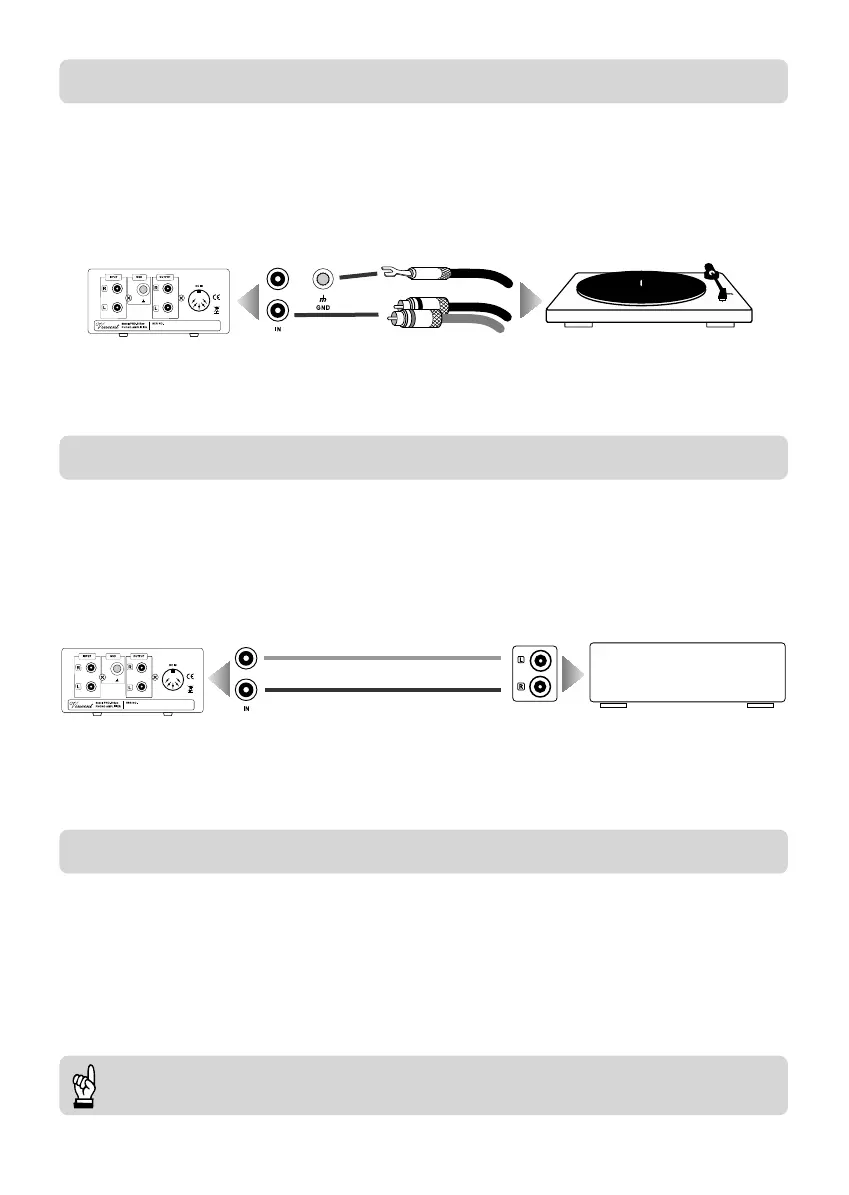
CONNECTION OF THE RECORD PLAYER (TURNTABLE)
CONNECTION OF THE AMPLIFIER
CONNECTION OF THE POWER SUPPLY
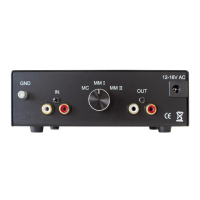
Connect the audio cable of the record player to the RCA sockets “INPUT” (8) of the PHO-300.
Establish a tight connection of the grounding cable at the clamp “GND” (9). Some record players are not
equipped with a separate grounding cable.
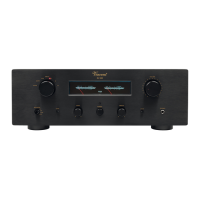
Connect the output sockets “OUTPUT” (10) of the PHO-300 to a standard line level input of your integra-
ted amplifier or preamplifier. These inputs are in most cases named “CD”, “TUNER”, “AUX”, “S1” or
“LINE1”. Do never connect an amplifier input that is named “PHONO”!
The purpose of the PHO-300ps is to convert the mains alternating power to a low DC voltage that is more
appropriate to supply the phono preamplifier PHO-300. So in the first place both devices must be inter-
connected using the supplied 5pin DIN cable (with DIN-180°plugs) (7)(11). Check whether the wall mains
socket provides the appropriate mains power. After all other cable connections have been made push the
plug of the supplied power cable firmly into the power socket (5) on the back of the appliance. Plug the
other end of the power cable into a mains socket.
Always switch on the PHO-300 before you switch on the amplifier/preamplifier!
PHO-300
integrated amplifier,
preamplifier or receiver
LINE IN
RCA connection
RCA-connection
PHO-300
BDA - PHO-300_17.qxp_Bedienungsanleitung 13.11.19 14:55 Seite 22


 To Next Page