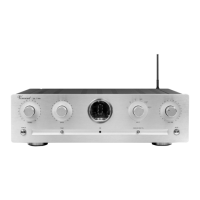
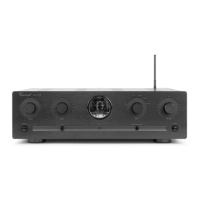
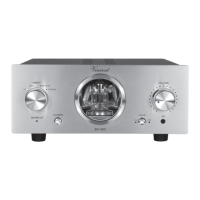
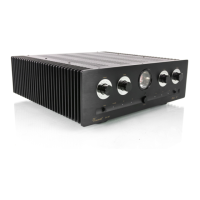
Vincent
21
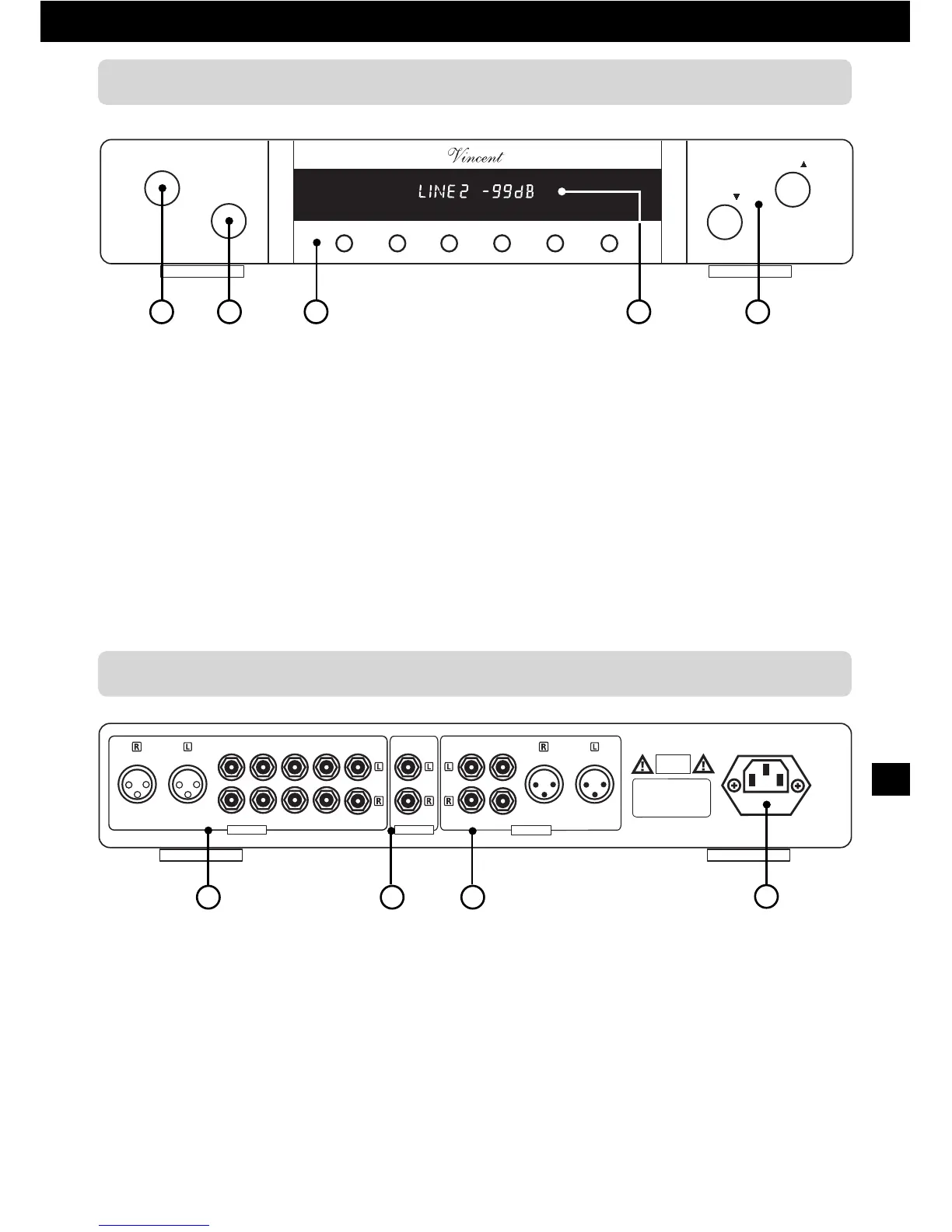
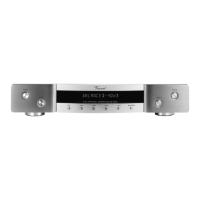
1. Power: Power switch
Switches the appliance on and off.
2. Mute: Touch button for the muting
of the pre-amplifier output
Press it to mute your system loudspeakers
or headphones.
3. Input push buttons
To select the input source audible from your
Hi-Fi system.
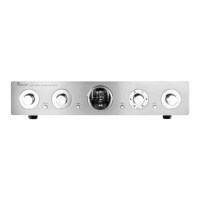
6. Input: Terminal for up to six
Audio sources (1xXLR 5xRCA)
Connect the signal cables coming from
your source devices here.
7. REC Output: Connectors dedicated to
recording device (Cinch)
If desired, connect for example an audio
recording device
(CD-Recorder, tape recorder etc.).
8. Output: Terminal for Pre-amplifier
Output (1xXLR, 2xRCA)
One or more main amplifiers can be
connected here.
9. AC power connector and fuse holder
To establish the power supply, connect the
plugs of the power cable to the device and
to a 230V AC wall outlet. The small plastic
housing beneath the plug opening holds
the fuse. Refer to the security precautions.
4. 13 digit VFD display
Indicates selected input source, present
volume setting and other functions.
5. Level
and Level
:
Volume push buttons
Control the level of the output signal and
thus the volume of loudspeakers and head-
phones in your system.


 To Next Page