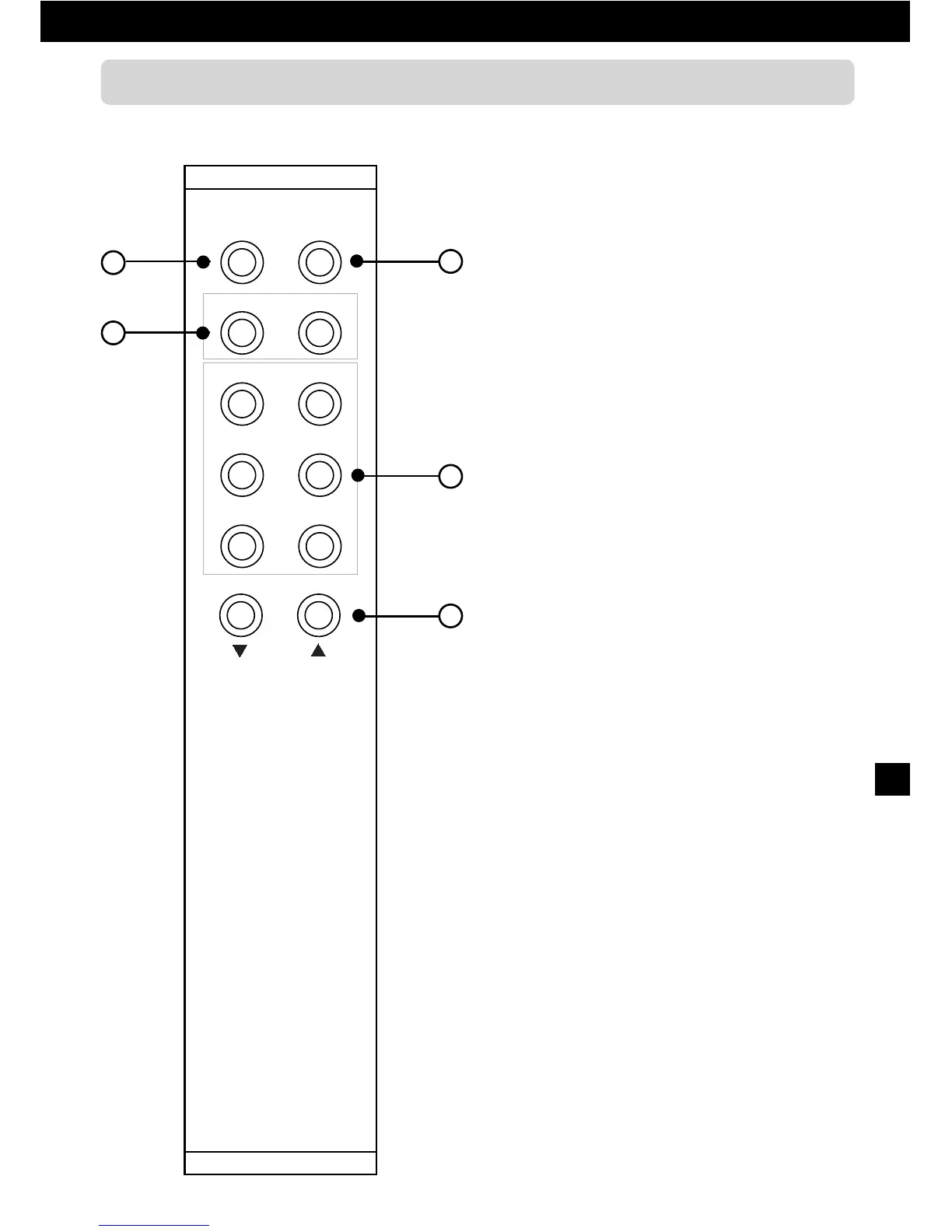
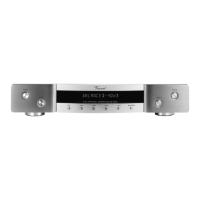
1. Mute: Push button for the
volume muting
Press it to mute your system loudspeakers
or headphones (as an effect to muting the
output signal).
2. Gain: Push button for -10dB
attenuation of Pre Out signal
Should only be activated for main
amplifiers with high sensitivity.
3. Bal L and Bal R: Push buttons for
volume balance
Set the volume difference between right and
left channel if needed
4. Input selection push buttons
To select the input source audible from
your Hi-Fi system.
5. Level
und Level
: Volume buttons
Control the level of the output signal and
thus the volume of loudspeakers and head-
phones in your system.
1
3
2
4
5


 To Next Page