Activate HEXA
Download the HEXA App to activate HEXA
In order to activate your HEXA, you must first download the HEXA App. You
will then be guided through setup/register. The activation requires a Wi-Fi
network with internet connection for your HEXA and mobile device.
Instructions for activating HEXA
1. Download HEXA App.
Upon downloading, you will be guided through setup and on-boarding. You must have a Wi-Fi
network to provide an internet connection for both your HEXA and mobile device during
initial setup.
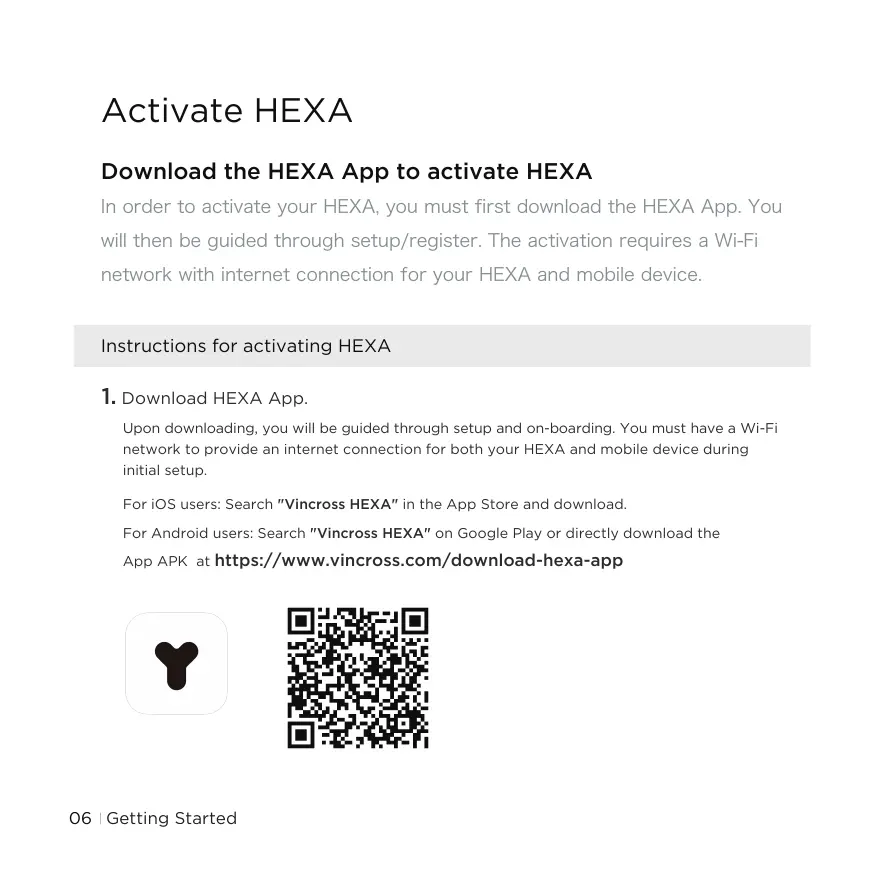
For iOS users: Search "Vincross HEXA" in the App Store and download.
For Android users: Search "Vincross HEXA" on Google Play or directly download the
App APK at
https://www.vincross.com/download-hexa-app
Getting Started06



 To Next Page