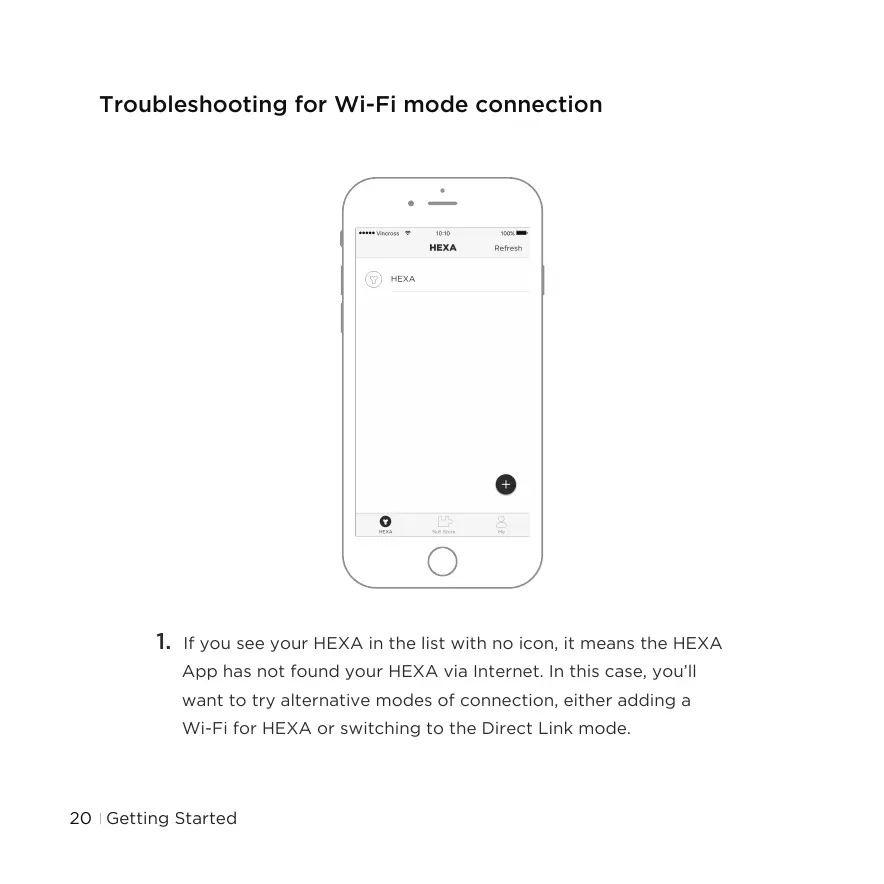
1. If you see your HEXA in the list with no icon, it means the HEXA
App has not found your HEXA via Internet. In this case, you’ll
want to try alternative modes of connection, either adding a
Wi-Fi for HEXA or switching to the Direct Link mode.
Troubleshooting for Wi-Fi mode connection
Getting Started20



 To Next Page