How to connect to HEXA using Direct Link mode
Use Direct Link mode to connect to
HEXA
Direct Link mode is designed for outdoor use or for environments where
no Wi-Fi network exists. Under Direct Link mode, HEXA becomes a Wi-Fi
hotspot. Once your mobile device connects to this hotspot, it can connect
to HEXA through the HEXA App.
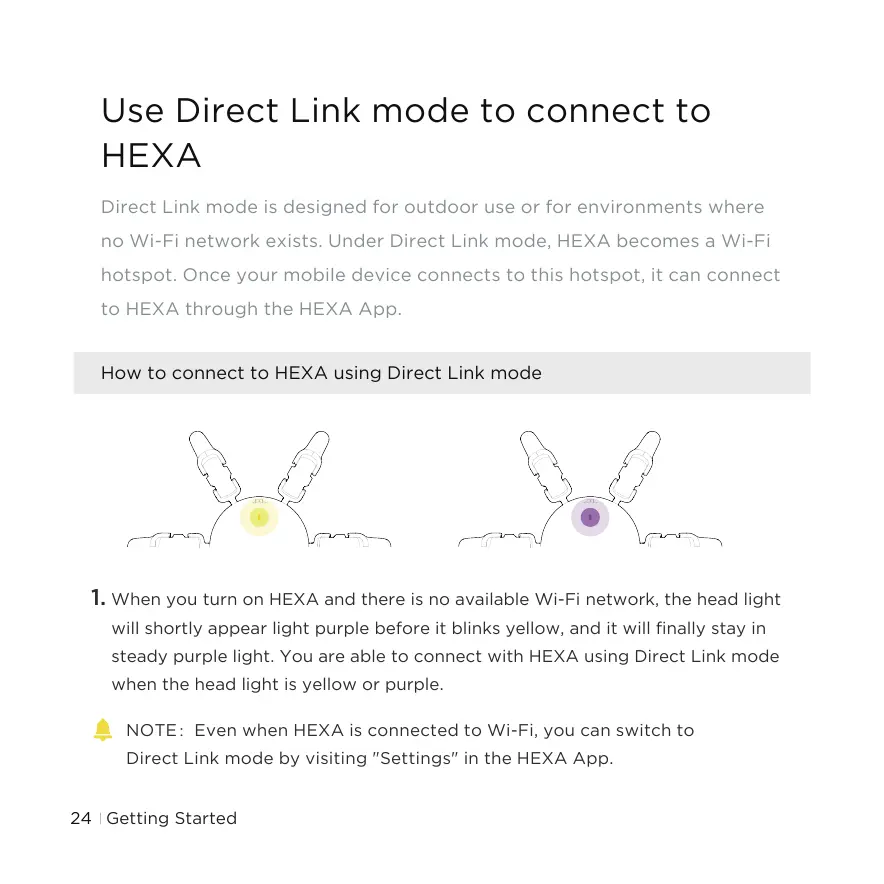
1. When you turn on HEXA and there is no available Wi-Fi network, the head light
will shortly appear light purple before it blinks yellow, and it will finally stay in
steady purple light. You are able to connect with HEXA using Direct Link mode
when the head light is yellow or purple.
NOTE:Even when HEXA is connected to Wi-Fi, you can switch to
Direct Link mode by visiting "Settings" in the HEXA App.
Getting Started24



 To Next Page