Simulator Kit
Can you design new motions for HEXA without any coding experience? The
answer is YES! With Simulator Kit, you can synchronise a motion sequence in
real HEXA.
1. Using your computer, download HEXA Simulator from Vincross ocial site at
https://www.vincross.com/en/download-hexa-simulator
Both Mac and PC version are available.
2. HEXA and your Mac/PC computer must be connected to the same Wi-Fi
network, or your Mac/PC already must be connected HEXA’s Wi-Fi hotpot in
Direct Link mode.
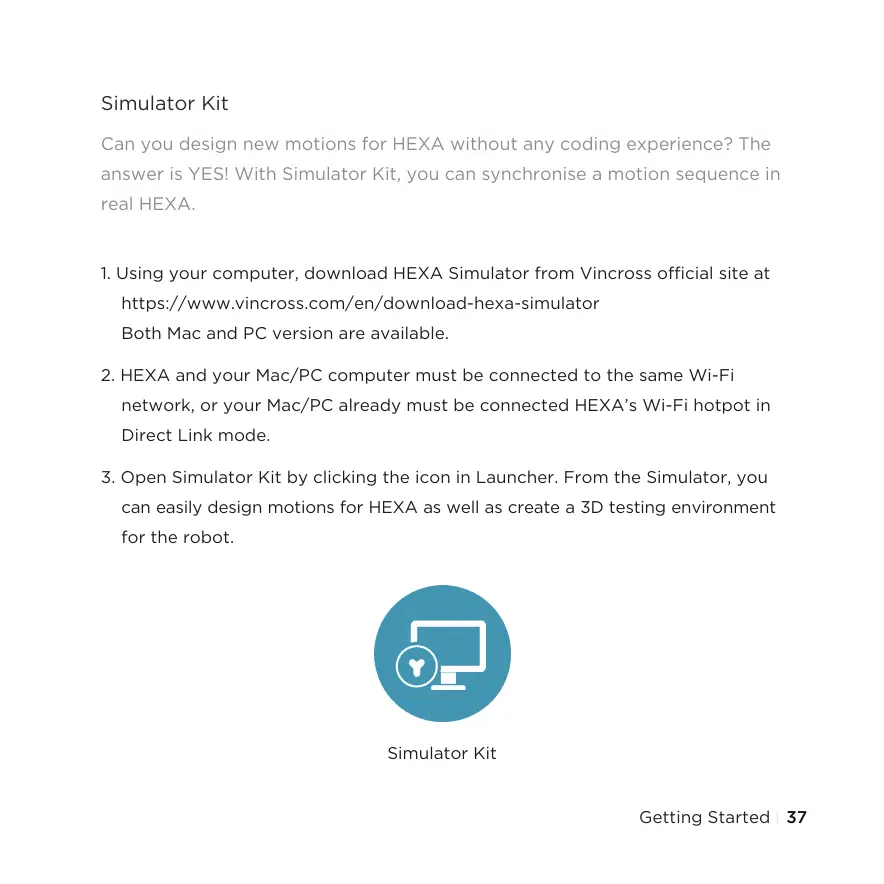
3. Open Simulator Kit by clicking the icon in Launcher. From the Simulator, you
can easily design motions for HEXA as well as create a 3D testing environment
for the robot.
Simulator Kit
Getting Started 37



 To Next Page