Review and Control on Smartphone
The VIOFO app allows you to control your camera remotely by using
a smartphone. Features include full camera control, live preview,
playback and video recording.
Turn on the Wi-Fi in the menu or long press the [ ] button.
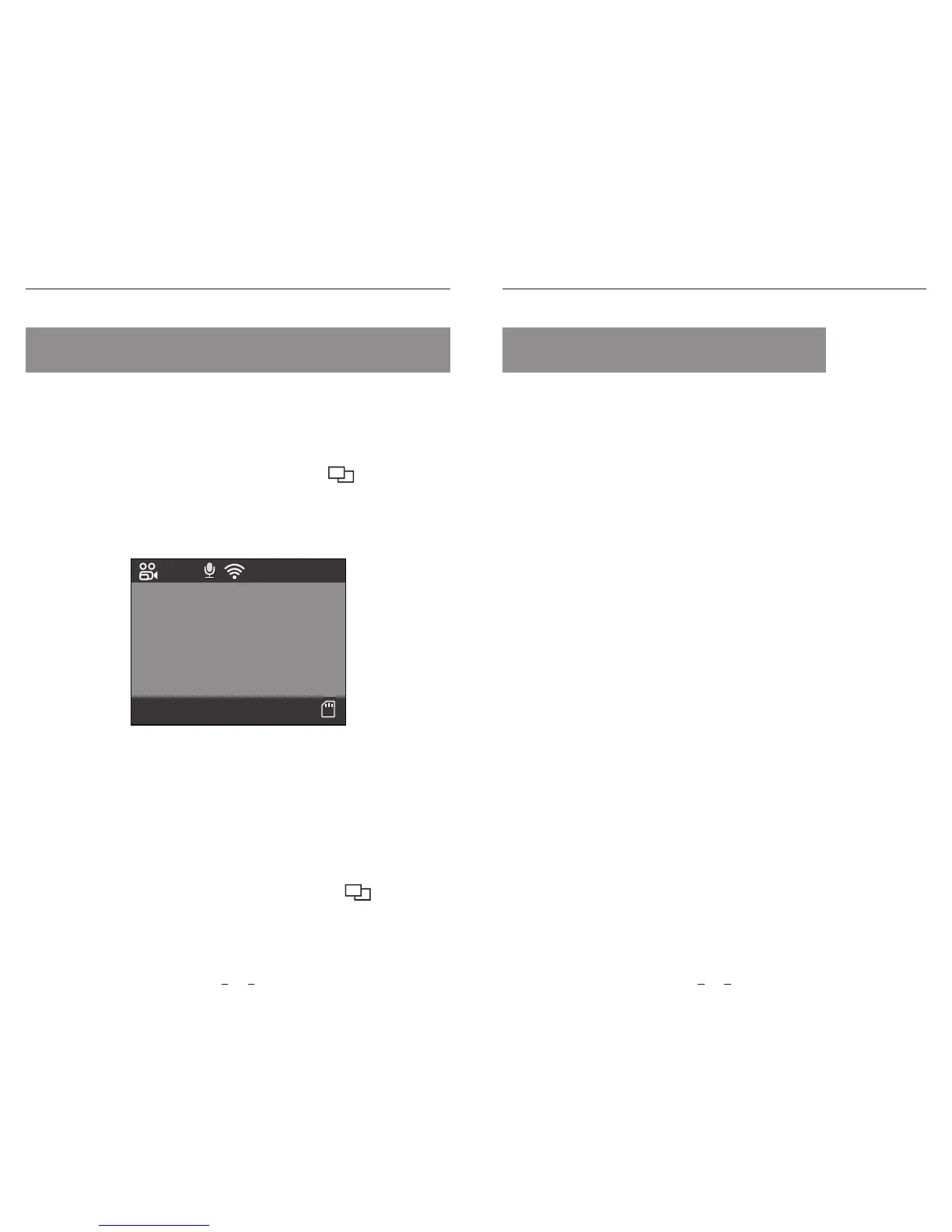
When the Wi-Fi is on, a Wi-Fi status icon and the password appear on
the camera LCD screen.
Enable Bluetooth in the menu, and press the remote control for 3
seconds to pair with camera.
With the Bluetooth remote control mounted in a convenient location
on your dashboard, you can safely protect important videos from
being overwritten, without needing to take your eyes o the road.
Bluetooth Remote Control
Review and Control on Smartphone Bluetooth Remote Control
23 24
Connecting the camera to a smartphone
• Open the Google play store on an Android device or Apple app
store on an iOS device.
• Download and install VIOFO APP.
• Run VIOFO APP.
• Turn on the Wi-Fi in the menu or long press the [ ] button.
• On VIOFO app, follow app instruction to connect with camera.
SSID: VIOFO-A129-*****
PWD: 12345678
2018/04/22
08:25:10
00:00:08
1080P60


 To Next Page