Product Overview Product Overview
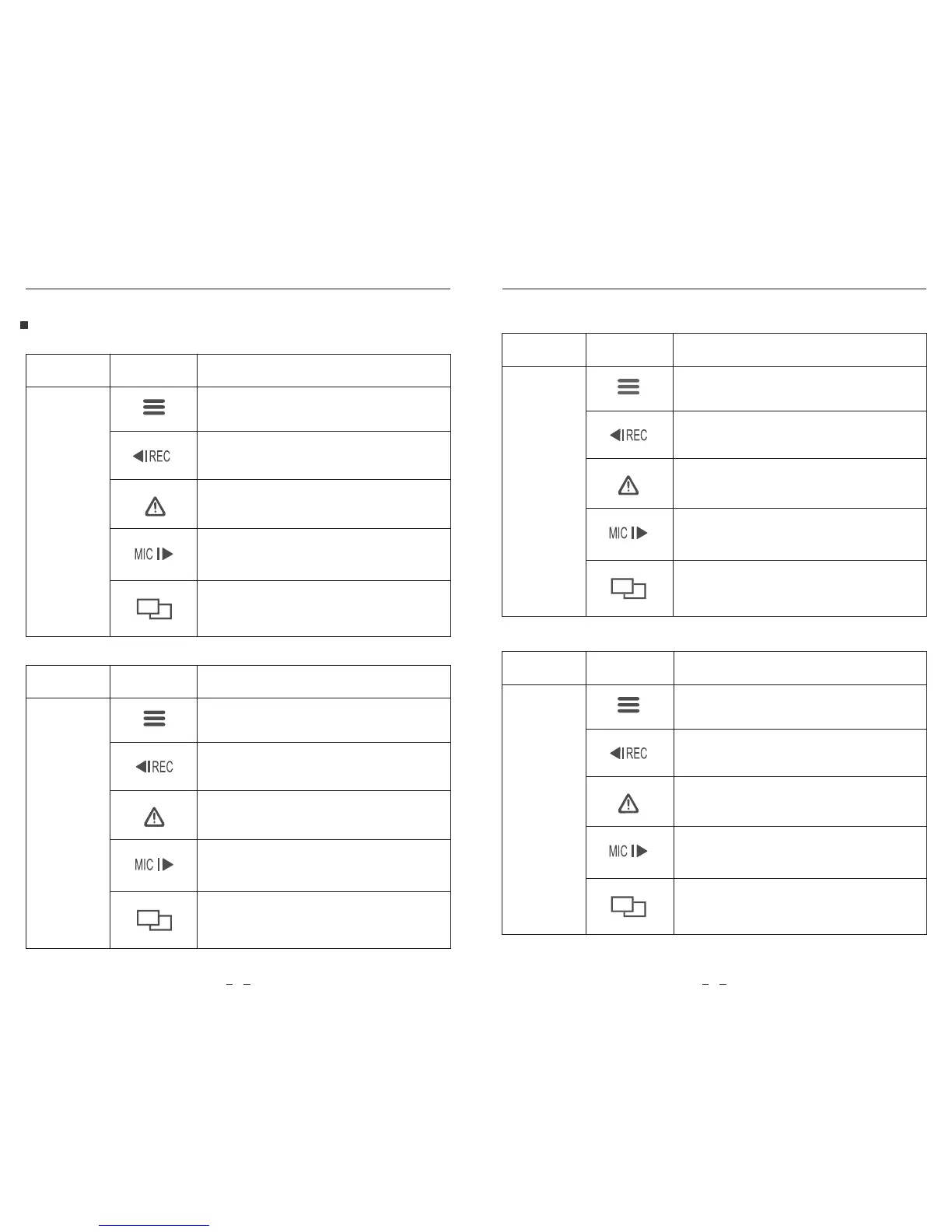
ButtonsMode
Standby
Mode
(Not Recording)
Behavior
Click once to enter the menu
Click once to start recording
Long press to enable the Wi-Fi
Buttons and Icons
To enter playlist
Click once to enable / disable audio
recording
ButtonsMode
Recording
Mode
Behavior
Click once to take a video snapshot
Click once to stop recording
Click once to lock the file being
recorded
Click once to enable / disable
audio recording
Click once to toggle screen view
ButtonsMode
Setting
Menu
Mode
Behavior
Return to previous menu / Exit
setting menu
Menu up
Enter / Confirm
Menu down
N / A
Buttons
Mode
Playlist
Mode
Behavior
Back to previous menu / Stop playback
Menu up / Change playback speed /
Delete the video
Menu down / Change playback speed
/ Lock current / Unlock current
N / A
Select the current / Play / Pause
7 8



 To Next Page