Maintenance
11
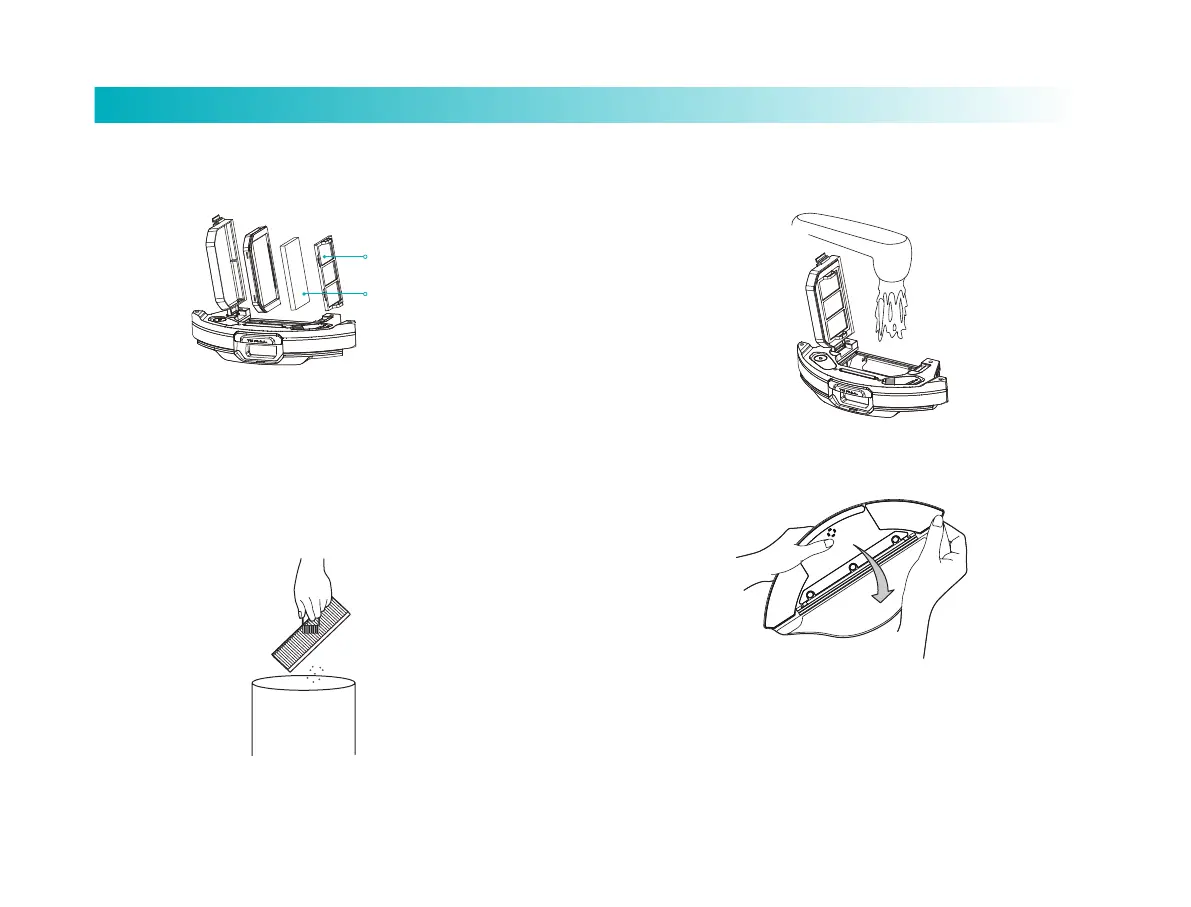
3. Remove the Filter screen.
4. Clean the filter screen and clamp with cleaning brush.
Filter screen clamp
Filter screen
5. Fill the Dust Compartment with water, shake it and then empty
it. Repeat this process till it is clean.
6. Turn the tank over and remove mop for cleaning or replace it.
Tips:
1. Clean the mop regularly, since contaminated mop will impair
sweeping performance.
2. Be sure to remove the mop and clean, and then dry it by twisting. Do
not clean it with it mounted to tank, which may cause damage to
the tank.
3. It is recommended to replace main brush every 1-2 months to
ensure proper cleaning performance.



 To Next Page