Operation Instructions How to connect to Wi-Fi
09
5. Long press buon for 3 seconds to switch the
robot on, and then short press buon to recharge it.
The robot will be ready for operation when recharged fully.
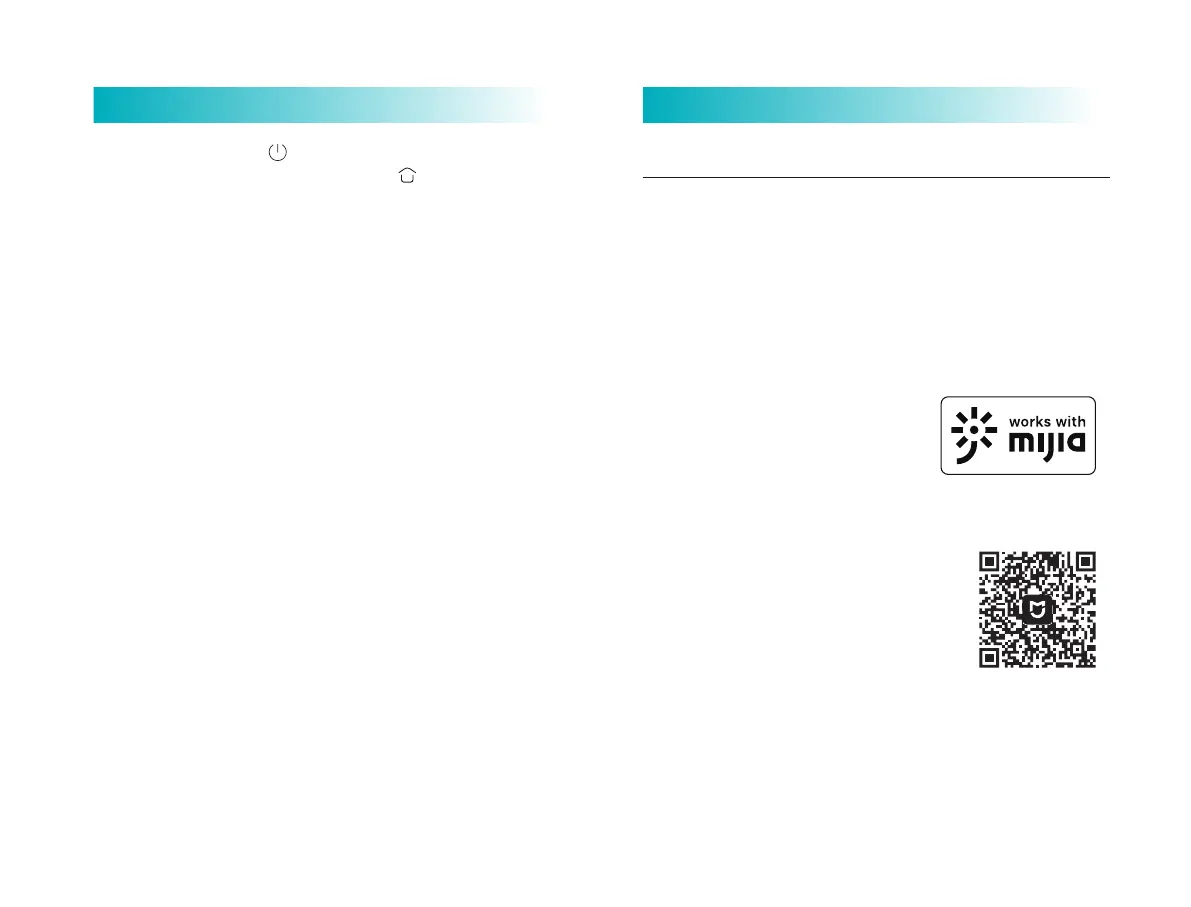
Connect to Mijia App
This product works with Mijia app. Control your device, and
interact it and other smart home devices with Mijia app.
Notes: As Mijia App is subject to improvement and update
from time to time, the actual operations may vary from what
is described above. Please perform your operations by
following the instructions in current Mijia App.
Aention: "works with Mijia" validates
in soware level only. MIUI and Mijia is
not responsible for the enterprise and
its production, standard implementa-
tion, quality supervision and other
aspects of the product.
Scan the QR code to download and install
the app. You will be directed to the connec-
tion setup page if the app is installed
already. Or search "Viomi mall/Mijia" in the
app Store to download and install it. Open
the app, tap"+" on the upper right, and then
follow prompts to add your device.
Note:
1. The robot cannot be switched on in case of low baery level. In such case, first
recharge it.
2. In case of low baer level during sweeping, the robot will go to charging dock
for recharging automatically, and then return to the interruption point to
resume cleaning.
3. For the initial use, there may be a very lile water in the tank, which is residual
test sample and at normal condition, and you can use it at ease.
4. Before performing cleaning, please make sure the 2-in-1 dust compartment
with water tank has been well installed on the robot as well as the filter screen
and filter screen clamp of the 2-in-1 dust compartment with water tank have
been installed.
5. Please close the top cover of the automatic dirt disposal before dirt disposal is
performed.
6. Please check whether dust duct is blocked and remove any foreign maer if
the dirt disposal process is abnormal.
6. The robot will return to automatic dirt disposal base
aer operating for more than 1 minute, and start clear-up
process automatically.
The automatic dirt disposal function can be turned on or
off via the APP seings. Aer the automatic dirt disposal
function is turned off, the automatic dirt disposal will not
performed when robot returns to the automatic dirt
disposal base.



 To Next Page