Product Introduction
05
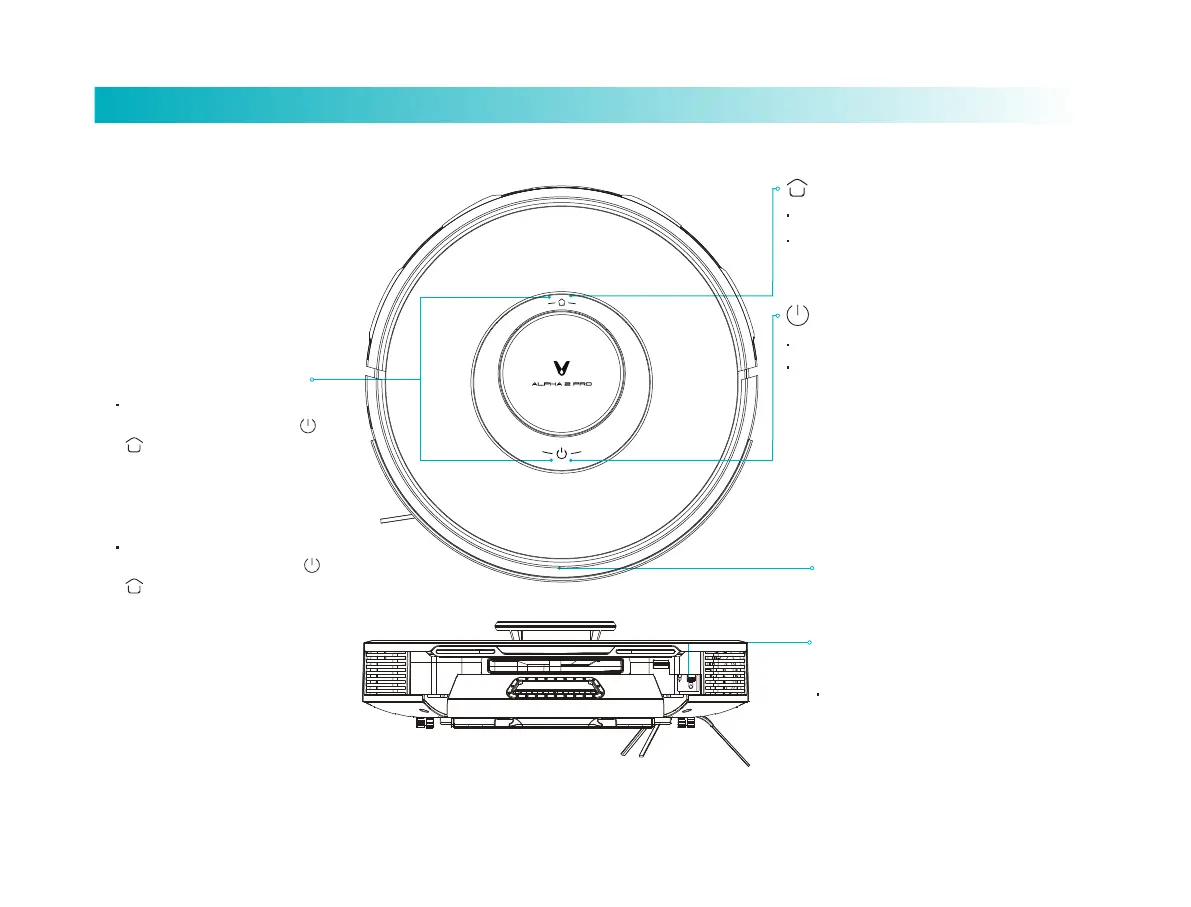
Reset buon: for
forcible shutdown.
Short press to switch off
IR sensor
Short press the buon to start/pause cleaning
Long press the buon for 3 seconds to power on/off
White glimmers: robot standby
White: working/pause/full baery
Slowly blinking white: network connecting
Blinking orange: recharging/charging/disposing dirt
Slowly blinking orange: low baery/malfunction
The LED indicator off: indicating power-off/sleep
Network Configuration
When the robot is power-on,
simultaneously press down and hold
and keys for 3 seconds till a voice
prompt “Activate network configuration”
is given, and then release them to
activate network configuration.
When the robot is power-on,
simultaneously press down and hold
and keys for 10 seconds till a voice
prompt "Robot is going to restore
factory seings" is given, and keep
holding the keys for 10 seconds till a
voice prompt "Robot has restored
factory seings successfully" is given. A
reboot is needed aer the restoration.
Power on/off, Global cleaning
Smart recharging
Short press the buon to start smart recharging.
Long press for 5 seconds to enable pair mode



 To Next Page