EasyManua.ls Logo

Viotek GFV22CB - User Manual

Viotek GFV22CB
20 pages
Print Icon
To Next Page IconTo Next Page
Loading...
GFV22CB
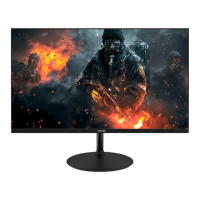
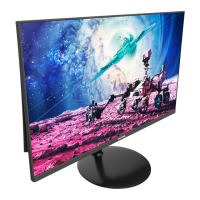
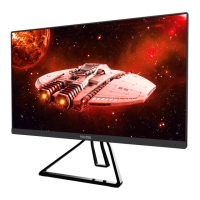
21.5" GAMING MONITOR
USER MANUAL
In order to continue serving our customers and providing the best products, our product information
including our user manuals may receive updates from time to time. Please check our website for the
latest user manuals and product materials.
Question and Answer IconNeed help?

Do you have a question about the Viotek GFV22CB and is the answer not in the manual?

Summary

Section 1: Safety Precautions

Section 2: Box Contents

Section 3: Product Overview

3.1 - Monitor Buttons

Details physical buttons for navigation and control.

3.2 - Monitor Ports

Describes various input and output ports on the monitor.

Section 4: Stand Installation

Section 5: Wall Mounting

Section 6: Basic Operation

Section 7: Indicator Light

Section 8: OSD Setup

8.1 - OSD Menu Functions

Details all available functions within the OSD menu for monitor settings.
Section 9: ECO Modes and Gameplus

Section 10: Troubleshooting

Section 11: Specifications

Section 12: One-Year Limited Hardware Warranty

Declaration of Conformity

Summary

Section 1: Safety Precautions

Section 2: Box Contents

Section 3: Product Overview

3.1 - Monitor Buttons

Details physical buttons for navigation and control.

3.2 - Monitor Ports

Describes various input and output ports on the monitor.

Section 4: Stand Installation

Section 5: Wall Mounting

Section 6: Basic Operation

Section 7: Indicator Light

Section 8: OSD Setup

8.1 - OSD Menu Functions

Details all available functions within the OSD menu for monitor settings.

Section 9: ECO Modes and Gameplus

Section 10: Troubleshooting

Section 11: Specifications

Section 12: One-Year Limited Hardware Warranty

Declaration of Conformity

Viotek GFV22CB Specifications

General IconGeneral
BrandViotek
ModelGFV22CB
CategoryMonitor
LanguageEnglish

Videos

How to set up Viotek monitor GFV22CB?

Related product manuals