13
• Reconnect and ensure your video cable is secure.
The monitor needs cleaning
• Make sure the monitor has been powered off before cleaning.
• Always use soft, non-abrasive cloth when cleaning.
• Use dry, non-abrasive cloth to gently remove debris or dust.
• If necessary, lightly dampen a non-abrasive cloth with water and gently clean the
surface.
• Never use alcohol or ammonia-based cleaning solutions.
• Never spray liquid directly onto any part of the monitor.
The indicator light does not work
• Check that the power is on.
• Check that the power line connected with power.
Cannot plug and play.
• Ensure the monitor is compatible with PC.
• Ensure the graphics card is compatible with the monitor.
• Check that the pins in the interface are not curved.
Dim image
• Adjust the brightness and contrast ratio.
Image jitter/moire pattern
• Nearby electric equipment may interfere with the monitor.
Light indicator is on or flashing, but there is no image displayed on screen
• Check that the monitor power is on.
• Check that the graphics card is installed properly.
• Check that the signal line connects securely with the monitor.
• Check that the pins in the interface are curved.
Color shortage (red, green, or blue)
• Inspect if the pins in the interface are curved.
Image position is not centered/the size is not right
• Please adjust Clock or Auto setting.
Color difference (colors are not optimized)
• Adjust RGB color or reset color temperature.
Section 11: Specifications
Item Detail
Model Number NBV24CB
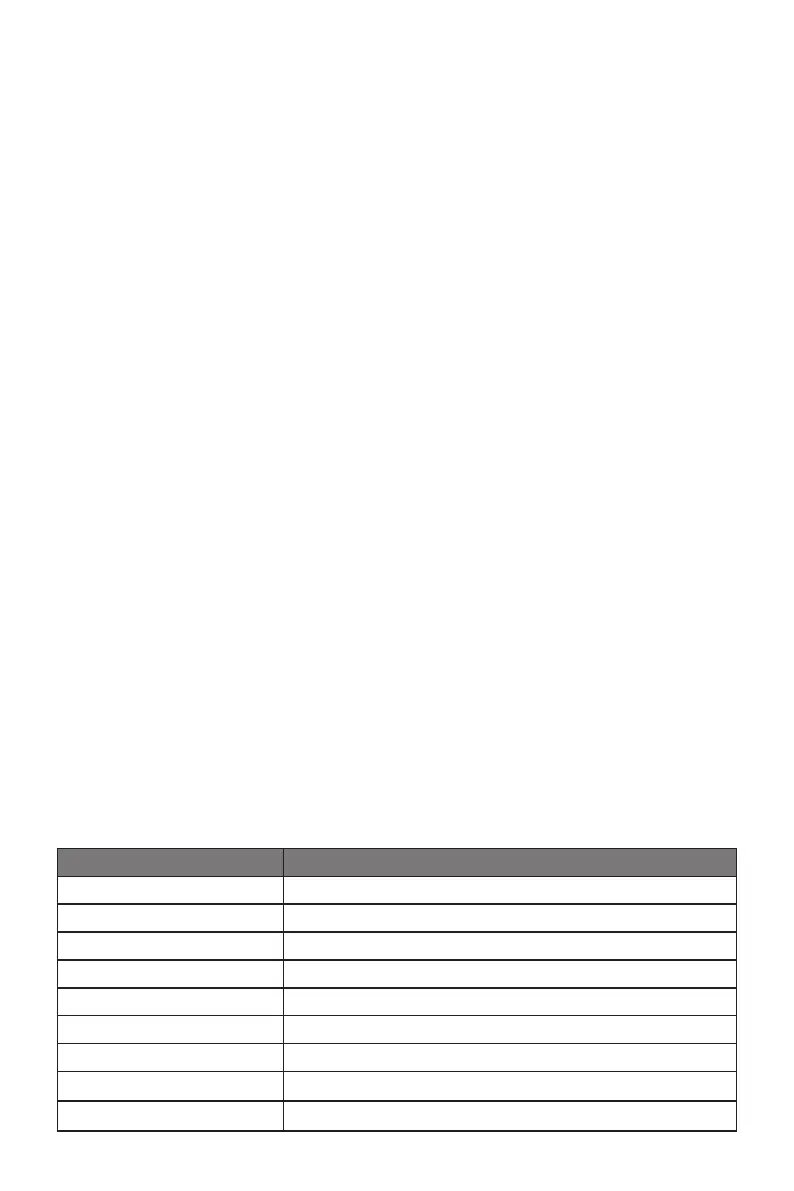
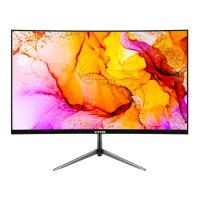
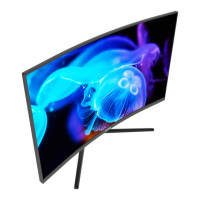
Screen Size 23.6’’
Curvature 1500R
Viewing Angle 178°(H) / 178°(V)
Aspect Ratio 16:9
Resolution 1920x1080p
Refresh Rate 60Hz (75Hz OC)
LED Indicator Power on: Blue (solid); Power saving: Blue (ashing)
Brightness Typical: 220 cd/m
2
; Max: 250cd/m
2


 To Next Page