11
© 2019 Directed. All rights reserved. 500-0092-01 (R1.0)
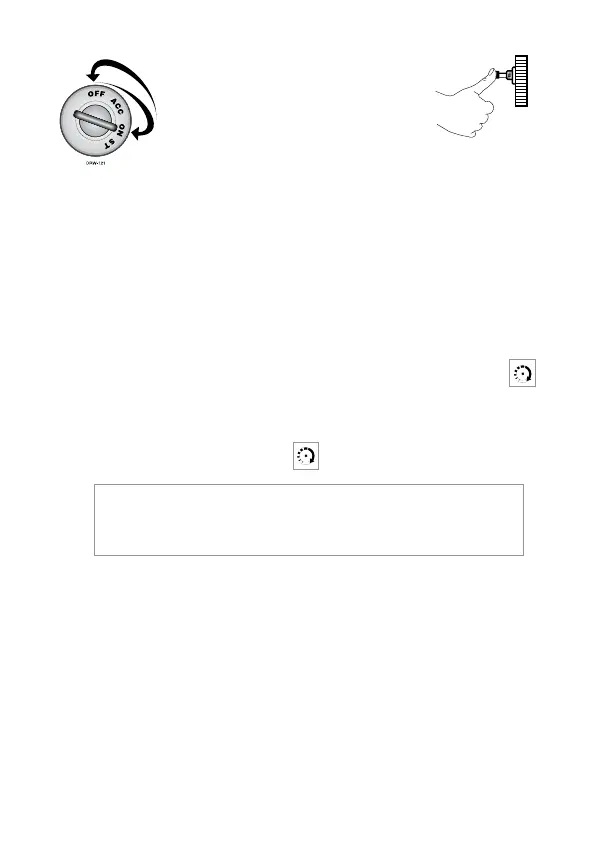
To enter or exit Valet
®
Mode:
1. Turn the ignition on.
DRW-35
2. Turn the ignition off.
3. Press and release the Valet®
switch within 10 seconds.
The status LED will light steadily if you are entering Valet
®
Mode
and will turn off if you are exiting Valet
®
Mode.
panic mode
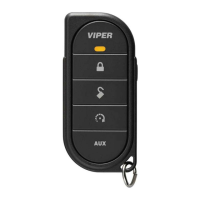
If you are threatened in or near your vehicle, you can attract atten-
tion by trig ger ing the system with your transmitter. Just press
for two seconds to enter Panic Mode. In Panic Mode, the horn
will honk and the parking lights will flash for 30 seconds. To stop
Panic Mode at any time, press
on the transmitter again.
note: In order for Panic Mode to be effective, the
vehicle’s horn (or optional siren) as well as the vehicle’s
parking lights must be connected.


 To Next Page