4
© 2013 Directed. All rights reserved.
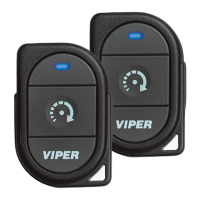
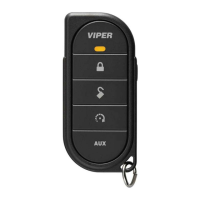
Remote Control
Feature Description
Internal Antenna Used for transmitting information
Transmit LED Active when transmitting information
Command buttons (4)
AUX
Used to perform locking, unlocking, auxiliary channel and
remote start commands
Function button
Used to access function levels for commands, configuration
menus for programming and Car Selection
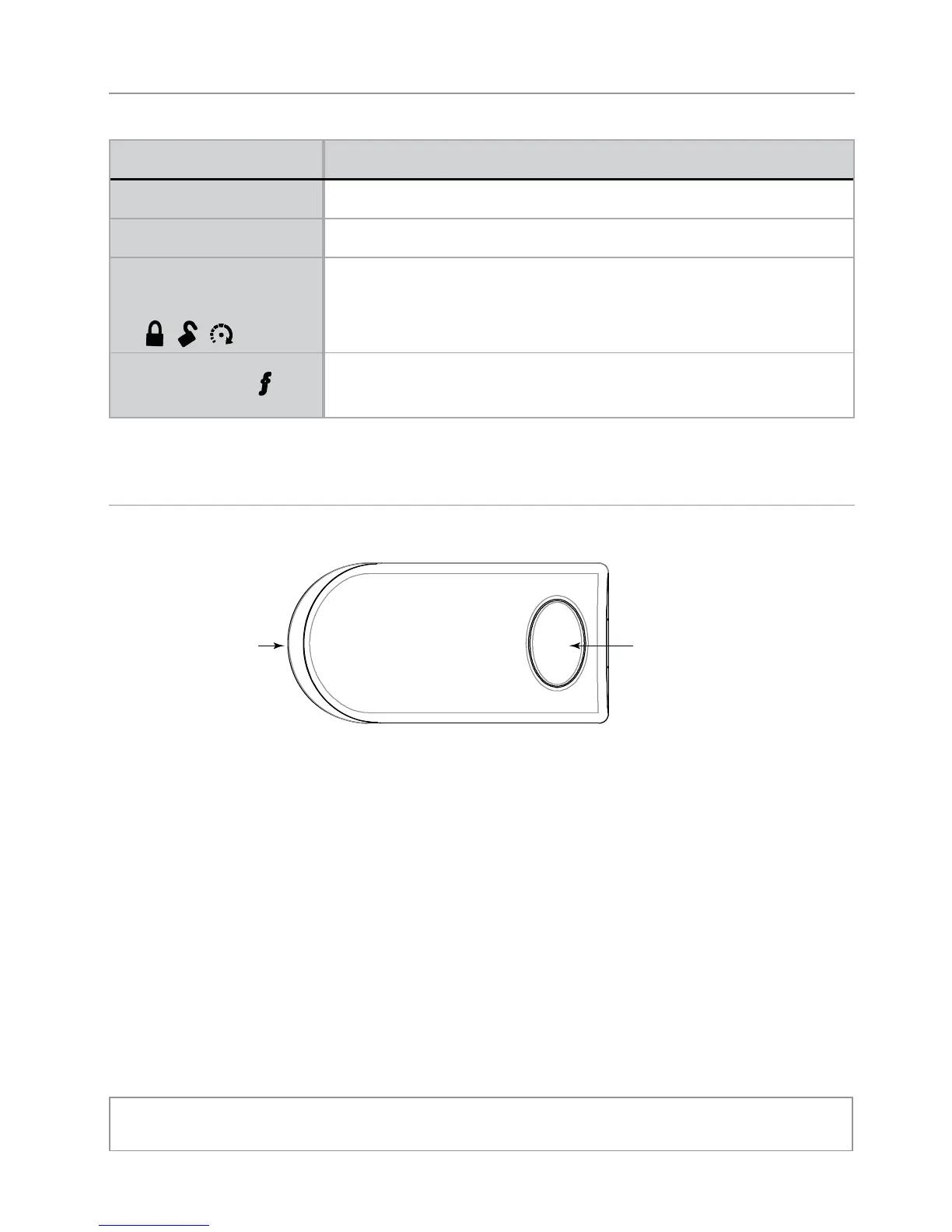
Control Center
Control CenterLED Button
The Control Center, typically located on the upper part of the front
windshield. It consists of:
• The In-vehicle system antenna.
• The Status LED, as a visual indicator of the system’s status.
• The Control button, for placing the system into Valet Mode* and
to perform the Emergency Override operation.
* See “Remote and System Operations” for details.


 To Next Page