5
© 2013 Directed. All rights reserved.
Using your System
Commanding the system
Commands, Basic or Advanced, are used to activate system features
and are performed by pressing one of the Command buttons. Basic
commands control the most often used keyless entry and remote start
features while Advanced commands control more specialized fea-
tures.
Confirmations for Basic or Advanced commands are indicated
by horn honks* and parking light flashes. A description of each fea-
ture confirmation is found in the following Basic command and Ad-
vanced command sections.
Performing Commands
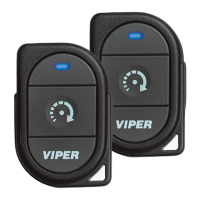
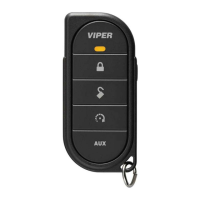
Perform Basic commands by pressing a Command button.
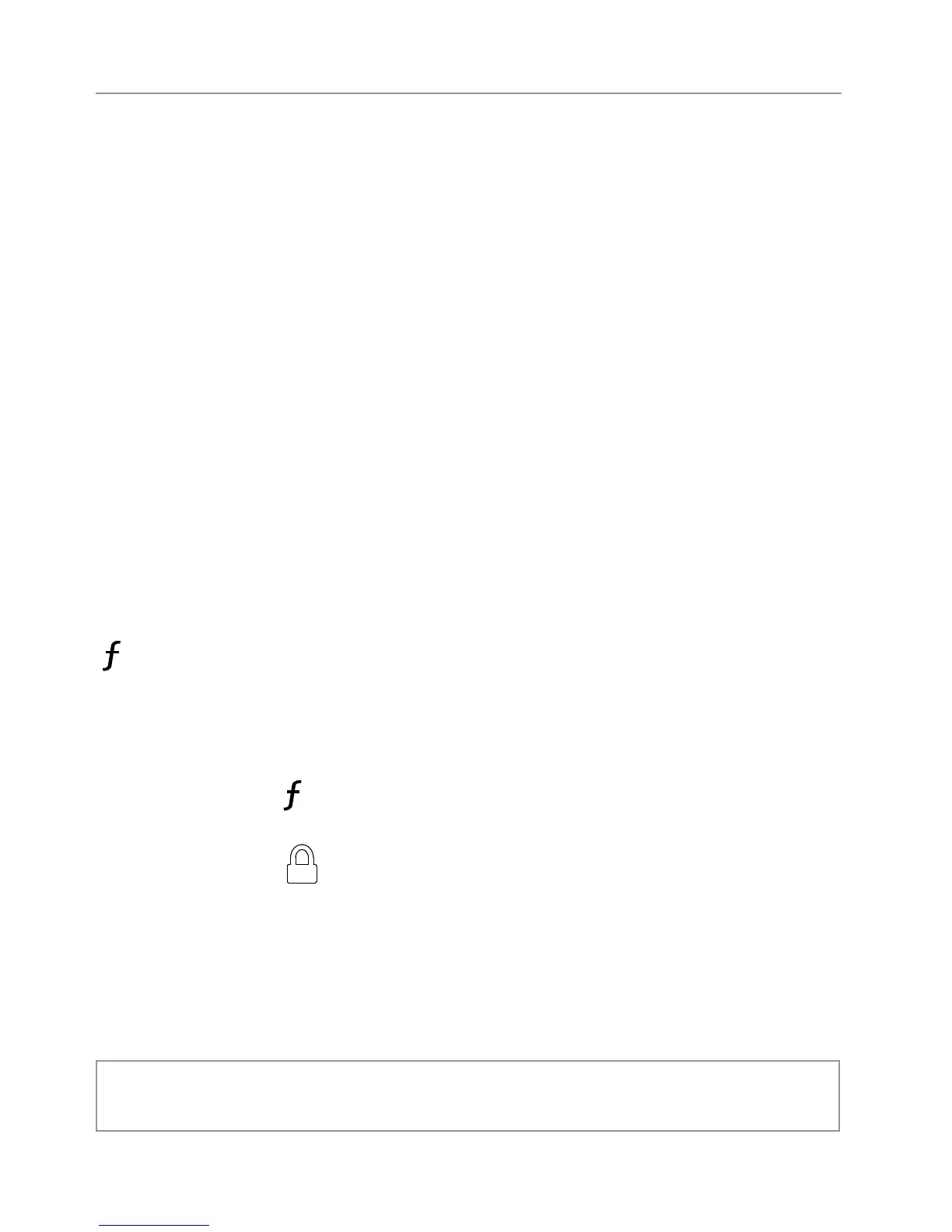
Perform Advanced Commands by first accessing Levels 1-4 using the
button and then by pressing a Command button while within a
level.
Advanced command example: Silent Lock
1. Press the
button once to access Function Level 1, The trans-
mit LED single flashes for 3 seconds.
2. Press the
button while the transmit LED is still flashing to
perform the Silent Lock command.
3. The system will lock the doors and flash the parking lights,
without horn honks.*
* The optional Horn Honk feature must be connected.


 To Next Page