27
© 2006 directed electronics
valet mode
You can prevent your security system from automatically arming
and triggering by using Valet
®
Mode. This is very useful when
washing the vehicle or having it serviced. In Valet
®
Mode, the
security system will not arm, even with the remote transmitter,
but all convenience functions (door locks, trunk release, etc.)
will continue to work normally.
To enter or exit Valet
®
Mode:
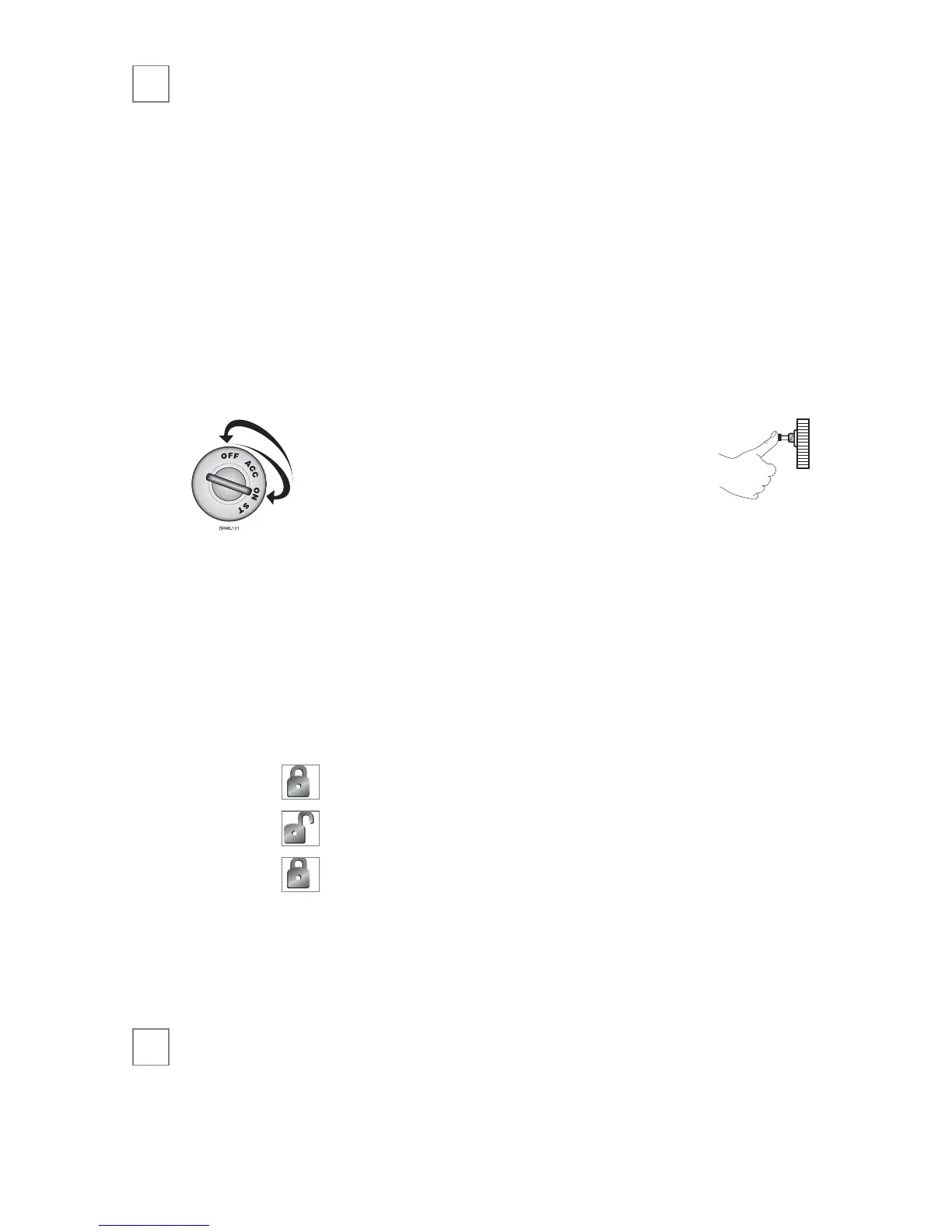
1. Turn the ignition on.
2. Turn the ignition off.
3. Press and release the Valet
button within 10 seconds.
The status LED will light solidly if you are entering Valet
®
Mode, and it will go out if you are exiting Valet
®
Mode.
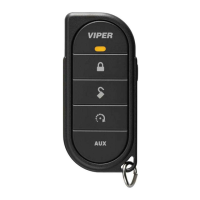
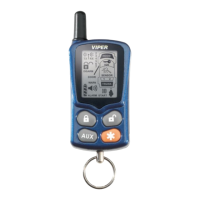
To enter or exit Valet Mode using the transmitter:
1. Open any vehicle door.
2. Press .
3. Press .
4. Press again.
The status LED will light solidly if you are entering Valet
®
Mode, and it will go out if you are exiting Valet
®
Mode.
remote start
This feature allows you to remotely start and run your vehicle for
a programmable period of time. This makes it possible to warm
➜


 To Next Page