24
© 2013 Directed. All rights reserved.
Settings Menu
Button Auto Lock
Options: ON, OFF (default)
When
ON, the remote buttons lock after a 20 second lapse be-
tween button presses to prevent unintentional operations. If a button
is pressed when locked the
BUTTON LOCK ON
and fault tone play.
When
OFF, the buttons do not lock and always perform a command
when pressed.
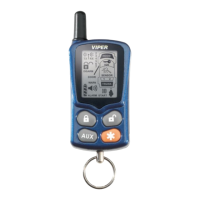
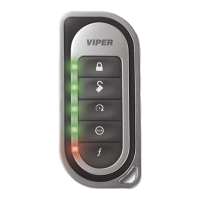
To unlock the buttons; press the
button followed by the
button, the Status screen and unlock tones play to confirm.
Auto unlocking: After turning the ignition off, a message to the remote
unlocks the buttons until the next command is performed. If Auto Un-
locking is not desired, it can be turned off by an authorized Directed
Dealer.
Alert Types
Options: Tone (default), Tone+Vibrate, Vibrate, Screen Only
There are several ways for the HD to alert you when it has received a
message from the system. Select
Tone to be alerted by tones that are
unique for each message. Select
Vibrate and the HD silently alerts you
with a gentle vibration. Select
Tone+Vibrate to be alerted by both, or
select
Screen Only when you don’t want to be interrupted.
Animations
Options: Play All (default), Triggers Only



 To Next Page