49
© 2013 Directed. All rights reserved.
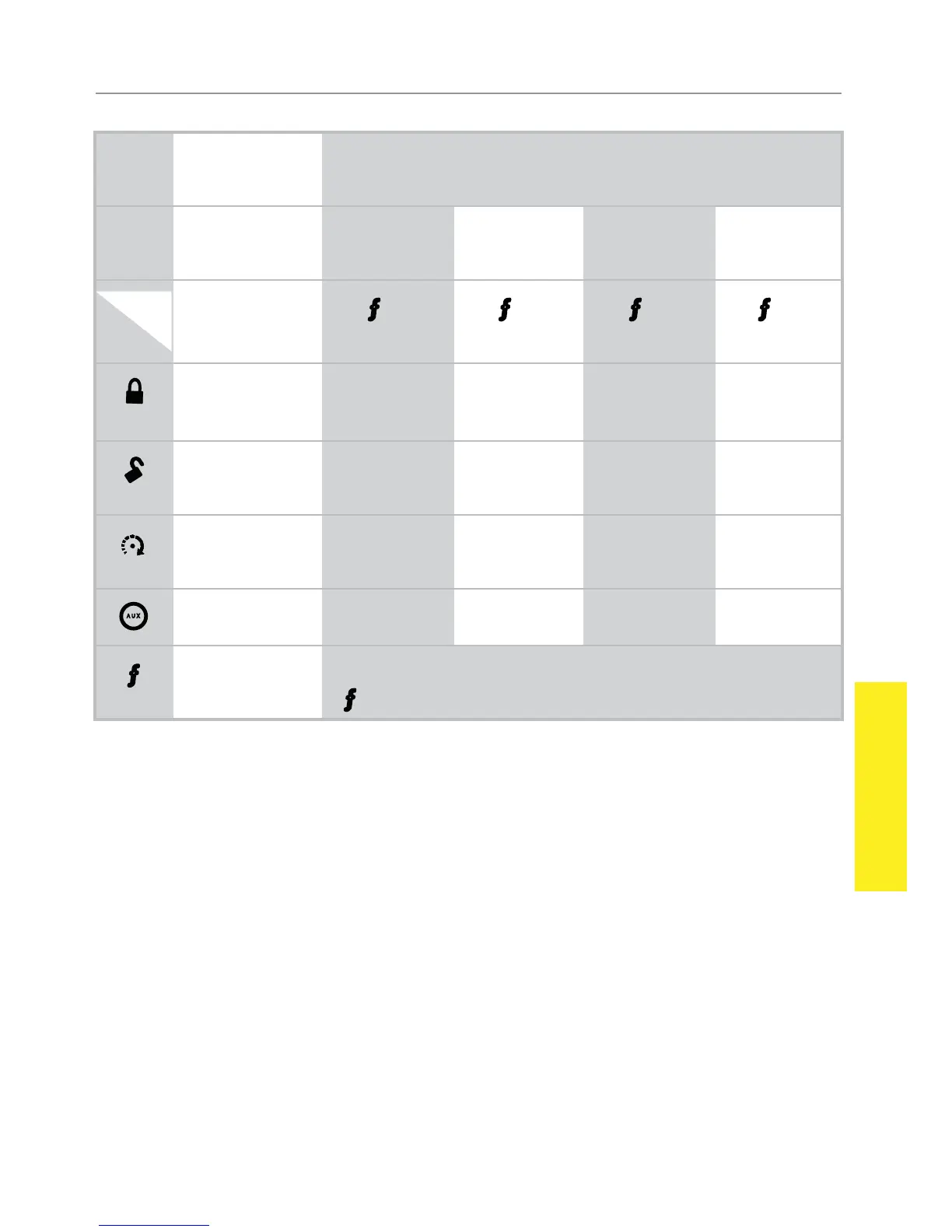
1-Way
1-way Companion Remote Control
Basic
Commands
Advanced
Commands
(Function
Level 1)
Function
Level 2
Function
Level 3
Function
Level 4
Function
Level 5
Button
Level
Direct Access
x 1 x 2 x 3 x 4
Arm/Lock
(Panic)
Silent Arm Sensor
Bypass
Sensor Silent
Mode
Full Silent
Mode*
Disarm/
Unlock
Silent Disarm Remote Valet Car Finder
Remote Start Runtime
Reset
Timer
Mode*
Smart Start* Defroster*
A U X
Aux/Trunk AUX 1 AUX 2 AUX 3 AUX 4
Not Used Used to access function levels for Advanced Commands
(
with multiplier in third row implies button presses)
* These Function Level commands on the 1-way do not reside in the exact same Function
Level location as on the HD remote control.
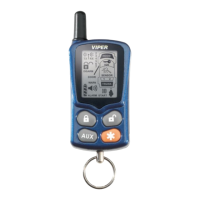
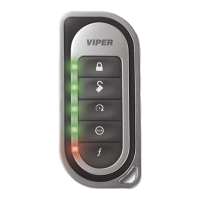
Using the 1 way companion remote
The companion 1 way remote commands the system features as
shown in the previous table, but without the message display of the Re-
sponder HD remote. Siren chirps and vehicle parking light flashes are
used to indicate that a command has been received and activated as
described in the Basic and Advanced command sections.



 To Next Page