EasyManua.ls Logo

Virax VISIOVAL VX - Control Panel

Virax VISIOVAL VX
Print Icon
To Next Page IconTo Next Page
To Previous Page IconTo Previous Page
Loading...
50
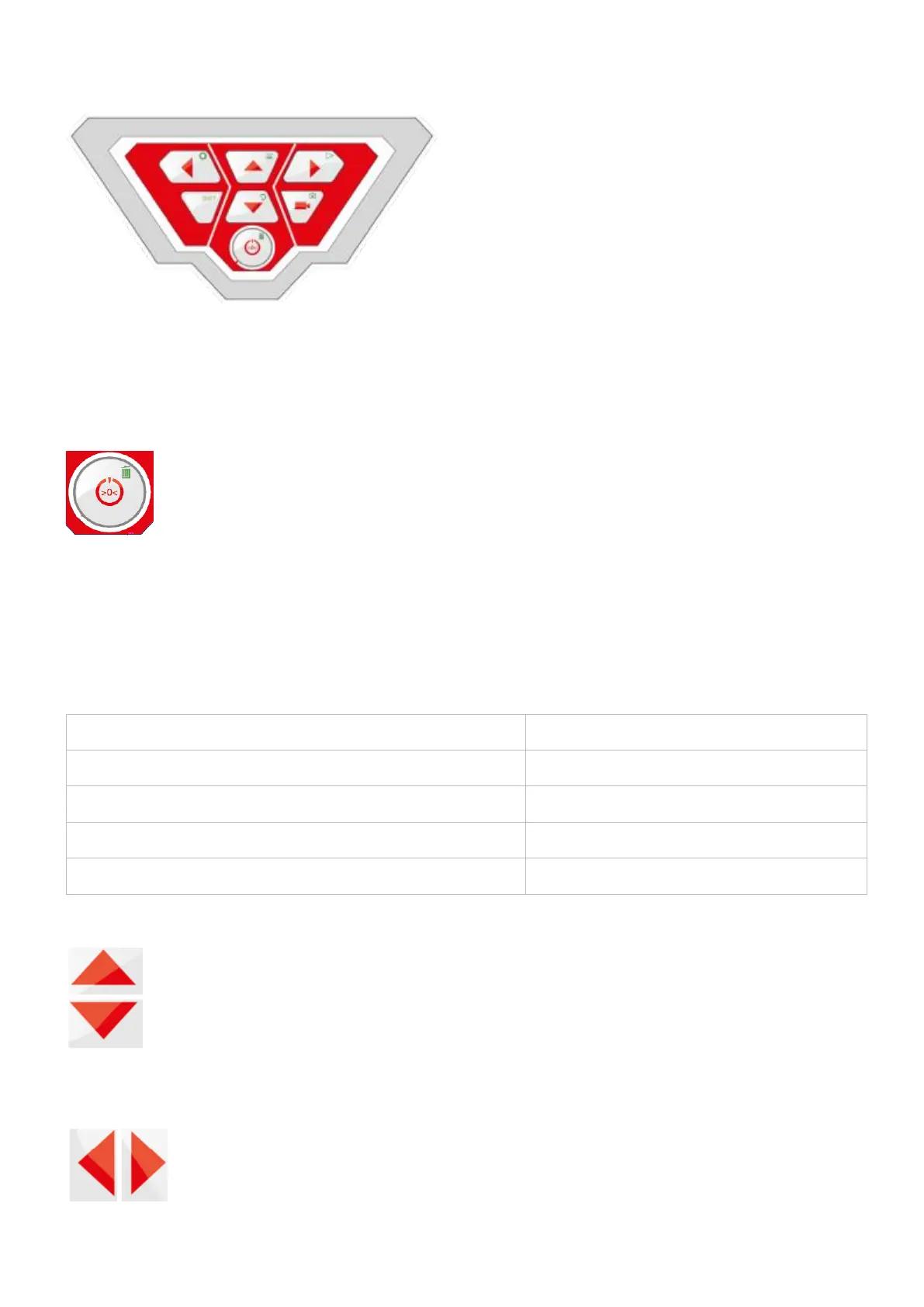
5.2. Control panel
Visioval
®
VX control panel
The keys have the following functions:
Camera system ON/OFF button (camera and screen)
PLEASE NOTE!
When the screen is lit and the battery charged, the power on button is lit green.
During recharging, the lower section of the On/Off button outline flashes red.
Functions of the ON/OFF button:

Press
Function
When the system is off. Short press:
Start the system
Once the system is on, press for 2 seconds:
Switch off the system
Once the system is on, press briefly:
Reset meter counting
When the menu is displayed
Escape/Quit the menu
Camera head control keys (40 mm Ø camera head)
Tilt by 180°

Table of Contents