55
6. Settings from the camera menu
6.1. Settings
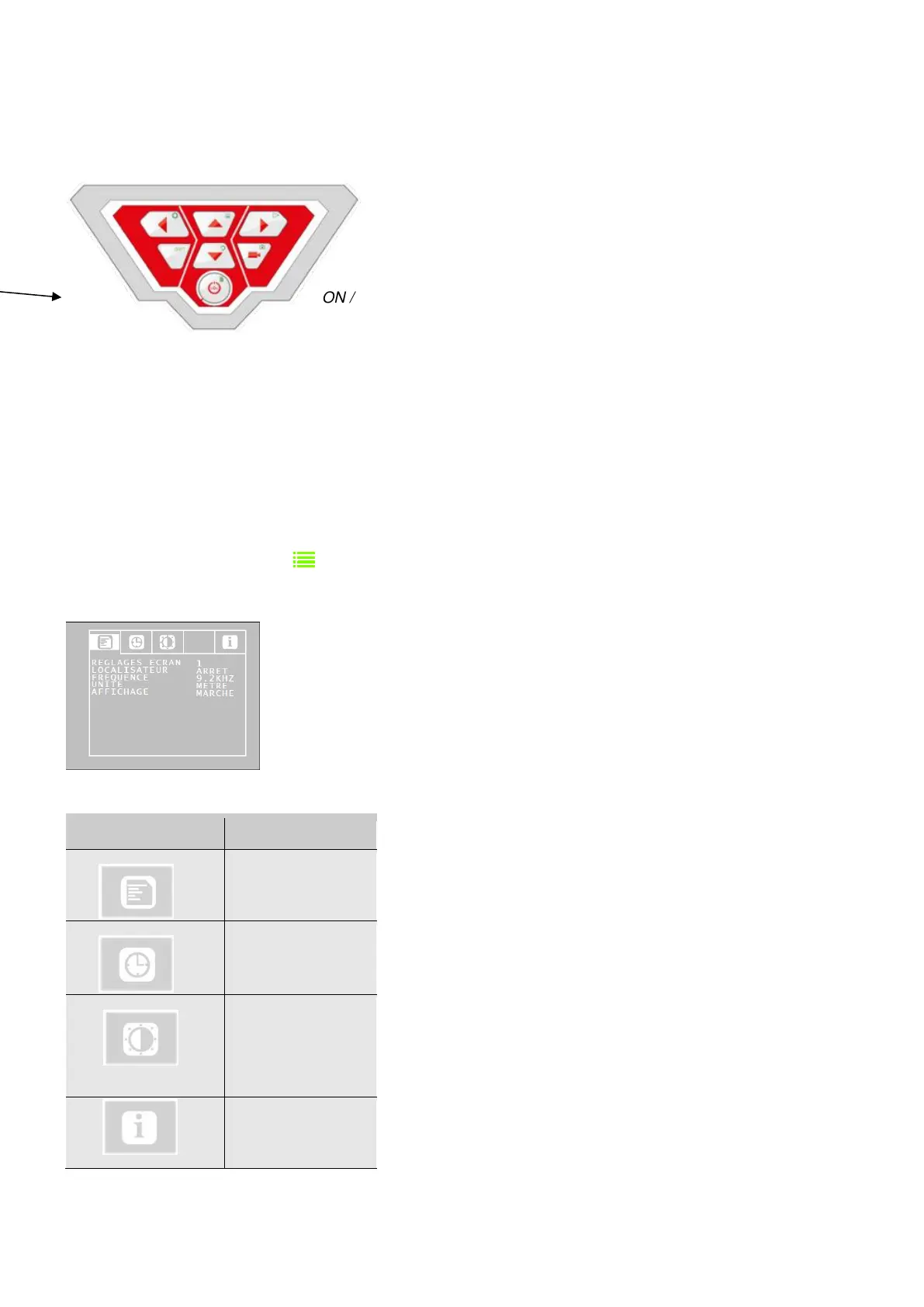
ON / OFF key
• To start the unit, press briefly the ON/OFF key at the bottom of the control panel.
• Once the unit started, the outline of the start button is lit green.
The video image appears on screen after about 5 seconds.
• Once started, press the SHIFT key
The green outline of the SHIFT key is now lit and the letter S appears at the lower centre of the
screen. This shows that you are in the Shift menu. All keys then have the function of the symbol
marked in green.
• Press the Menu key
The menu appears on screen with 4 submenus.
Configuration menu


 To Next Page